
Demo Summary
In this video, Sabina Fox from Survicate shows you how to add survey introductions and question introductions to keep people engaged and get better answers. You’ll learn how to add a welcome message with bold or italics, links, and images. She shows how to share your survey link in emails, add instructions to limit choices, and set up NPS logic so different answers trigger different follow-up questions. You also see how to add a thank-you screen with redirects or social media buttons. This helps fight survey fatigue and makes building smart surveys simple.
AI-Detected Features
Understanding Survey FatigueDefine survey fatigue and why writing an introduction encourages respondents to complete the survey and provide quality feedback.
00:00
Video Overview & GoalsSabina Fox introduces herself and outlines what you'll learn: writing and adding survey and question introductions in SurveyKit.
00:30
Adding a Welcome MessageHow to add a welcome message question type in SurveyKit; no character limit but keep it brief to avoid overwhelming participants.
00:42
Styling Your IntroductionUse HTML to add italics, bold, links, and images to your survey introduction, and learn the requirements for images.
01:02
Introduction Placement & Mid-Survey Check-insLearn where to place your welcome message and how to insert mid-survey messages to combat fatigue in long surveys.
01:48
Analyzing & Sharing Your Welcome MessageView click rates in the Analyze tab and learn how to share your welcome message in email invitations via your ESP.
02:13
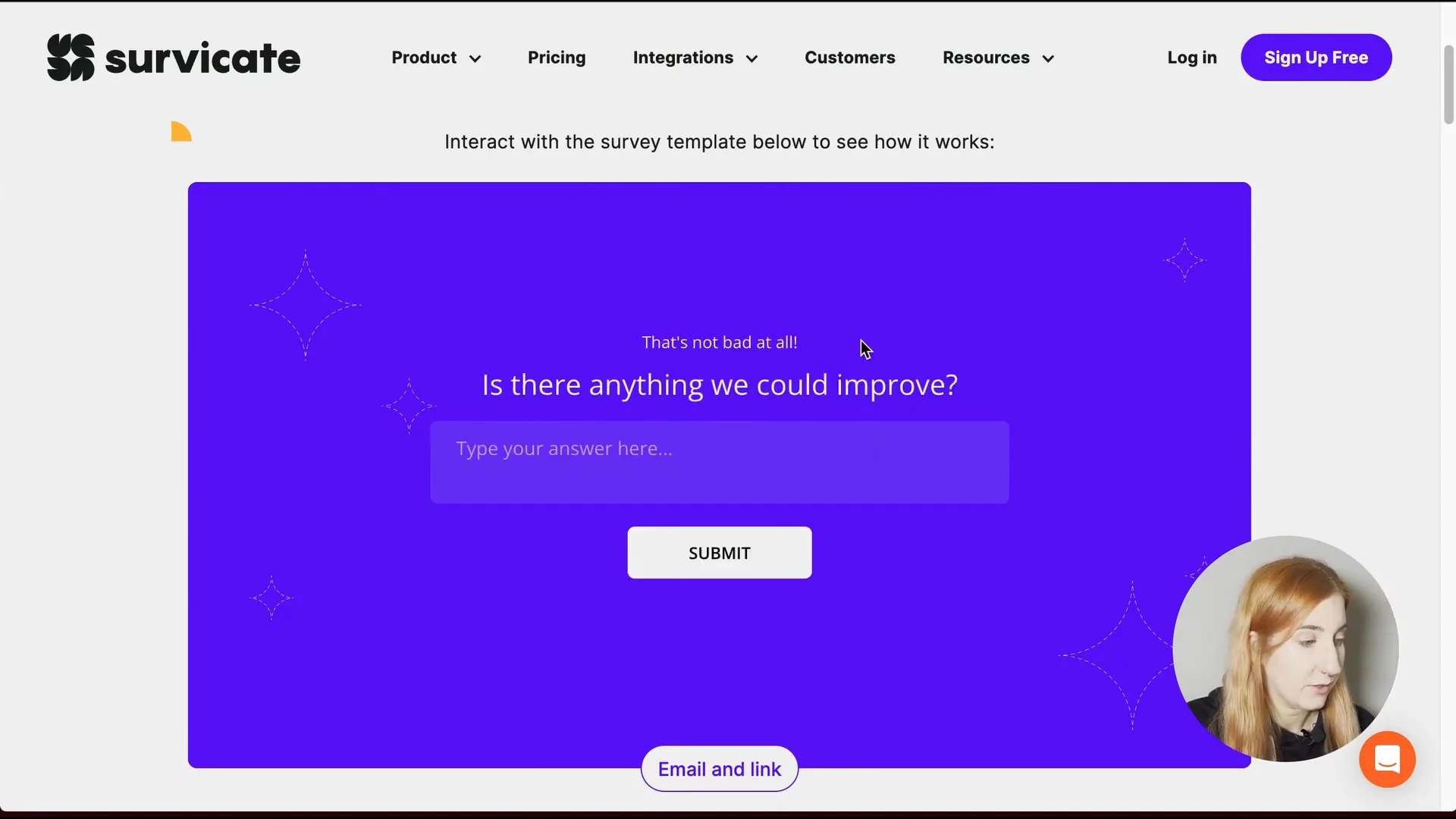
Using Question Introductions & InstructionsAdd personalized introductions to individual questions to provide context, instructions, and set selection limits.
02:43
Personalized Follow-ups with Survey LogicSee how to display different question intros based on NPS scores (detractors, passives, promoters).
03:46
Building Follow-up Questions in the BuilderStep-by-step: add text questions for each NPS category and include customized introductions.
04:39
Setting Up Survey Logic RulesConfigure survey logic rules to route respondents to the correct follow-up question based on their NPS rating.
05:53

Survicate
Survicate is an effortless survey software that helps businesses collect continuous customer feedback across multiple channels.Learn more about SurvicateMore Demos (1)
Interactive Demos (0)
Useful Links & Resources
Related companies