
Demo Summary
Watch this video to see the mFiles desktop app in action. You will learn how to store and find documents quickly. First, you’ll see the vault, where all files live. Next, you’ll use views (saved searches) like Recent, Assigned, and Checked Out. You’ll pin items to keep them handy. You’ll also create new docs, run Quick Search with filters, and add metadata tags to organize files. Finally, you’ll preview docs and check user settings. mFiles makes managing documents easy and fast.
AI-Detected Features
IntroductionWelcome to mFiles! In this chapter we’ll introduce the desktop application, explain what we’ll cover, and reassure you that more detailed videos are available as you explore.
00:00
Vault and ViewsLearn what a vault is and how to navigate mFiles views. We’ll cover built-in views like Recent, Assigned, and Checked Out to help you find your information quickly.
00:40
Pinning ItemsDiscover how to pin frequently used items for easy access. You’ll see how to add items to the Pin tab and group them for even faster retrieval.
01:30
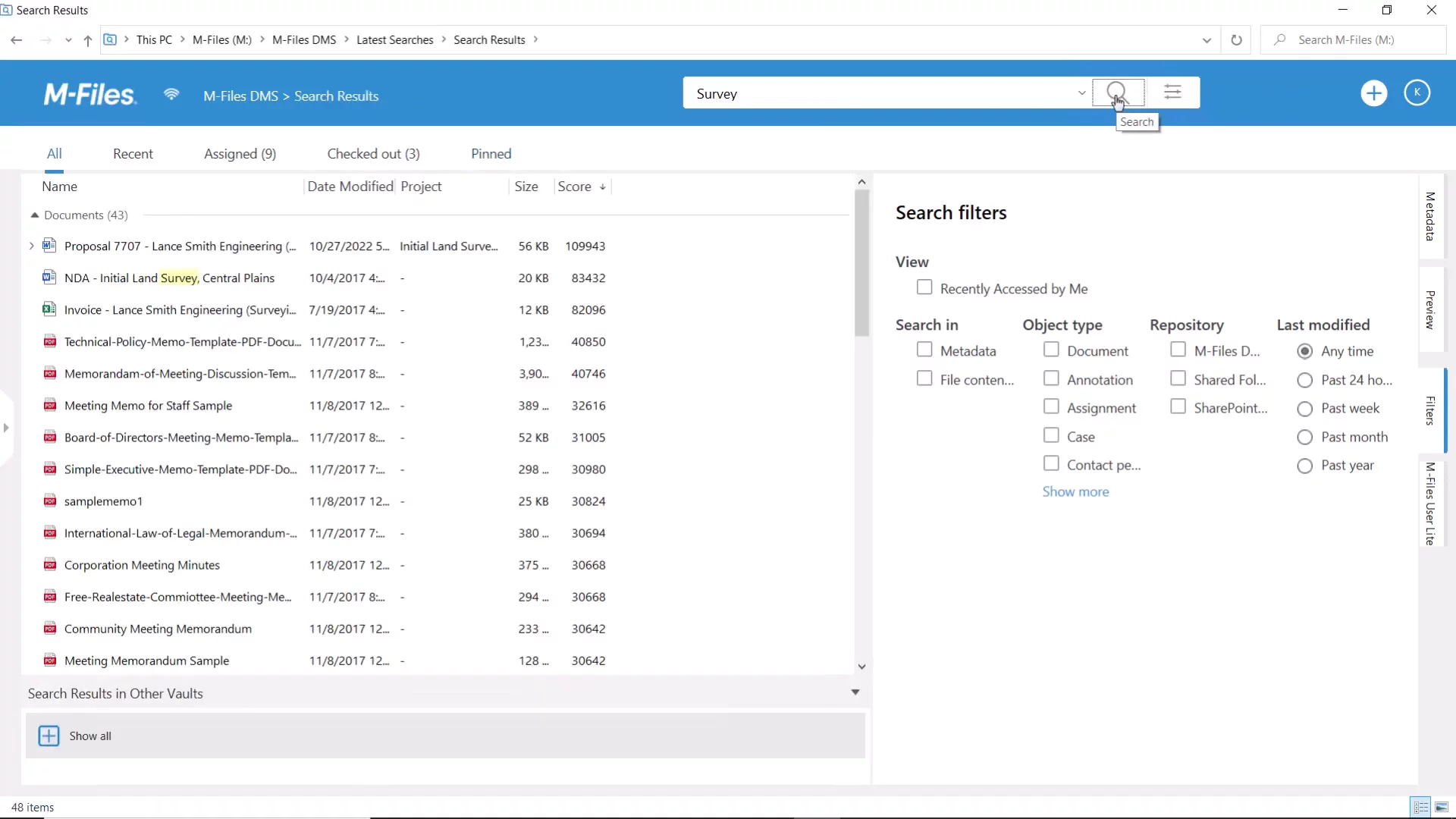
Creating and SearchingExplore the Create button for new documents and objects, use the Quick Search for text queries, and refine results with advanced search options and filters. Plus, learn to return to the home screen with one click.
02:07
Metadata CardUnderstand the metadata card, which stores key information for every file in mFiles. See how metadata drives search and how to follow, pin, or pop out cards for closer inspection.
03:16
Previewing DocumentsUse the Preview tab to view document contents instantly without opening them in separate windows, speeding up your workflow.
03:47
User Menu and SettingsAccess additional options in the User menu. Customize the interface or vault language and choose your preferred landing page to make mFiles feel like home.
04:08
ConclusionYou’re now familiar with the core features of mFiles Desktop. Watch our in-depth videos for each topic if you need more details, and enjoy your journey!
04:33

M-Files
M-Files is an AI-powered intelligent information management solution that delivers superior document management capabilities.Learn more about M-FilesMore Demos (1)
Interactive Demos (0)
Useful Links & Resources
Related companies