
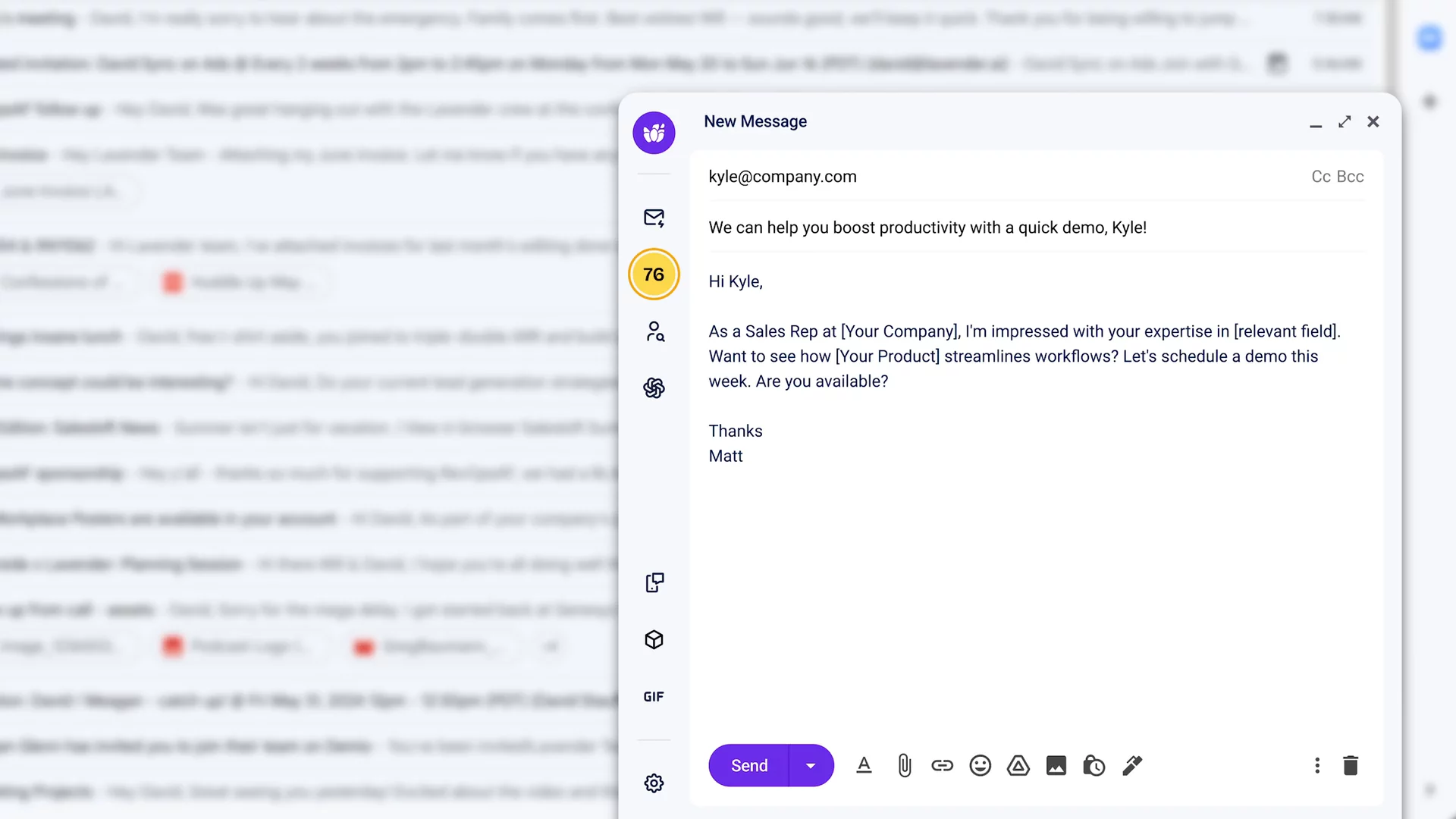
In this video, you’ll see the new Lavender email tool. It sits on the left of your email with a fresh look. You’ll learn how to use the Start My Email feature so AI adds icebreakers and extra context. You’ll meet the Personalization Assistant that shows you details about the person you’re emailing and brings in info from your sales tools so you don’t need other tabs. See the Email Coach give you a score, tips to fix problems, and a quick “Fix it all” button. You’ll also check team email results, use easy templates, preview on mobile, and add fun GIFs. Lavender helps you write emails that get more replies and book more meetings.

More Demos (1)
Interactive Demos (0)
Useful Links & Resources
Related companies

Caide
Automates security reviews and streamlines vendor risk assessments for faster deal cycles.

Autobound
Generates hyper-personalized sales emails using AI and 350+ prospect insights.

ExactBuyer
Your automated sales & recruiting engine.