Common Room Demo

Demo Summary

In this video, you’ll see Dimmo, a tool that brings data from channels like Slack, Twitter, LinkedIn, GitHub, Salesforce, and more into one place. You’ll learn how to add sources, set tag filters (for example, find buyers by job title, company size, or recent activity), and watch SDRs and AEs build segments. Then you’ll see unified customer profiles with lead scores and send top leads to email sequences with one click. Dimmo solves scattered data so teams can reach ready prospects fast.

AI-Detected Features

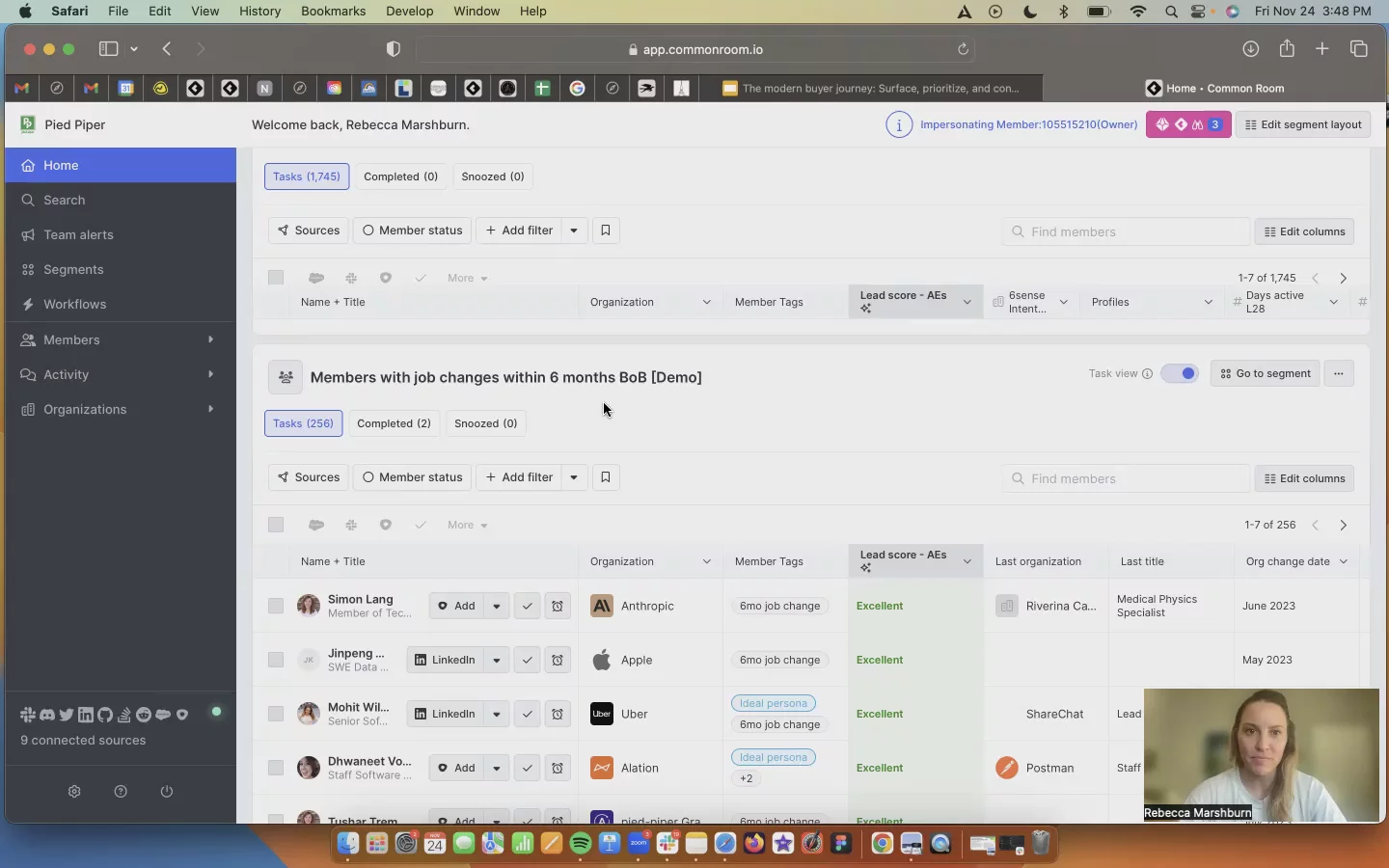
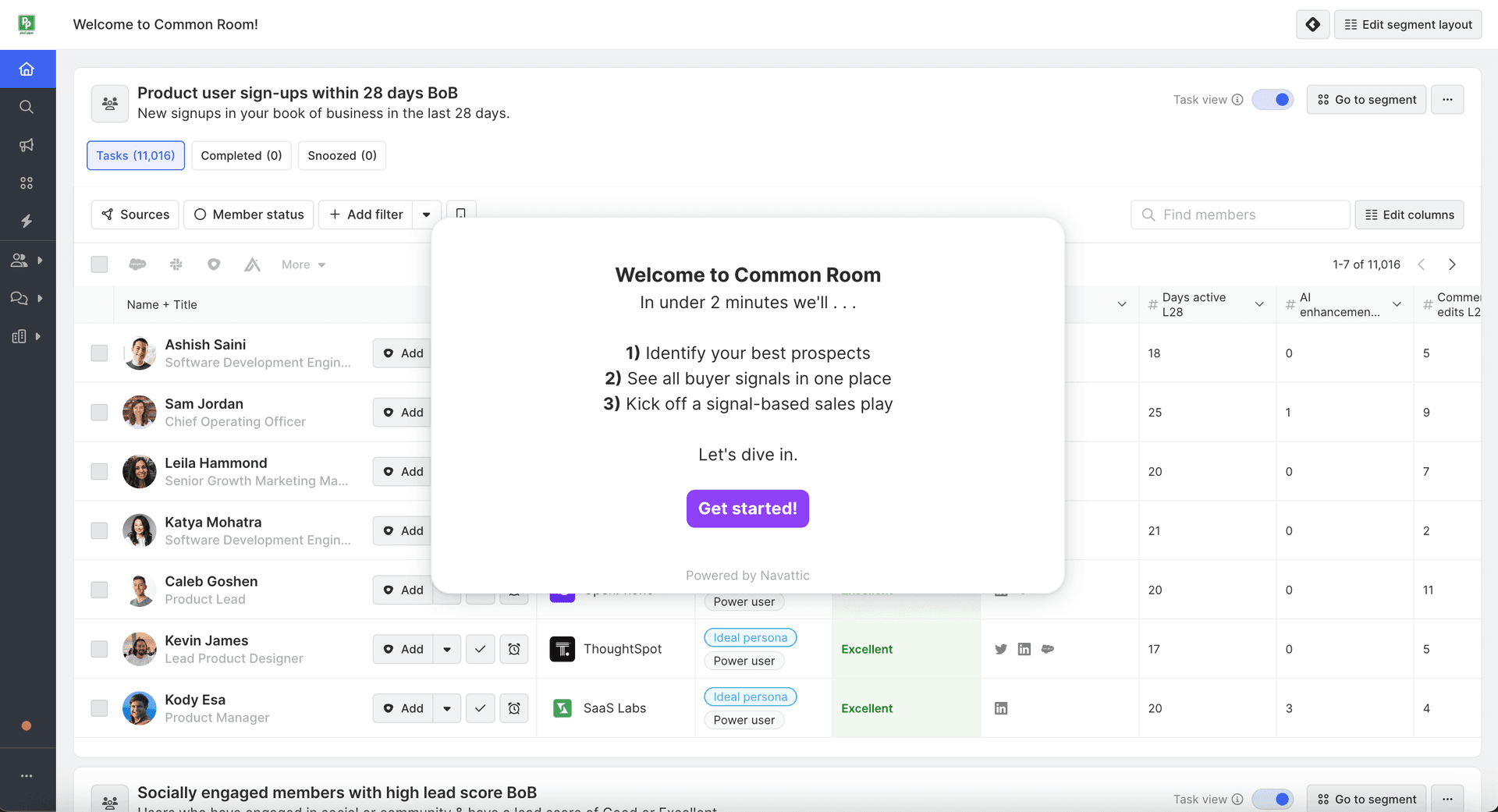
Home Screen & Connected SourcesIntroduction to the anonymized Pied Piper instance, overview of connected data sources and the main home screen where SDRs and AEs build segments and access task lists.
00:01
Setting Up Data SourcesNavigating settings to add various data sources: social channels, engagement platforms, product usage warehouses, and import methods like APIs, CSVs, and webhooks.
00:59
Creating Tags & FiltersDefining tag criteria to categorize contacts automatically, such as configuring an economic buyer tag based on job titles and tech stack filters.
01:20
Defining Ideal Customer PersonaBuilding a granular persona tag using firmographic data (company size, revenue) and engagement filters (LinkedIn reactions, recency) to identify high-potential leads.
02:54
Applying Tags & Building SegmentsAutomatically applying tags when criteria are met and setting up segments to group contacts, such as product-qualified leads based on usage and nurture campaign engagement.
04:03
Examples of Useful SegmentsShowcasing typical segments: economic buyers using specific tools, recent job changers, socially engaged members with high lead scores, product sign-ups, and pricing-page visitors.
05:55
Reviewing Segment Members & ProfilesInspecting a segment for ‘Ideal Persona & Power User’, viewing member details like organization history, tags, lead score, interaction summaries, and related profiles.
06:22
Enrolling Prospects into SequencesUsing the individual profile to add a contact to an outreach sequence with one click, personalizing SDR messaging based on the context and lead score factors.
09:01
Account-Level InsightsRolling up member data into an organizational view to see account details: team structure, roles, titles, and setting up account-based tags for ABM strategies.
09:33
Activity Filtering & CategorizationFiltering the activity stream to find specific interactions—like product complaints or bug reports—with auto-categorization, sentiment, and reply status.
10:13
Common Room logo

Common Room

Run GTM intelligently with signals, enrichment, and automation—all in one platform.Learn more about Common Room

Interactive Demos (1)

Related companies

Warmly logo

Warmly

Warmly reveals individuals & companies visiting your website.

Ahrefs logo

Ahrefs

The go-to SEO toolset to increase online rankings and win in your niche.

GodmodeHQ logo

GodmodeHQ

AI for modern sales teams - sell the way you buy.