
Demo Summary
Clockify is a free app to track time on your browser, phone, or desktop. This video shows how to start and stop timers, fill in timesheets, and see your hours in a calendar. You’ll learn to sort time by project, task, tag, and expense. It covers tracking team time off, approving timesheets, and viewing reports and a dashboard that shows time, costs, and earnings. You’ll also see desktop features like idle detection, a Pomodoro timer, and a browser extension. Clockify helps you and your team know where your time goes.
AI-Detected Features
Getting Started & Tracking TimeIntroduction to Clockify: use the tracker to start/stop timers, add manual entries, categorize time by project/task, use tags, mark billable time, and enter time in the timesheet and calendar views.
00:00
Mobile & Desktop AppsUse Clockify on mobile to track time, log expenses, and request time off. Desktop apps add Pomodoro timer, idle detection, reminders, auto-tracking of apps and websites, and bulk conversion to time entries.
02:01
Browser ExtensionInstall the Clockify extension to track time directly inside popular web apps like Gmail, Google Docs, Trello, and Asana with a single click.
03:04
Managing ExpensesCreate and categorize business expenses, enter amounts or units (e.g., mileage), attach receipts, and manage expense categories for yourself and your team.
03:31
Handling Time OffView and approve team time-off requests, define holidays and custom policies (vacation, sick leave), set approvers, enable accrual, and track requests on a timeline and balance view.
04:09
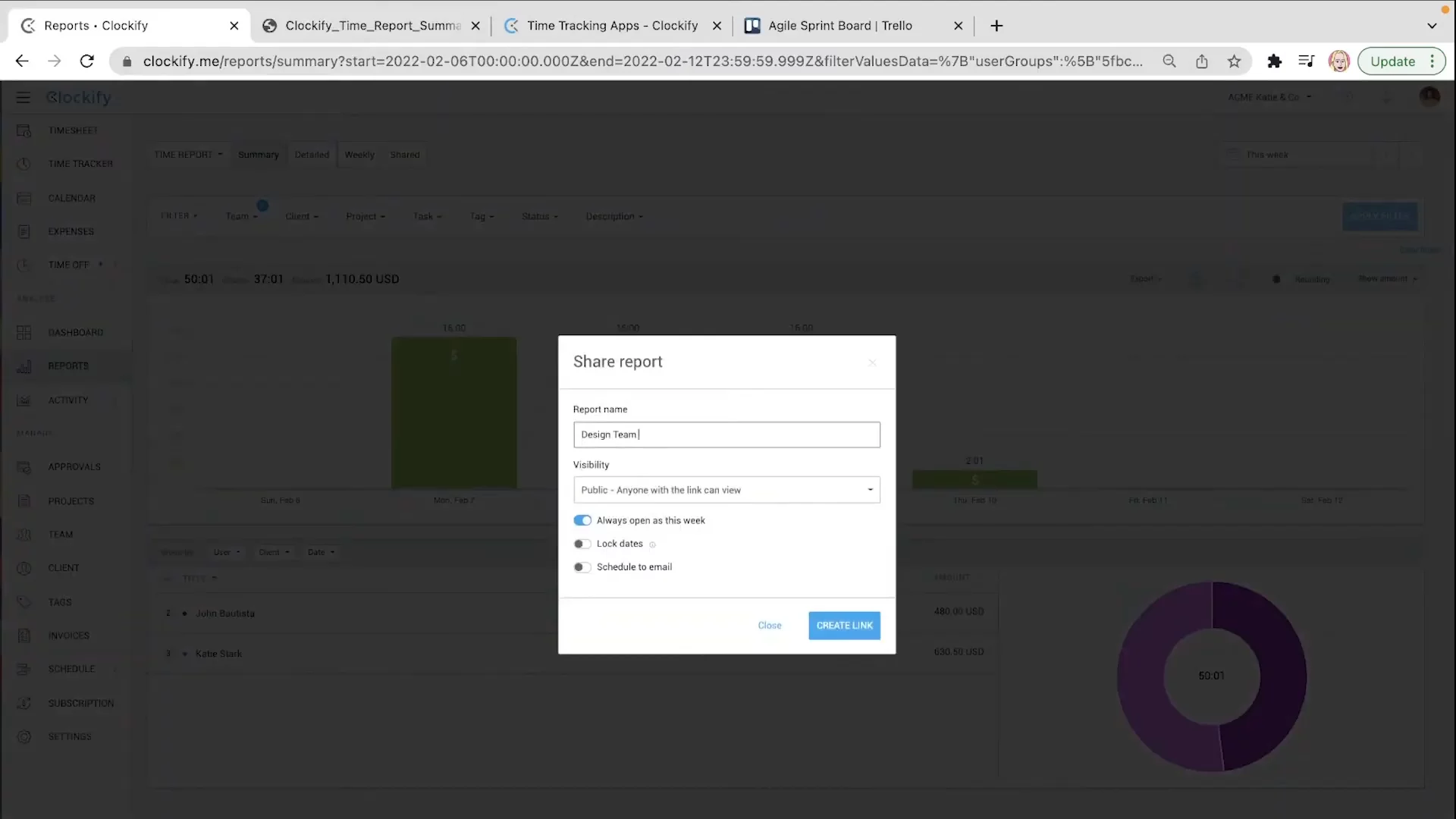
Dashboard & ReportsAnalyze tracked time with visual dashboards and detailed reports. Use summary, bar chart, detailed, weekly and expense reports to break down time, costs, budgets, and profits. Filter, customize, export or share links to reports.
05:09
Activity & Location Tracking(Optional) View screenshots of work in progress and track mobile workforce locations via GPS. Review daily routes and client visits on the location map.
06:49
Approvals WorkflowManage timesheet approvals: review submitted sheets, remind managers, approve or request detailed review, track unsubmitted weeks, send reminders, and view archived approvals.
07:26
Project ManagementCreate and organize projects, add tasks, assign team members, set hourly rates, monitor estimates vs. tracked time, track progress and budgets, add project notes, custom fields, and adjust settings.
08:05
Team, Clients & TagsAdd team members, set roles and cost rates, create groups and reminders for logging, define clients with invoice details, and create tags for custom entry categorization.
09:15

Clockify
Clockify is the most popular free time tracker for teams, designed to save you time.Learn more about ClockifyMore Demos (1)
Interactive Demos (0)
Useful Links & Resources
Related companies