
Demo Summary
In this video, Zscaler explains how its cloud platform, the Zero Trust Exchange, keeps remote workers safe and apps fast. You will see how the Client Connector on your device checks and protects internet traffic. It uses AI and safe tests to block viruses, phishing, and data leaks. You will also learn how to isolate websites, stop bad uploads, and set copy and paste rules. You will see App Connectors give secure private app access without a VPN. Finally, you will watch ZDX monitoring show app speed problems and alerts. This video shows one platform that secures, speeds up, and watches all your apps.
AI-Detected Features
Introduction & Demo OverviewHuxley welcomes viewers and outlines the demo’s four focus areas: defending against online threats, protecting sensitive data, connecting users to private applications, and ensuring a fast user experience.
00:00
Zero Trust Exchange ExplainedDefines the Zero Trust Exchange as a cloud-native platform that verifies identities, inspects all traffic, enforces business policies, and monitors user experience between users and applications.
01:02
Client Connector & Admin PortalIntroduces the lightweight, tamper-resistant Client Connector agent that links endpoints to the Zero Trust Exchange, applies security and access policies, and feeds data into the administrative portal for management.
01:58
SSL Inspection FundamentalsHighlights the importance of decrypting and inspecting encrypted internet traffic—now over 80% of web content—to secure, control, and analyze user activity without slowing productivity.
03:17
Online Threat ProtectionShows how the Zero Trust Exchange blocks known malware and advanced threats on site, uses AI-powered analysis for unknown content, and employs a cloud sandbox to detect new or zero-day attacks.
04:39
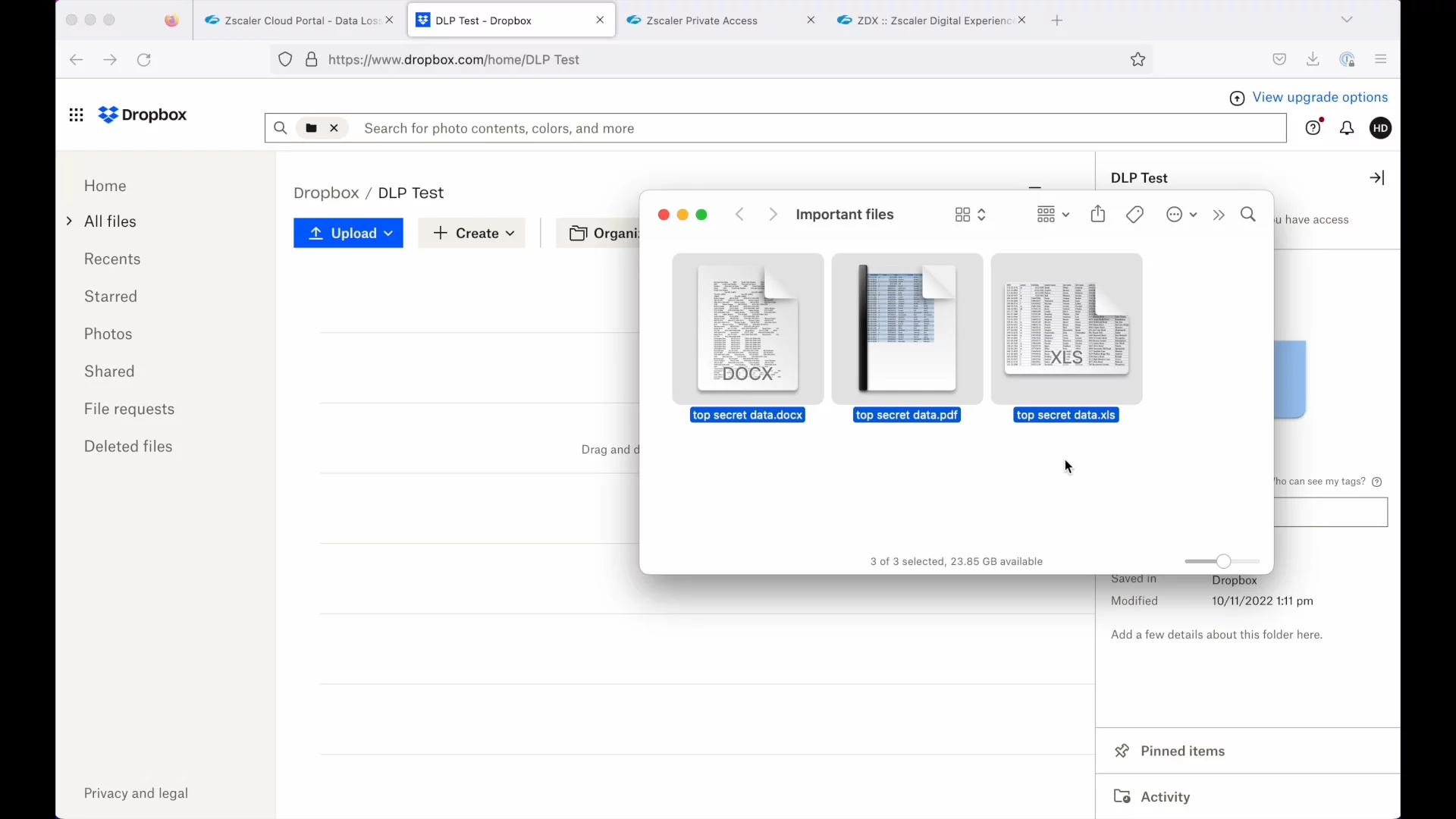
Data Protection ControlsDemonstrates URL and Cloud App Control with isolation for risky websites, and Data Loss Prevention policies that inspect content—like Social Security numbers—before allowing or blocking uploads.
09:02
Private Application Access OverviewIntroduces Zscaler Private Access for secure, policy-based connectivity to internal apps without a VPN, brokered through the Zero Trust Exchange to enforce access controls.
13:30
Deploying Private AccessCovers the three deployment steps: integrate your identity provider, deploy App Connector VMs into your environment, and define (or auto-discover) application segments for policy-driven access.
15:49
Digital Experience Monitoring (ZDX)Presents Zscaler Digital Experience (ZDX) for global visibility into endpoint, network, and application performance, using a composite ZDX score, map view, and drill-down diagnostics to troubleshoot issues.
20:23
Conclusion & Next StepsWraps up the introduction to Zscaler for users and the Zero Trust Exchange, invites deeper conversation, and thanks viewers for their time.
25:12

Zscaler
Zscaler is a leader in zero trust cybersecurity, providing fast, secure connections between users, devices, and applications over any network.Learn more about ZscalerMore Demos (1)
Interactive Demos (0)
Useful Links & Resources
Related companies