
Demo Summary
In this video, you'll learn how Workato's workspace works. Rishi shows how to make projects to organize automations by process or team. You’ll see how to use the dashboard to spot and fix workflows quickly. He also shows tools to connect apps, build chatbots, and link on-site software. Then he explains how to set roles, invite teammates, and use separate areas for building, testing, and live work. By the end, you'll know how to run and protect your automations.
AI-Detected Features
Welcome and IntroductionMeet your host and get an overview of the Workato for Beginners series.
00:00
Workspace and Project OrganizationLearn how Workato workspaces and projects help you organize and manage your automation assets.
00:04
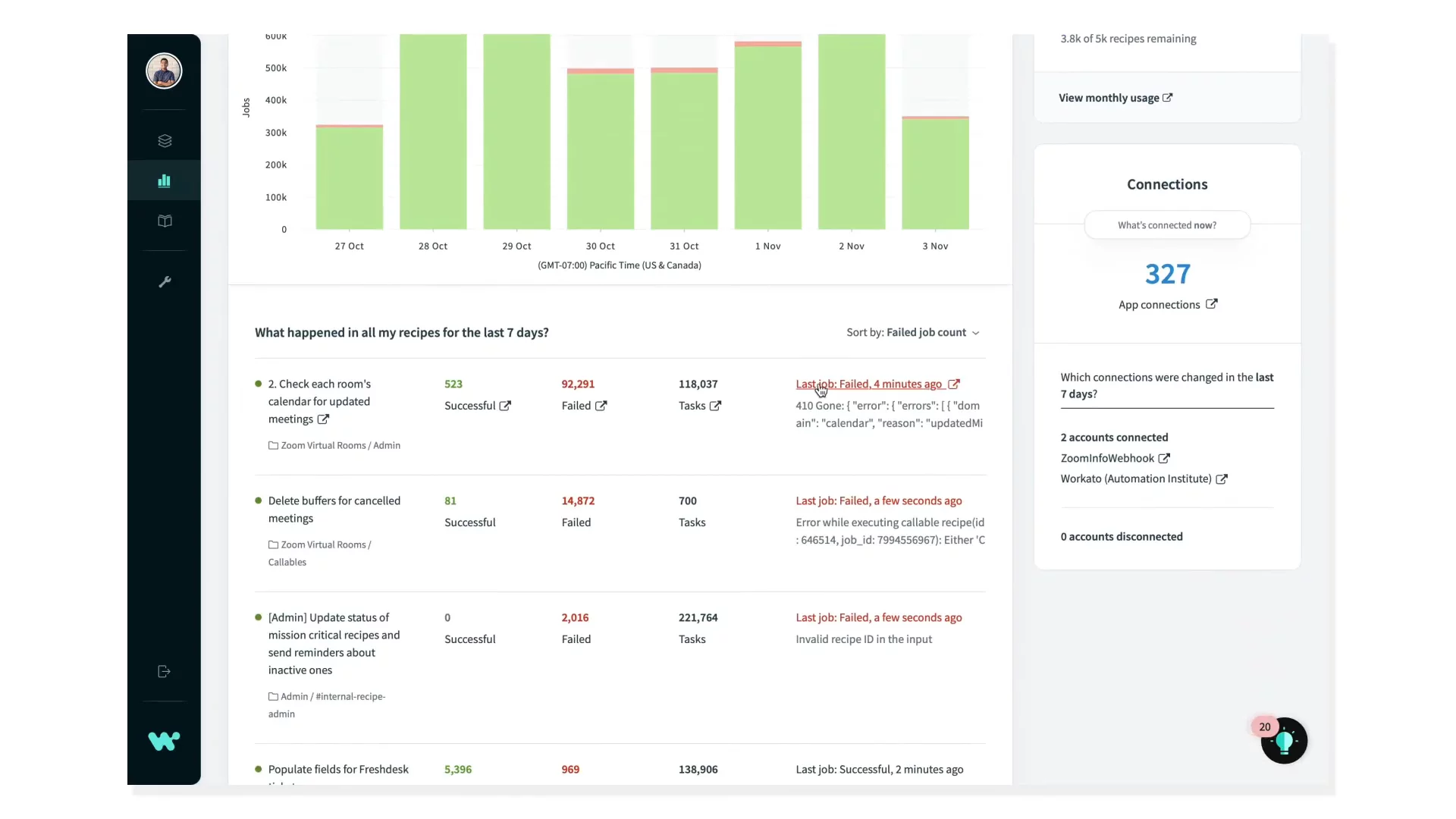
Dashboard and Automation HealthDiscover how the dashboard provides real-time insights into automation performance and issues.
00:44
Workspace Tools OverviewExplore built-in tools for change management, API publishing, on-prem connections, and chatbots.
01:06
Team Collaboration and PermissionsSee how to invite team members, assign roles, and set fine-grained permissions for safe collaboration.
01:24
Using Development EnvironmentsUnderstand how dev, test, and production environments keep your automations safe and controlled.
01:43
Getting Started Next StepsFind out where to go next for more beginner videos and continue learning Workato.
01:53

Workato
Workato is the #1 iPaaS platform that orchestrates data integration, app connectivity, and process automation across organizations.Learn more about WorkatoMore Demos (1)
Interactive Demos (0)
Useful Links & Resources
Related companies