
Demo Summary
In this video, you learn how VadeSecure for Office 365 blocks phishing emails using AI. It checks who sent each email, its words, and links to stop fake messages from companies like Microsoft and PayPal. Phishing messages go to your junk folder, a special folder, or are deleted. If you click a bad link, you see a warning with your company logo. IT admins get alerts and can share quick tips on safe email habits. You’ll also see how easy it is to set up in just a few clicks.
AI-Detected Features
Introduction to VadeSecure for Office 365Overview of VadeSecure’s native integration with Office 365 and its AI-powered protection against advanced email threats.
00:00
Understanding Phishing AttacksExplanation of phishing, showing how attackers impersonate popular brands to trick users into sharing personal information.
00:17
Comprehensive Email AnalysisHow VadeSecure analyzes the origin, content, and context of each email to block advanced phishing threats before they reach your inbox.
00:33
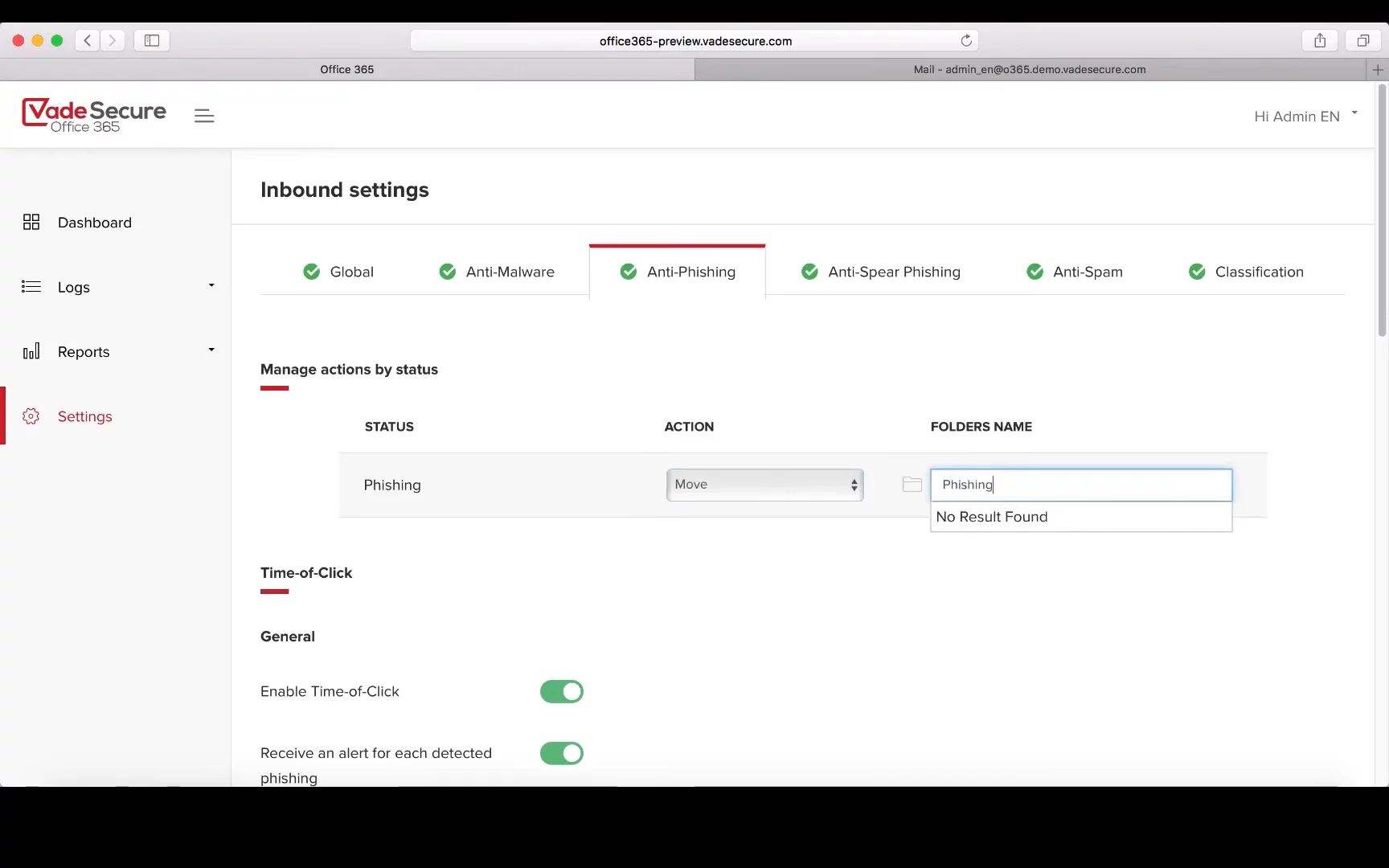
Customizable Phishing FilteringDefault filtering of phishing emails into the junk folder, with options to create custom folders or delete threats automatically.
00:49
Real-Time URL ScanningMachine learning algorithms scan clean URLs and page content in real time to detect hidden phishing redirects without user delay.
00:59
Click-Time Warnings and Admin AlertsUsers see customized warnings when clicking phishing links, while admins receive real-time alerts and can provide educational content.
01:16
Quick ActivationActivate VadeSecure in Office 365 with a few clicks via native API integration, without changing your MX record.
01:43

Vade
Vade Secure is a sophisticated, simple cybersecurity solution powered by AI that protects against ever-changing and emerging digital and email security threats.Learn more about VadeMore Demos (1)
Interactive Demos (1)
Useful Links & Resources
Related companies