
Demo Summary
In this video, Mark from Upsell shows a new feature that helps sales reps keep track of why they want to call someone. He adds a custom “Context” field in Salesforce and maps it to a keyboard shortcut (Alt + C). Then on a LinkedIn profile he presses Alt + C, types a note (“Blake and I both attended University of New Hampshire”), and hits enter. The contact plus that note appear instantly in Salesforce. Now, when you make the call, you’ll remember exactly why you reached out.
AI-Detected Features
Introducing a new context featureMark from Upsell introduces an exciting feature to help prospectors keep track of why they’re reaching out to contacts.
00:00
The problem of lost prospect contextHow important details from LinkedIn outreach get lost when exporting records into CRM or sales engagement platforms.
00:14
Demo walkthrough previewMark explains he’ll give a quick demonstration of adding and preserving prospect context with a hotkey.
00:37
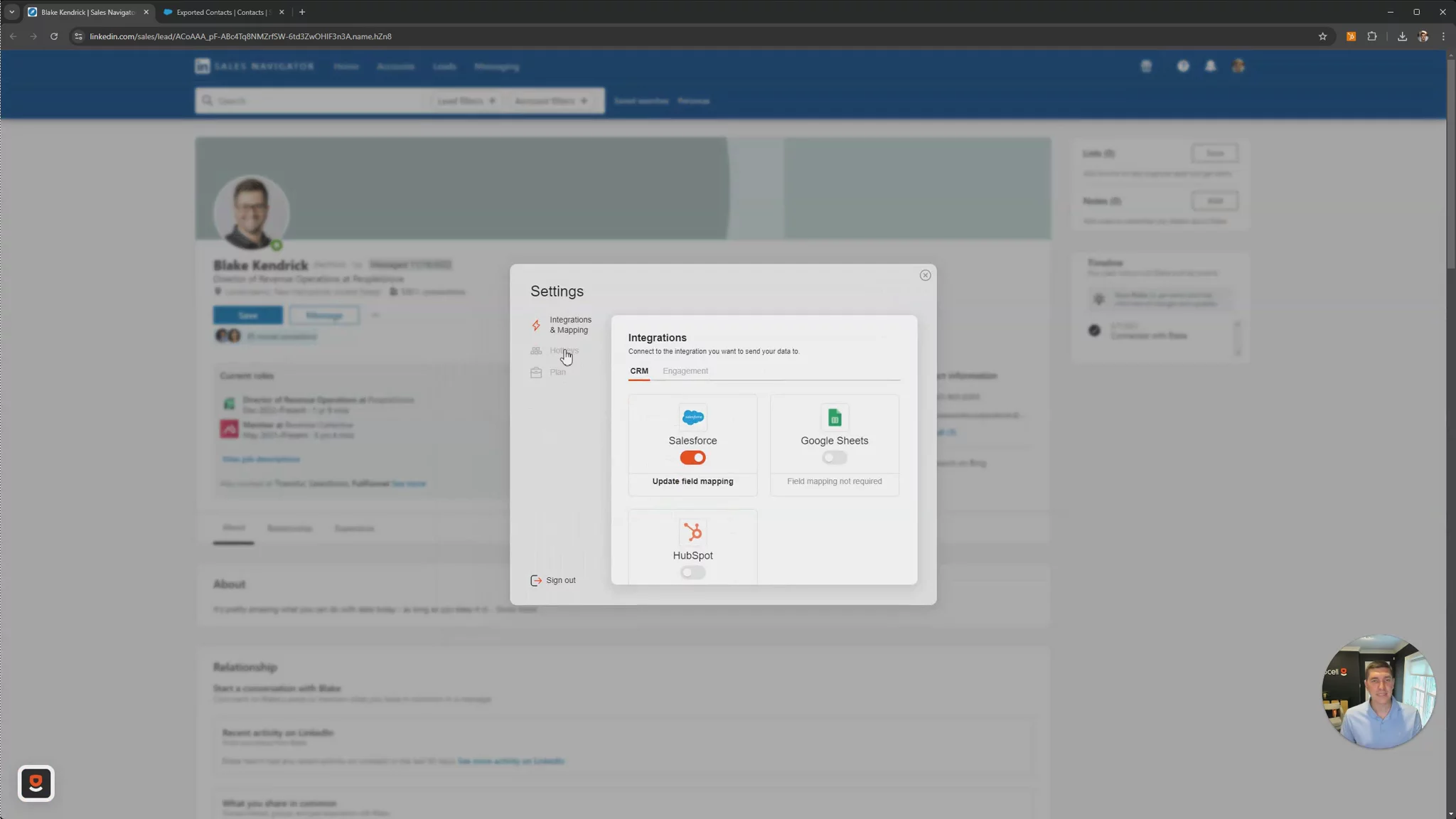
Setting up the custom context field and hotkeyCreating a custom “Context” field in Salesforce, mapping it in Upsell hotkey settings, and saving the hotkey for use.
00:53
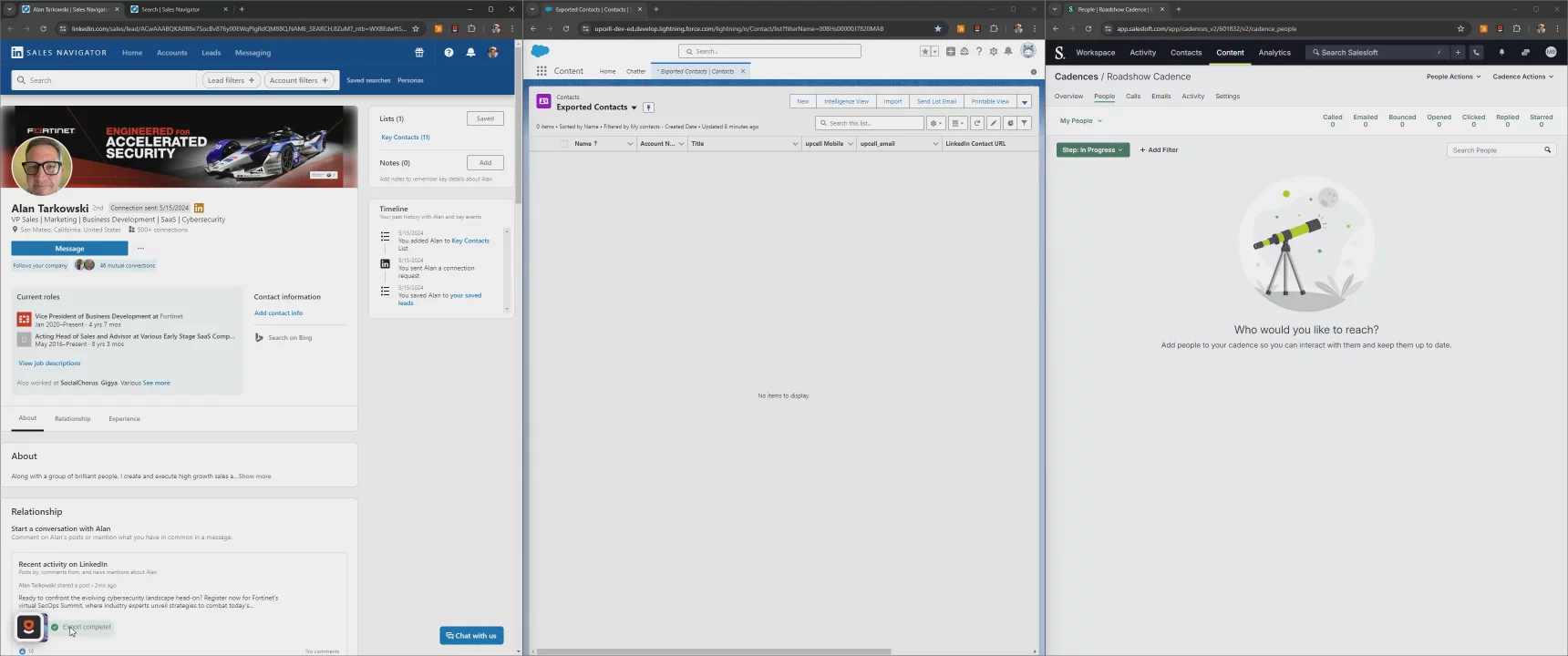
Using the context hotkey and checking resultsApplying the hotkey on a prospect’s LinkedIn profile, exporting their details into Salesforce with context, and confirming the saved note for call preparation.
01:16

More Demos (6)
Interactive Demos (0)
Useful Links & Resources
Related companies

Salesfinity
A parallel dialer to increase cold call connect rates.

GodmodeHQ
AI for modern sales teams - sell the way you buy.

CallBlitz
A virtual salesfloor to enable efficient cold calling.