
Demo Summary
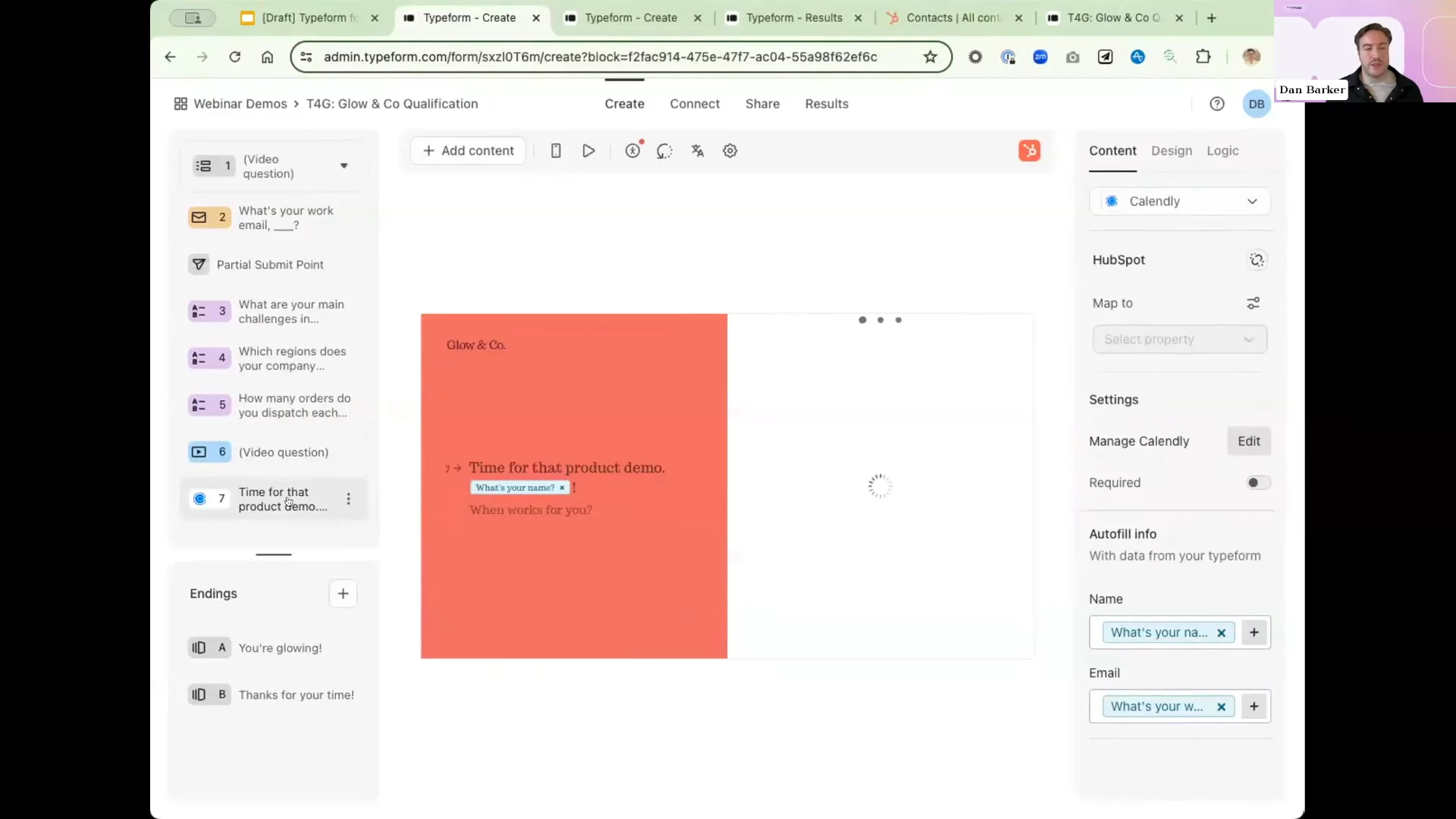
In this video, the Typeform team introduces Typeform for Growth. You will learn how to build a lead form with video, extra data filled in for you, and simple scoring. The demo shows adding brand styles, mapping to HubSpot, and setting up AI reports. You see how to capture partial answers, sort hot leads, and send follow-up messages. This all-in-one solution helps marketers stop using many apps and save time by automating lead capture and workflows.
AI-Detected Features
Session IntroductionOverview of today's agenda, speaker introductions, recording details, and a welcome from Grace.
00:00
Introducing Typeform for GrowthAlex Bass explains what Typeform for Growth is, why we built it, market need, key new features, pricing plans, and next steps.
01:05
Fictional Case Study: GLOW & CompanyMaren introduces a fictional business scenario to show common lead-gen challenges and sets the stage for form improvements.
03:47
New Growth Features in ActionLearn how video questions, automated data enrichment, workflow automation, and AI insights enhance lead capture and qualification.
06:00
Building Branded Interactive FormsDan demos using Brand Kit for consistent styling, Multi-Question pages, and embedding a video introduction in your form.
09:38
Smart Data Enrichment & SecurityEnable automatic enrichment on email fields, add recaptcha protection, and capture partial submissions for reliable follow-up.
12:56
Lead Scoring, Automated Workflows & RoadmapSet up form scoring and segmentation, VIP follow-up paths, calendar and Slack integrations, AI-powered insights, and preview the roadmap.
16:40
Q&A and Closing ThoughtsLive Q&A on integrations and features, community resources, and details on accessing the recording and slide deck.
25:15

Typeform
Typeform is a people-friendly platform for building beautiful, interactive forms and surveys that get more responses.Learn more about TypeformMore Demos (1)
Interactive Demos (0)
Useful Links & Resources
Related companies