
Demo Summary
In this short demo, Ximen from Time Doctor shows your dashboard where you see everyone’s work in real time. You learn to use the timeline report to watch who is online, on break, or done for the day. Then, the activity report shows how much time your team spends on tools, apps, and sites. The web and app report helps you cut unused software costs. Productivity Time finds your top performers so you can reward them. You’ll also learn to spot busy periods, plan hiring, and share tasks fairly.
AI-Detected Features
Introduction to Time DoctorMeet Ximen, an Account Executive at Time Doctor, who will give a high-level overview to help you decide if the product fits your business needs.
00:00
Dashboard OverviewSee your entire workforce in real time. Filter by user, department or date range to get instant insights across teams, projects and tasks.
00:07
Using the Timeline ReportTrack who's online, on break or offline. View daily and weekly timelines to understand work patterns and build effective remote or hybrid policies.
00:51
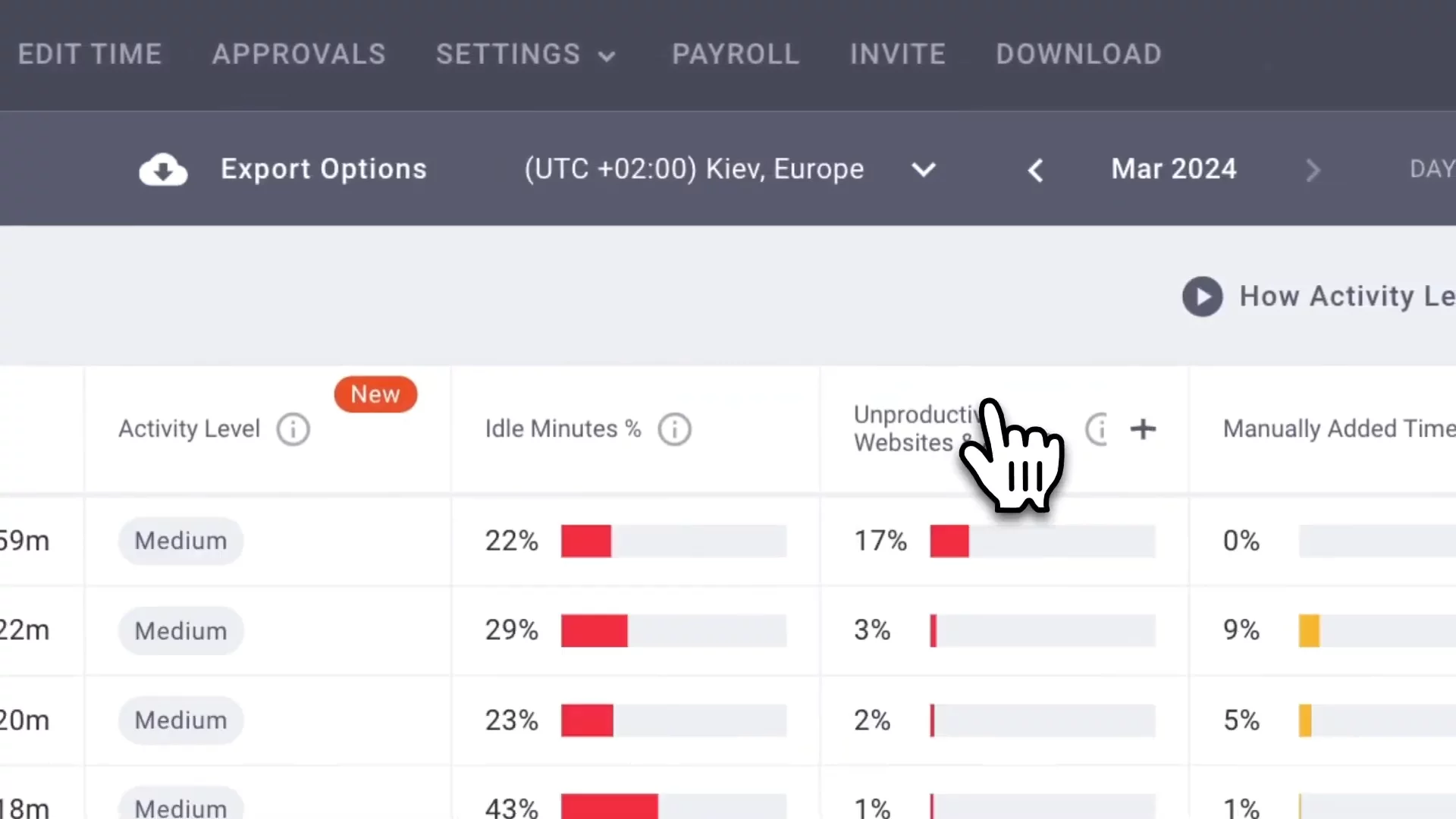
Activity Summary ReportCompare active minutes spent on productive versus non-work sites. Identify busy periods, spot issues, and plan hiring or training based on workload trends.
01:29
Web & App Usage ReportAnalyze which tools, websites and apps your teams use most. Optimize software licenses and control costs by seeing where time is spent.
02:12
Productivity InsightsInstantly identify your most productive and engaged team members. Use these metrics to reward performance and inform reviews.
02:41
Next Steps & Call to ActionReady to dive deeper? Open an account or book time with us for a personalized demo to see how Time Doctor benefits your team.
02:54

Time Doctor
Time Doctor is a powerful workforce analytics solution for distributed, remote, and in-office teams.Learn more about Time DoctorMore Demos (1)
Interactive Demos (0)
Useful Links & Resources
Related companies