
Demo Summary
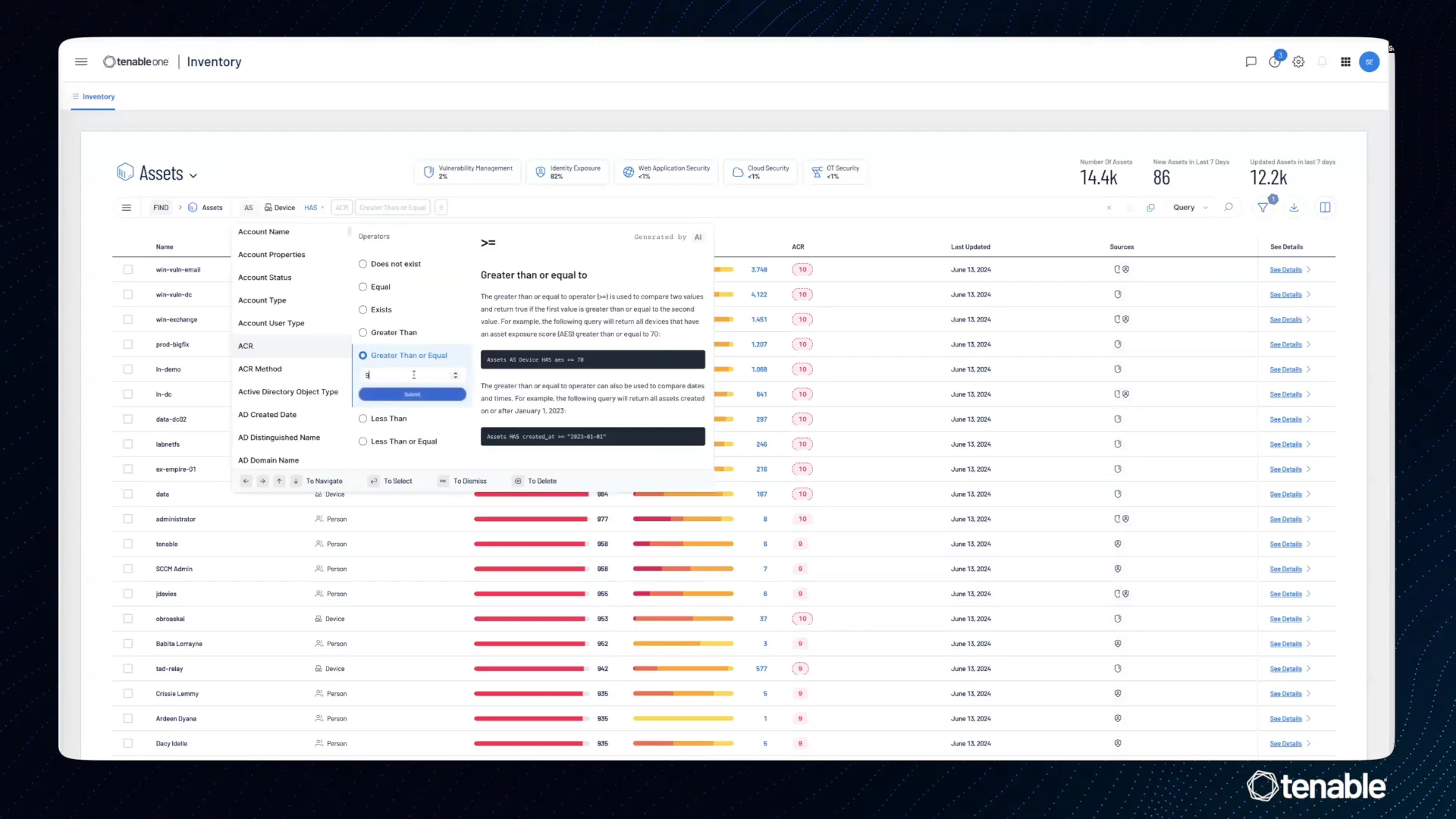
In this video, you’ll see Tenable One’s new inventory tools. You’ll learn how to find all security problems for each asset, like software flaws or misconfigurations. You’ll see assets sorted by type, not by where they came from. Then you’ll watch the new search bar demo with three search modes: simple, natural language, and power queries. You’ll build a query to find high-risk devices and bookmark it. Finally, you’ll see improved menus that make it easy to open saved queries, history, and pre-built reports. This helps you quickly find and fix weak spots in your network.
AI-Detected Features
Introduction to New Inventory FeaturesOverview of Tenable One’s new inventory capability and how to view all weaknesses associated with assets, including CVEs and misconfigurations.
00:07
Understanding Asset ClassesExplanation of asset classes based on asset types rather than their origin, and how they help profile risk in your environment.
00:23
Using the Advanced Search BarIntroduction to three search modes including natural language and query-based search; building a query to filter assets by class, ACR score, AES score, and weaknesses, plus bookmarking queries.
00:48
Improved Navigation and MenusGuide to navigating assets, tags, and weaknesses using the top-left menu and triple-bar menu for Tenable-created queries, history, and bookmarks.
02:08

Tenable
Tenable is a comprehensive cybersecurity and exposure management platform that helps organizations find, prioritize, and fix cyber risks across their entire attack surface. Learn more about TenableMore Demos (1)
Interactive Demos (0)
Useful Links & Resources
Related companies