
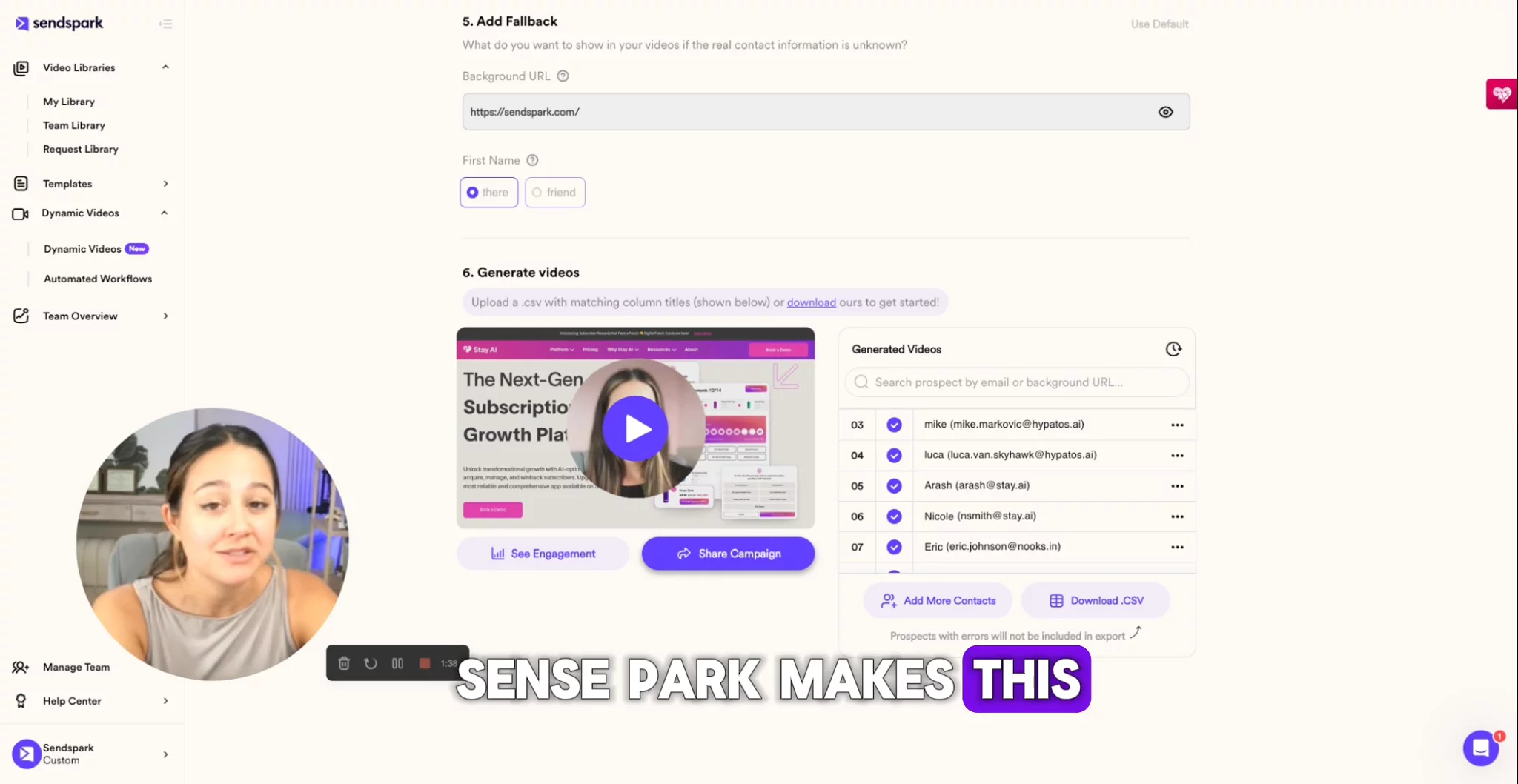
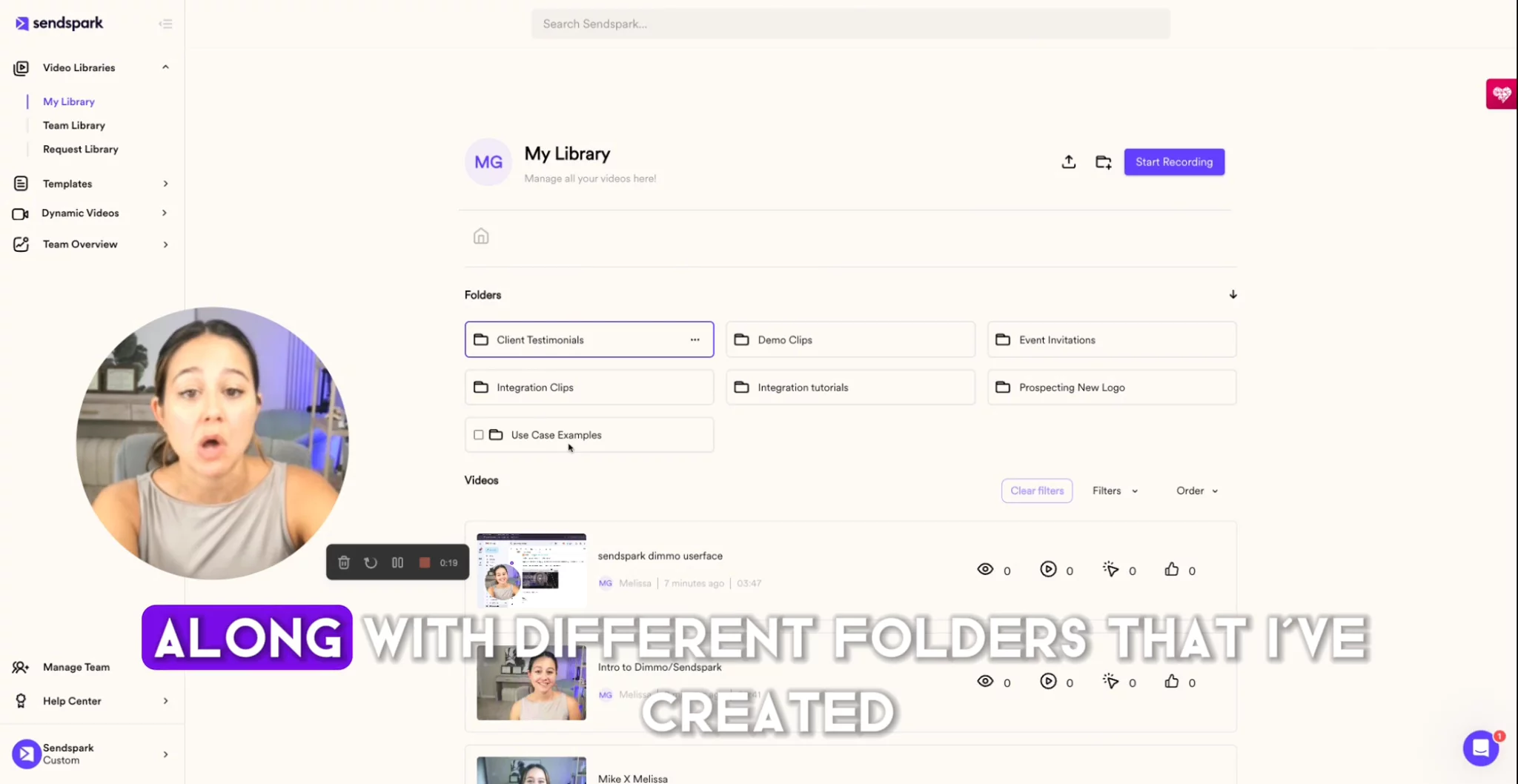
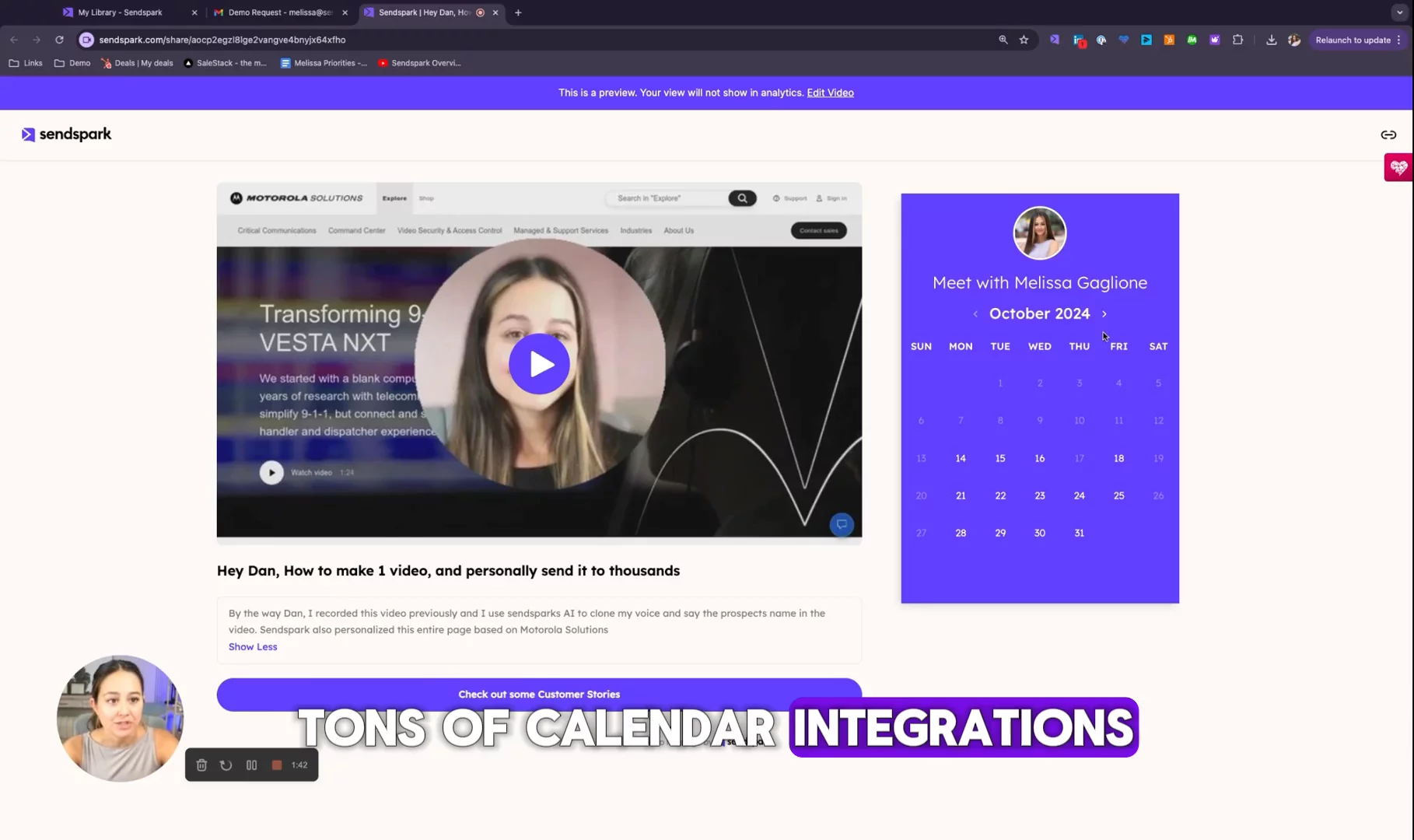
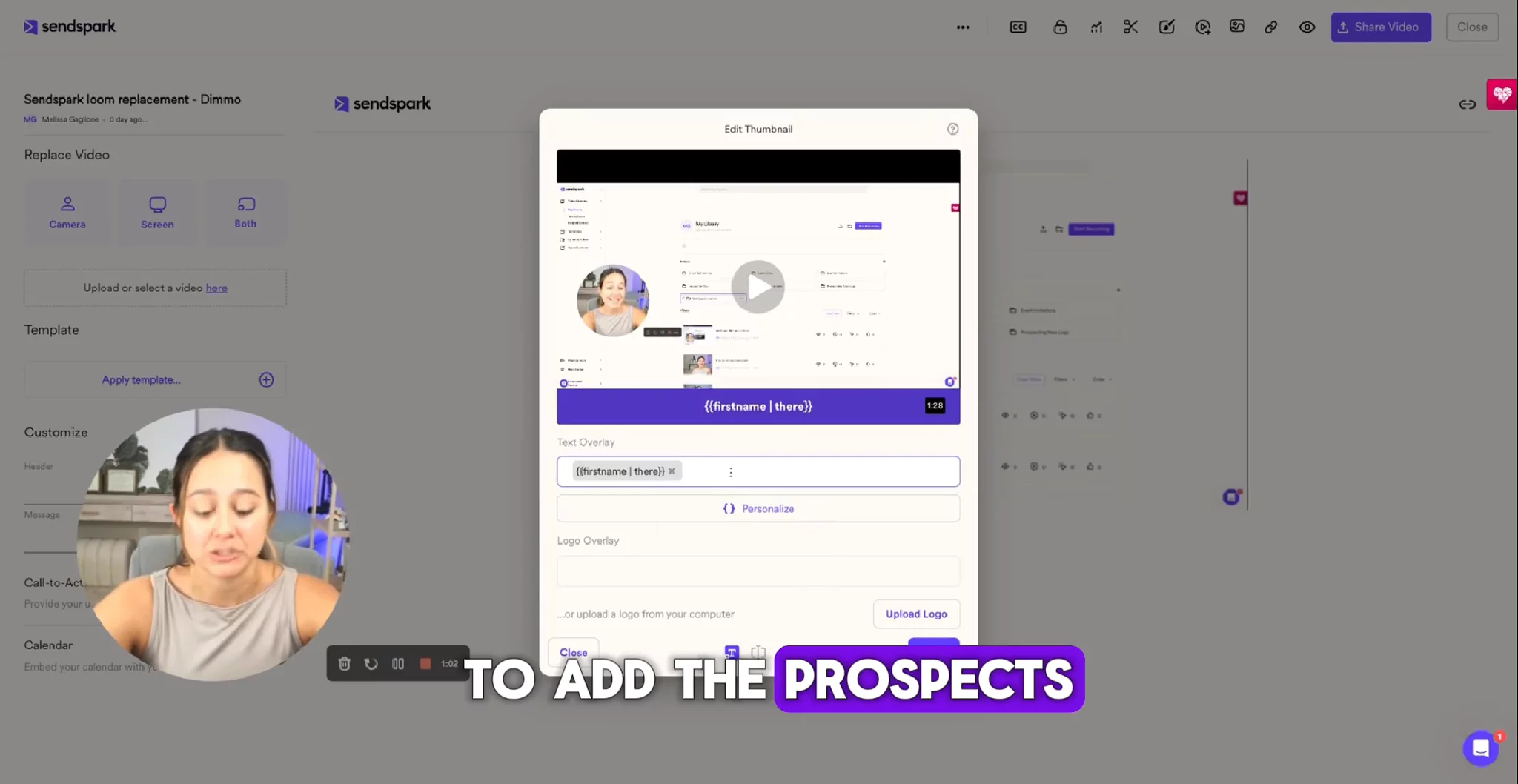
In this video, you’ll see how to use SendSpark to save time and get more people to click your videos. First, it shows how to trim your videos and stitch clips from your library so you don’t have to re-record if it isn’t perfect. Next, it explains how to create a custom thumbnail by adding a text banner, logos, and preview images. Then you can share it in an email or LinkedIn message with your custom thumbnail. These simple steps make your videos look great and get more clicks.

Sendspark
Sendspark creates more replies from videos and enables personalized video prospecting done at scale.Learn more about SendsparkMore Demos (5)
Interactive Demos (0)
Useful Links & Resources
Related companies

Vidyard
Provides video hosting, analytics, and personalized video tools for marketing and sales.

Brightcove
Helps businesses make, share, and learn from videos to grow their company.

Wistia
Helps businesses make, share, and learn from videos to grow their company.