salesforge.ai - Automate Sales, Maximize Growth

Demo Summary

In this video, you will see how to use Salesforge, a tool for sending cold emails to book sales calls. You will learn how to sign up, connect and warm up your email accounts, and add leads by uploading a file. Then you will set up your product info and upload a file of company details. Next, you will build email sequences using templates or AI to write personal messages. Finally, you'll track replies in one inbox and use AI help to draft answers. Salesforge helps you send better emails and land more clients.

AI-Detected Features

Introduction to SalesforgeOverview of Salesforge cold email software and what you’ll learn: onboarding, sending cold emails, booking calls, and boosting deliverability.
00:00
Account Setup & Mailbox ConnectionSign up for a free trial, connect or create mailboxes, and enable email warm-up. Learn how to configure warm-up, sending limits, and basic mailbox settings.
00:19
Managing ContactsAdd and import leads via CSV, Google Sheets, or manual entry. Map fields, create custom tags, and understand email status to target only valid addresses.
02:08
Setting Up Products & Knowledge BaseCreate product profiles for AI personalization and upload company documents into the knowledge base to help AI craft icebreakers and handle objections.
02:54
Creating Your First SequenceName your sequence, choose product and language, add and filter contacts, then validate emails to include only valid addresses in your outreach.
04:17
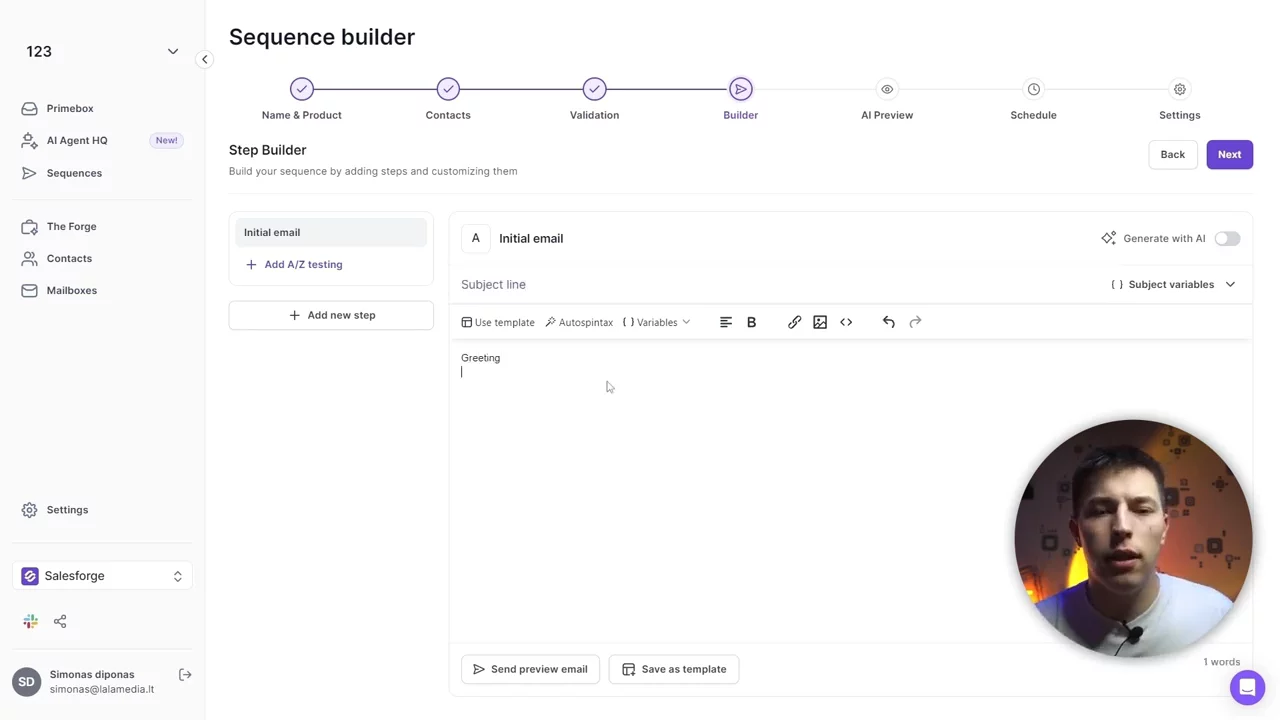
Writing Cold Emails with Templates and AIExplore three email options: basic templates with spintax, templates with AI-generated icebreakers, or fully AI-written personalized emails using prospect data.
04:50
Adding Follow-Up StepsSchedule follow-up emails to send automatically after set intervals. Learn best practices for frequency, content variations, and A/B testing follow-ups.
07:03
Scheduling & Sequence SettingsSet your sending schedule by time zone, days, and hours. Configure mailbox selection, tracking options, unsubscribe settings, and other sequence-level preferences.
07:36
Managing Replies in Prime InboxUse the unified Prime mailbox to view and reply to all sequence responses. Label replies, move leads between lists, and leverage AI Draft to answer questions quickly.
08:10
Workspace & App SettingsMonitor usage and credits, manage subscriptions, workspace members, integrations, do-not-contact lists, and generate API keys to connect other apps.
09:05
salesforge.ai logo

salesforge.ai

Salesforge is a cold outreach platform that uniquely combines human work with AI through both AI personalization and AI Agents.Learn more about salesforge.ai

Interactive Demos (0)

Useful Links & Resources

Related companies

Caide logo

Caide

Automates security reviews and streamlines vendor risk assessments for faster deal cycles.

Autobound logo

Autobound

Generates hyper-personalized sales emails using AI and 350+ prospect insights.

ExactBuyer logo

ExactBuyer

Your automated sales & recruiting engine.