
Demo Summary
In this video, you’ll see how RescueTime’s Focus Session works. You start by clicking the RescueTime icon, then choose a task, session length, and block websites or apps. You can add music, check your mood, and prep your workspace. During the session, blocked sites remind you of your goal. After, you record if you finished your task and view a report on work done, distractions, and your focus streak. This tool helps you stay on track, beat distractions, and build strong focus habits.
AI-Detected Features
Introduction to Focus SessionsLearn what RescueTime Focus Sessions are, why they help you stay on track, and how they can improve the quality and quantity of your work.
00:00
Launching a Focus SessionOpen the RescueTime Assistant from your menu bar or system tray, then click the blue bullseye button to begin a Focus Session.
00:18
Setting Up Your FocusChoose audio narration, add a preparation step, check in on your mood, enter your task or goal, set the session length, and select an app and website blocking level.
00:27
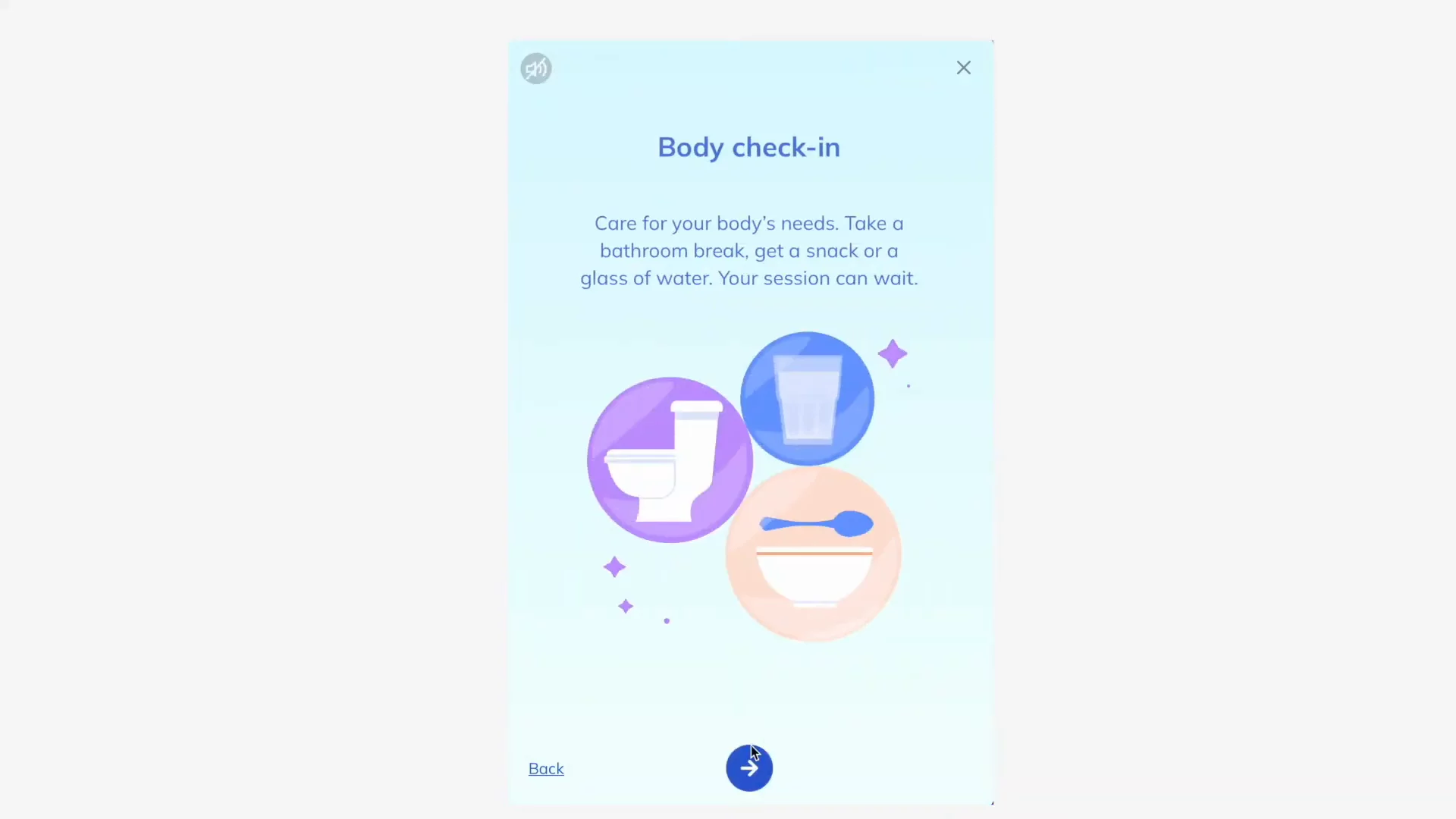
Enhancing Your EnvironmentAdd focus-enhancing music from Spotify or YouTube, clear physical and digital clutter, grab a snack or water, and do quick eye and breathing exercises.
01:04
Staying Focused During Your SessionBegin your Focus Session, optionally join a virtual workspace, start working, and handle any attempts to open blocked sites with reminders of your goal and time left.
01:21
Reviewing Your SessionWhen the session ends, check your mood again, mark whether you completed your task, and view your daily summary and focus session report with work completed, distractions, and streaks.
01:50
Building a Habit of FocusUnderstand that focusing is like exercising your mind: the more you practice, the easier it gets. Develop healthy habits to find balance in a busy, distracting world.
02:10

RescueTime
RescueTime is a fully automated time tracking software that helps you understand your daily habits so you can focus and be more productive.Learn more about RescueTimeMore Demos (1)
Interactive Demos (0)
Useful Links & Resources
Related companies