
Demo Summary
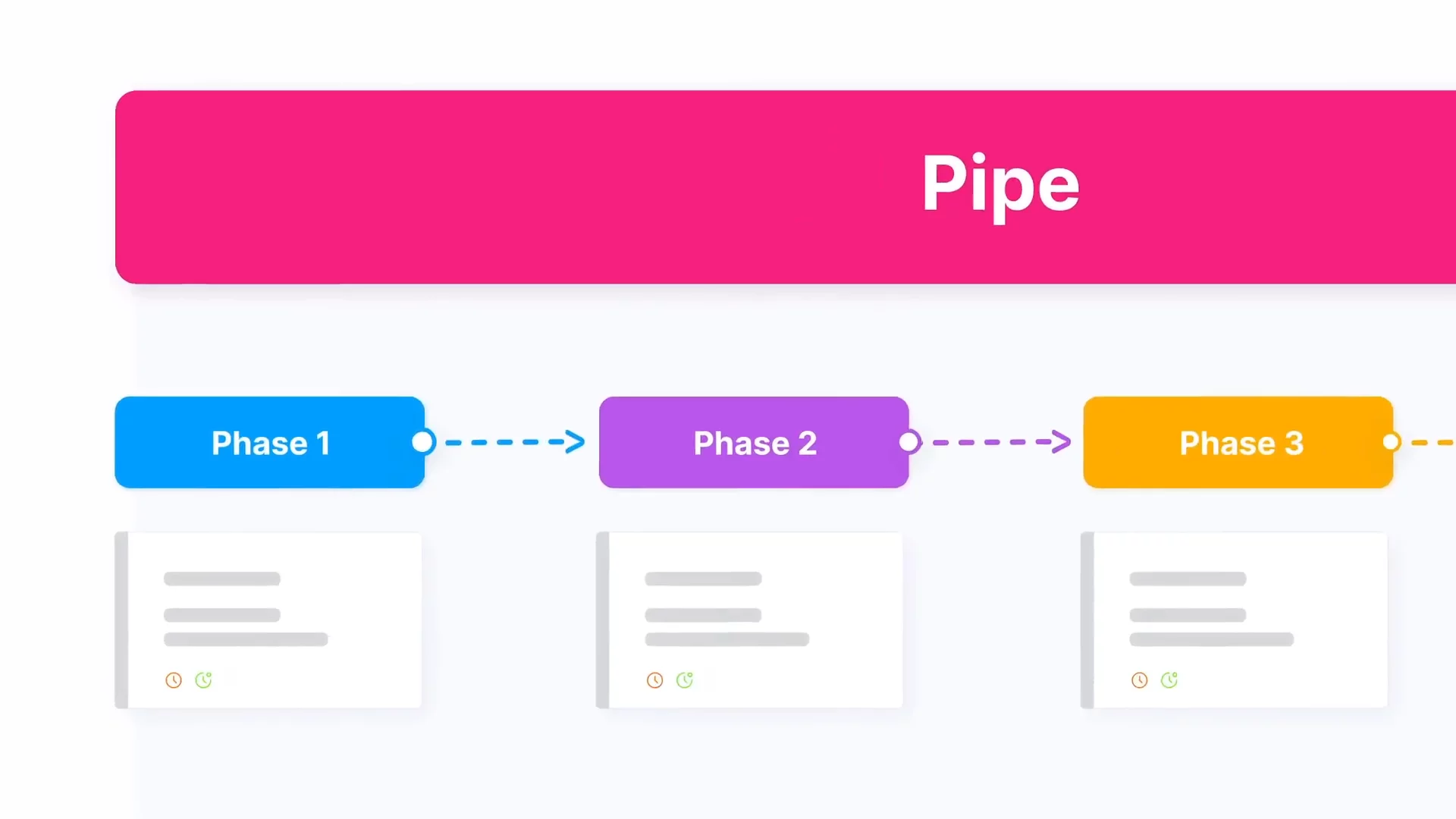
In this video, you will learn how to use Pipefi to organize your work. Pipefi uses a canvas called a “pipe” to plan tasks in phases. Each phase has fields where you add information. Tasks live in cards, like orders or requests. You start by filling out the Start form. That turns your info into cards that go to the first phase. You will see how to move cards through steps, so your team can work together and finish projects. This solves messy workflows by giving you a clear, step-by-step process.
AI-Detected Features
What is Pipefi?Overview of Pipefi as a canvas to organize work, coordinate your team, and achieve goals.
00:00
Phases in PipefiLearn how phases break your workflow into connected steps that must be completed in order.
00:11
Fields for Standardized InputDiscover how fields collect and standardize the information you need at each phase.
00:25
Cards as Action ItemsUnderstand cards as the tasks your team works on—requests, opportunities, orders, and more.
00:37
Start Form: Feeding Your PipeUse the Start form to submit data that creates cards and sends them into the first phase.
00:58
Getting StartedReady to make the most of Pipefi? Explore all its features and get hands-on now.
01:26

Pipefy
Pipefy is an AI-powered no-code business process automation platform that helps teams manage and automate workflows.Learn more about PipefyMore Demos (1)
Interactive Demos (0)
Useful Links & Resources
Related companies