OneDesk - Manage projects and tasks.

Demo Summary

Watch a simple OneDesk demo that shows you how to sign up, set up with a quick wizard, and use its main web app. You’ll see the mobile app and customer apps (widget, chat messenger, portal, forms, knowledge base) that let customers submit tickets. Learn how to view and sort tickets in lists, boards, or trees. See how to turn tickets into tasks, plan work with timeline and calendar views, track time and team workload, and send invoices or quotes. It solves juggling many tools by keeping support, projects, time tracking, and billing all in one place.

AI-Detected Features

Introduction & AgendaWelcome to the OneDesk webinar. We’ll cover key sections: customer apps, organization, information views, ticket creation, task/project planning, time tracking, invoicing/quoting, and account settings.
00:00
Overview & Sign UpOneDesk is an all-in-one help desk, project management, and PSA tool. Support customers, collaborate, track time, invoice, and more. Sign up with your email for a 14-day free trial.
00:35
Quick Setup WizardAfter registration, the Quick Setup Wizard guides you through initial configuration with videos and tutorials to get you ready quickly.
01:04
OneDesk PlatformsOneDesk has three parts: the main web interface, a mobile app (iOS/Android), and customer-facing applications for ticket submission and updates.
01:27
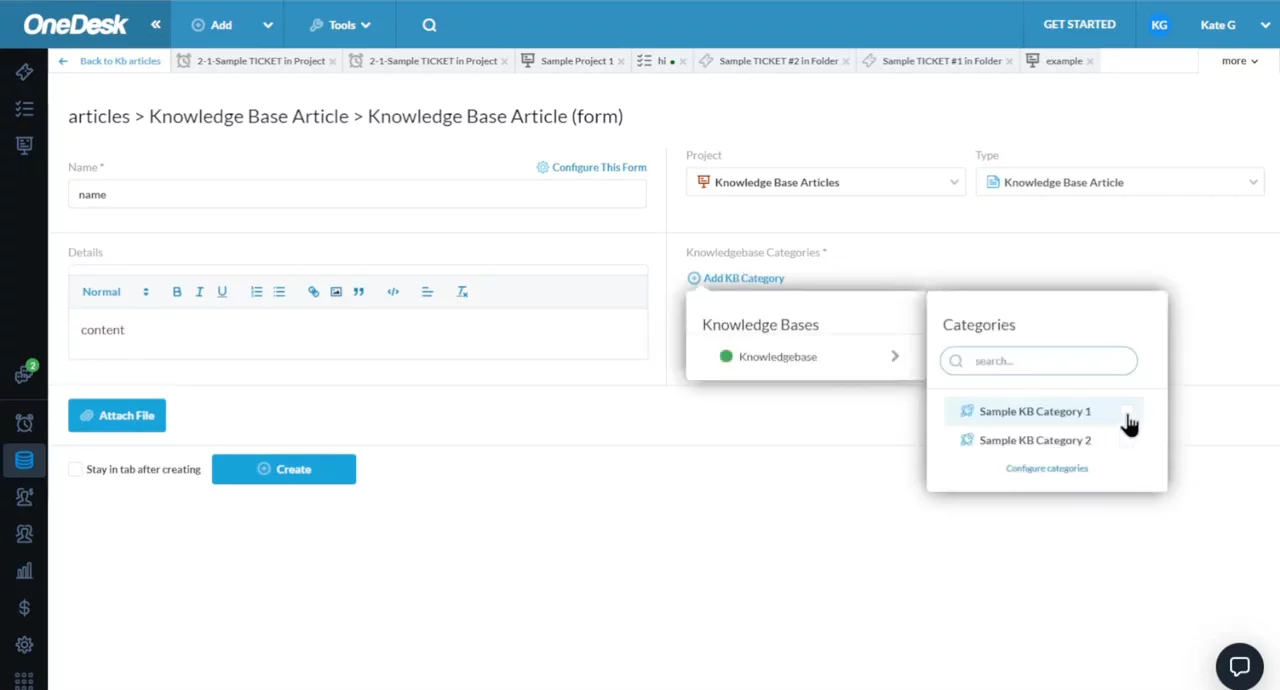
Customer ApplicationsEnd users access support via the embeddable Web Widget, Messenger (live chat), Tickets Portal, Web Forms, and Knowledge Base, all fully configurable.
02:00
Main Web Apps & OrganizationIn the web interface, use the Tickets, Tasks, and Projects apps. Organize work in Portfolios (containers), Projects, then Tickets or Tasks within them.
04:20
Work Views & CustomizationChoose system views (tree, flat list, Kanban board) or create custom views with filters, groupings, and columns. Scope views by project or portfolio.
06:00
Getting Tickets into OneDeskTickets can be created manually, by email integration, import tool, customer web form, or via live chat, automatically capturing requester details.
08:34
Managing ConversationsAll customer messages appear in the Messenger app. You can reply from tickets or Messenger and convert standalone chats into new tickets.
09:20
Ticket Detail PanelIn the ticket side panel you can change status, assign agents, add attachments, and switch between tabs: Conversations, Timesheets, Activities, Subtasks & Links.
11:10
OneDesk logo

OneDesk

OneDesk is an all-in-one software that combines helpdesk and project management functionalities for businesses of all sizes.Learn more about OneDesk

Interactive Demos (0)

Useful Links & Resources

Related companies

Thena logo

Thena

Ticketing system built on top of shared Slack channels.

Reef.ai logo

Reef.ai

Predicts churn, drives expansion, and boosts revenue using AI-powered customer insights.

ClearFeed logo

ClearFeed

Provides AI-powered support platform integrating with Slack and Microsoft Teams for efficient communication.