
Demo Summary
This video shows Nitro PDF Pro on iPhone and iPad. You will see how to open and find PDF files on your device and in the cloud. You learn to edit text, add or move pages, and fix mistakes. You can record audio notes, insert images and stamps, and draw on your PDFs. You will also learn to highlight, comment, and share or encrypt your files. Finally, you see how to open password-protected documents and fill out forms. Nitro makes editing PDFs easy on mobile.
AI-Detected Features
Introduction to Nitro PDF ProWelcome to the guided demo for Nitro PDF Pro on iPhone and iPad. Get an overview of what we’ll cover.
00:01
Installing and Launching the AppAfter installation, Nitro PDF Pro appears as a PDF handler. Open PDFs directly from your browser or app.
00:06
Navigating the Document BrowserExplore the Document Browser: search files, view locations, favorite folders, and filter by tags.
00:25
Managing Files and SettingsLearn multi-select actions, file joining, PDF creation, and access the app settings for preferences.
01:07
Opening Documents and Tools OverviewTap a PDF to open the Document View. See the back button, page layout, and the main editing tools.
01:53
Page Layout and OrganizationUse the Page Layout view to insert, rotate, delete, and drag-and-drop pages to rearrange your document.
02:26
Editing Existing TextTap and hold text to select a line, choose Correct Text, then edit words, font properties, and alignment.
02:38
Adding New TextSelect the Text Tool, tap to place new text, and adjust font style, size, and alignment as needed.
03:22
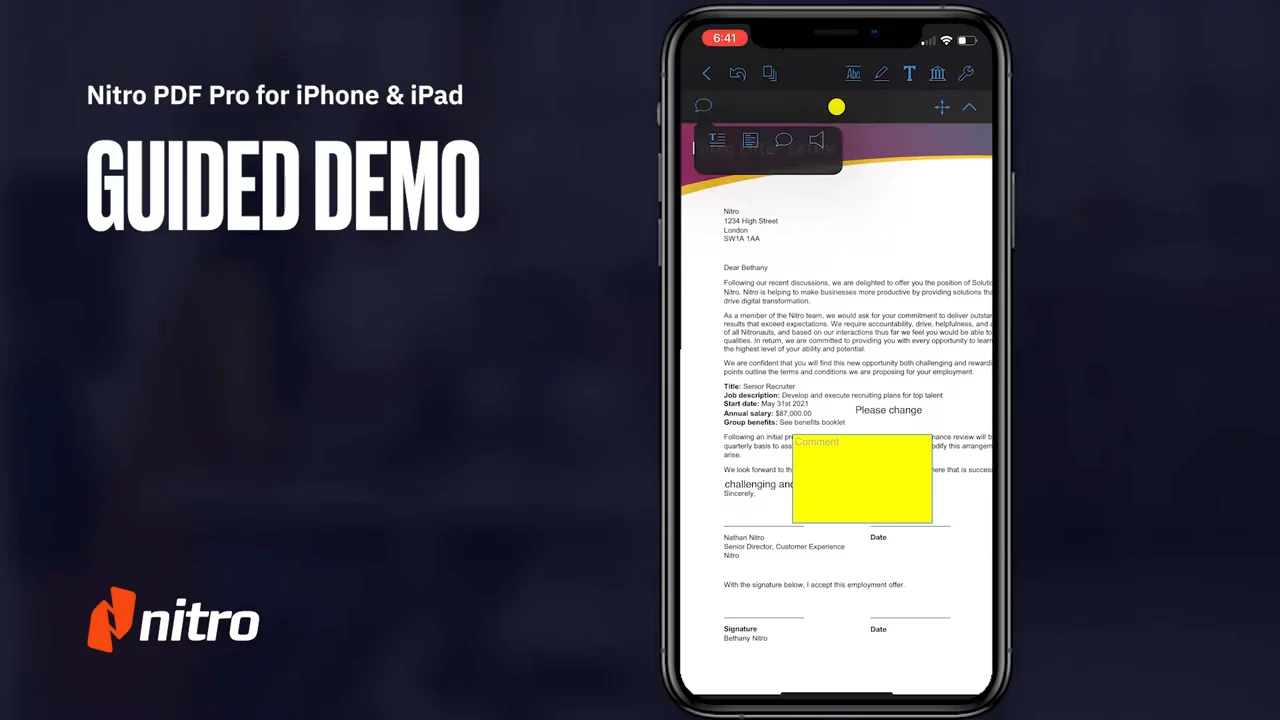
Annotations and CalloutsUse text areas, comment boxes, and callouts to annotate your PDF under the Annotation menu.
03:39
Recording Audio AnnotationsPlace an audio marker on the page, record a voice note, and playback within Nitro PDF Pro.
04:00

Nitro
Nitro is a comprehensive document management software that provides PDF editing, eSignature capabilities, and business analytics tools.Learn more about NitroMore Demos (1)
Interactive Demos (0)
Useful Links & Resources
Related companies