Nimble - The CRM for All Employees

Demo Summary

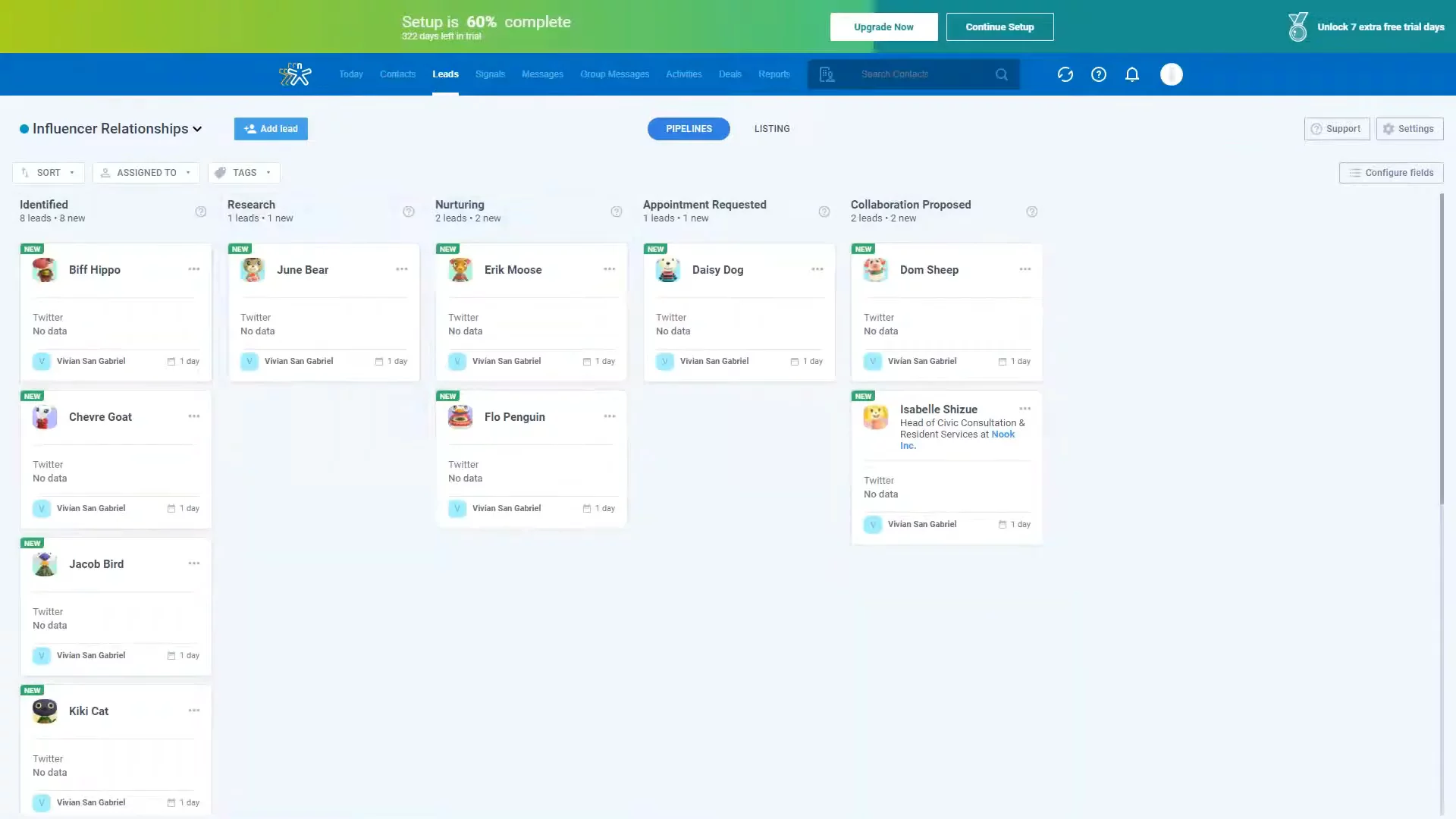
In this video you will learn how to use Nimble, a simple CRM that gathers your contacts, emails, calendars, and social media into one place. You’ll see how to connect your Microsoft 365 or Gmail account, import contacts from CSV files or Twitter, and set up your Today page with widgets for tasks, deals, and events. You’ll also watch demos of the Nimble Prospector browser extension, Outlook and Gmail add-ons, and the Nimble mobile app. Nimble helps you keep track of all your customer interactions and stay organized.

AI-Detected Features

Welcome & Webinar OverviewIntroduction, greeting participants, and outlining today’s agenda: a tour of Nimble’s app and mobile demonstration. Ask attendees to submit questions for Q&A at the end.
00:01
What Is Nimble?Overview of Nimble as an easy-to-use CRM integrated with Microsoft 365, Google Workspace, social media, and 200+ SaaS apps—combining contacts, email, calendars, and communication histories automatically.
00:27
Connecting Email AccountsHow to connect IMAP email providers, Microsoft 365 and Gmail—to sync inboxes, calendars, and import contacts with one click or customizable options.
01:19
Integrating Social MediaConnect Twitter directly to view conversation history. Work around API closures for Facebook, Instagram, and LinkedIn using the Nimble Prospector browser extension and CSV import for LinkedIn contacts.
03:12
Importing Contacts via CSVImport lists from spreadsheets or other CRMs. Map fields manually or use saved mappings, tag imports for tracking, and access import options from the Contacts menu.
04:49
Customizing the Today PageIntroduction to the Today dashboard, how it populates after connecting accounts and importing contacts, and how to manage and rearrange widgets to suit your role.
06:02
Calls, Custom Activities & Deals WidgetsUse the Calls widget to track interactions and outcomes. Display pending and overdue custom activities. View and manage deals directly from the Deals widget.
06:56
Stage Funnel & Pipeline ChartsMonitor your sales funnel with the Stage Funnel widget. Use the Pipeline chart to visualize deal amounts by stage and time frame, and filter for your deals or your team’s deals.
08:36
Tasks, Events & Signals WidgetsManage to-dos with the Tasks widget and view calendar events in the Calendars widget. Use Signals to track social interactions and Highlighted Contacts suggestions based on keywords.
09:53
Navigating the Contacts PageOverview of the Contacts page: view all contacts, companies, important or recently viewed contacts, and those with stay-in-touch reminders.
10:44
Nimble logo

Nimble

Nimble is a social sales and marketing CRM designed to help businesses build and nurture customer relationships.Learn more about Nimble

Interactive Demos (0)

Useful Links & Resources

Related companies

Close logo

Close

A sales engagement CRM for SMB.

Agile CRM logo

Agile CRM

Manages customer relationships, automates sales, marketing, and service processes for businesses.

monday CRM logo

monday CRM

The CRM that's simple to set up and easy to use.