
Demo Summary
In this video, you will see the Maiko web app. Trevor shows how you can ask Maiko simple questions about your sales data in Salesforce or HubSpot. You will learn how Maiko shows results in chat, with text and tables you can open or download. You will also see how to check how it found its answers and how to ask follow-up questions. Maiko helps you get fast CRM reports without waiting for help.
AI-Detected Features
Introduction & Platform OverviewTrevor, co-founder and CEO, welcomes viewers and introduces the Maiko web app interface, highlighting the chat window and history panel.
00:02
Customizing CRM Knowledge with Key DefinitionsLearn how Maiko ingests your CRM’s custom objects, metrics, and KPIs during onboarding via the Key Definitions area, so it understands terms like net revenue retention and deal stages.
00:31
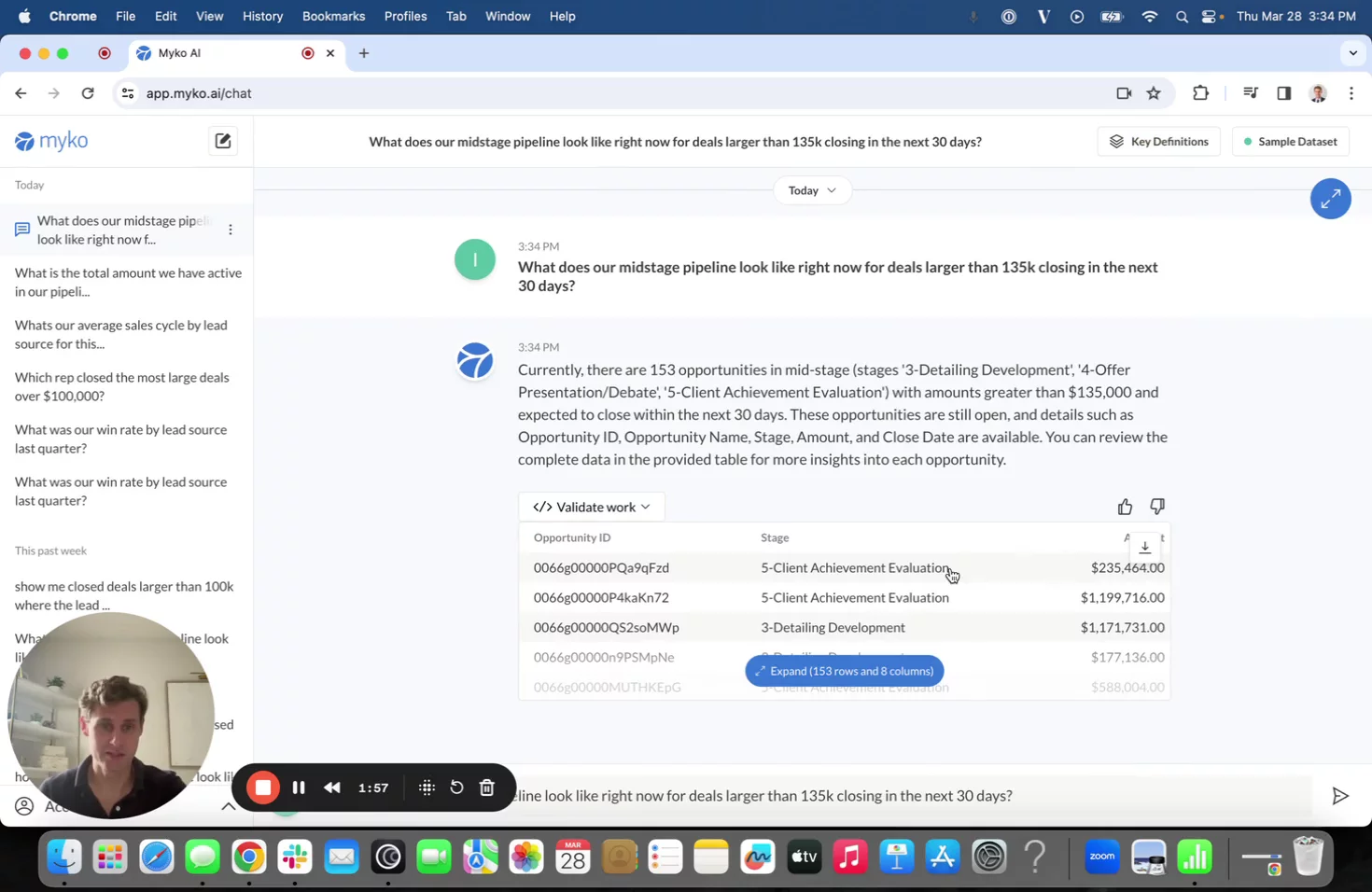
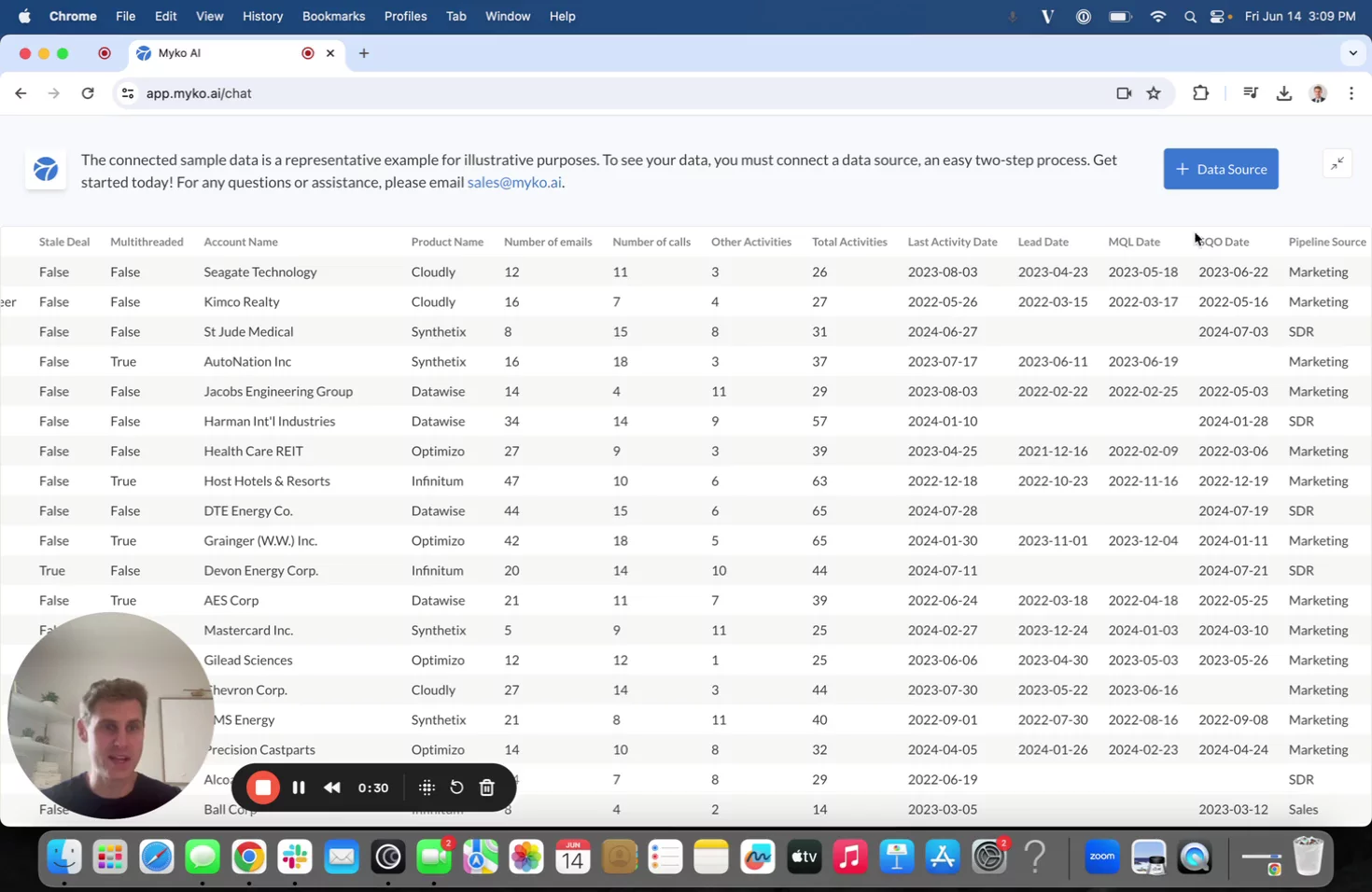
Asking Your First QuestionSee how to query your mid-stage pipeline for deals closing in the next 30 days and view results as text and an expandable, downloadable table for further analysis.
01:18
Validating AI ResultsDiscover the “Validate Work” feature, which explains in plain language the filters, groupings, and columns Maiko used to answer your query, letting non-technical users verify the logic.
02:09
Refining Queries with Follow-Up QuestionsWatch how you can refine your analysis—such as filtering for deals over $145k—and have Maiko combine new criteria with your original request for iterative exploration.
02:56
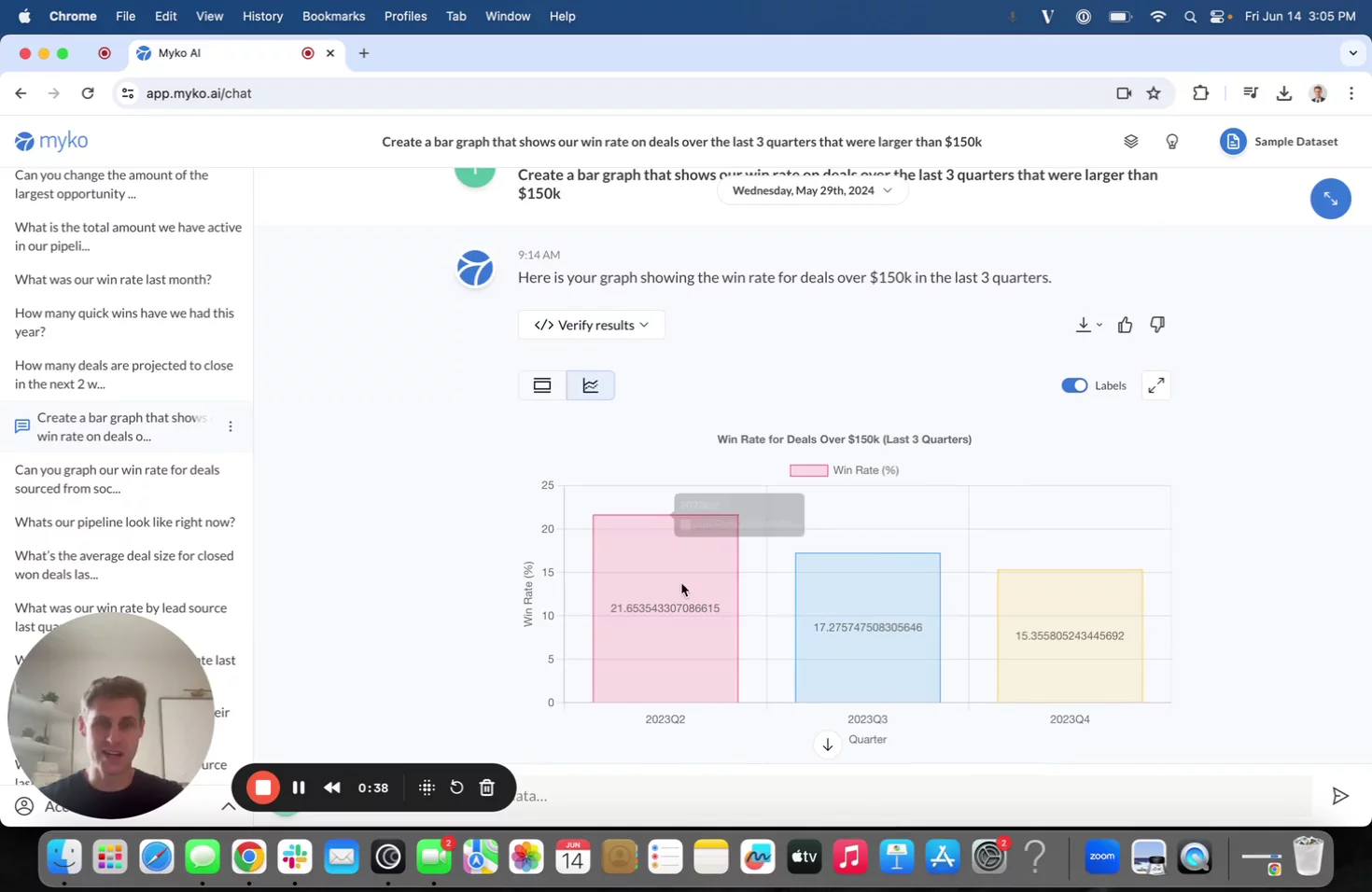
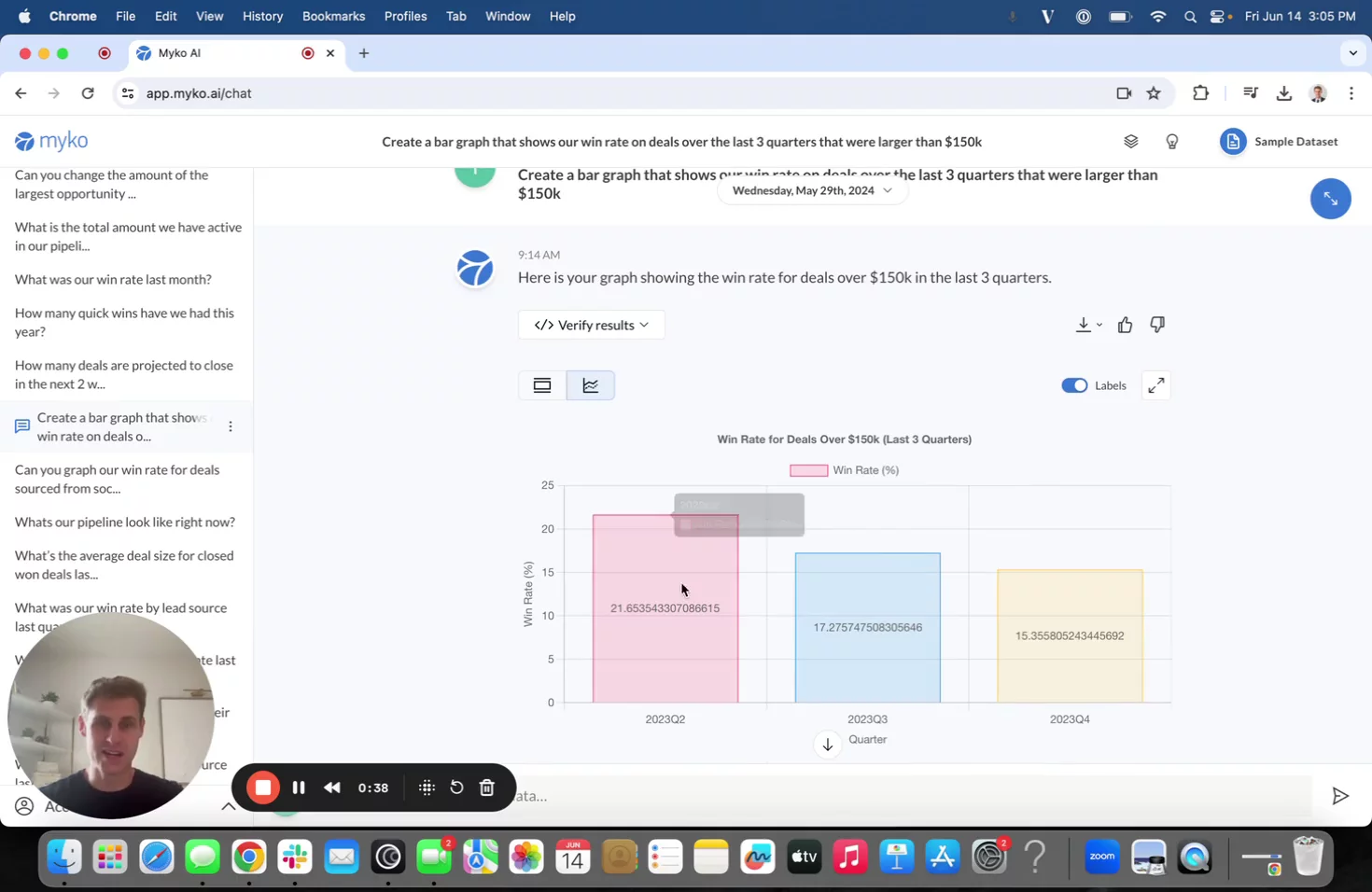
Additional Capabilities & Next StepsOverview of other use cases—like rep assignments, average sales cycle by lead source, and time series analysis—and how to reach out for more information.
03:34

More Demos (4)
Interactive Demos (0)
Useful Links & Resources
Related companies

Swyft
Orchestrate and automate any revenue process with AI

Tango
Creates instant step-by-step guides from your screen activity, automatically and effortlessly.

Avoma
Enhances meeting productivity with AI-powered note-taking, insights, collaboration, and workflow automation.