
Demo Summary
This video shows you MeisterTask’s free Basic Plan and how to manage up to three projects with a simple Kanban board. You’ll see the Dashboard where you can track your tasks, notifications, and time logs. You’ll learn how to add sections, tasks, due dates, checklists, files, and comments. You can turn emails and MindMeister mind maps into tasks for free. The plan works on web, Mac, Windows, iOS, and Android. It solves the problem of keeping your work organized in a clear, fun way without paying.
AI-Detected Features
Getting Started with the Basic PlanIntroduction to MeisterTask’s free Basic Plan and what this video will cover.
00:05
Overview of Dashboard and Core FeaturesExplore your personal Dashboard: see notifications, assigned tasks, tracked time, and learn about the three-project limit.
00:13
Managing Projects and TasksCreate Kanban boards with unlimited sections, invite collaborators (regardless of their plan), and use rich task fields with unlimited tasks in your three projects.
00:41
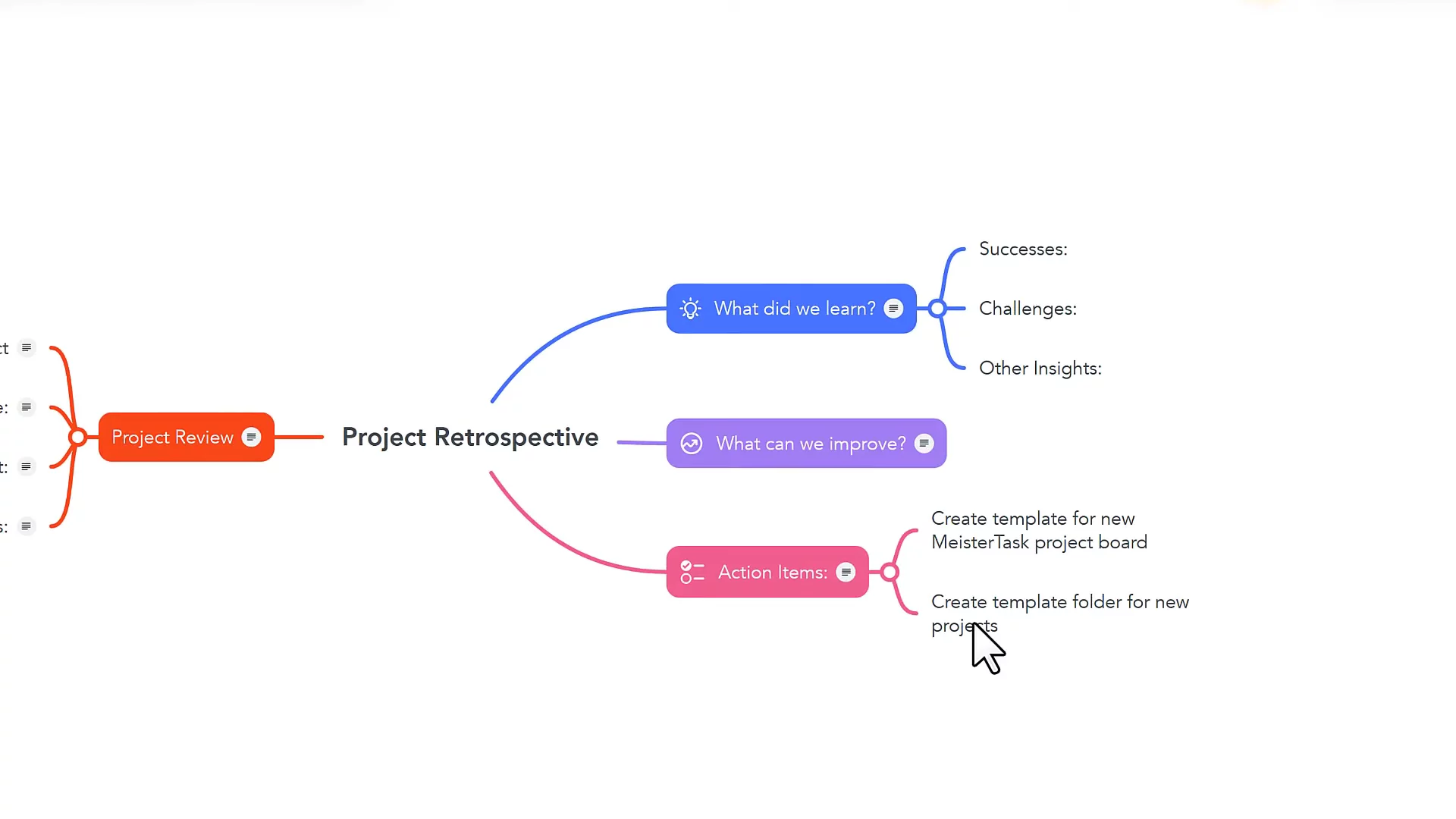
Email and MindMeister IntegrationsTurn emails into tasks by forwarding them to a project section and export MindMeister brainstorm ideas directly into MeisterTask.
01:27
Access via Desktop and Mobile AppsStay productive anywhere with free MeisterTask apps for Mac, Windows, iOS, and Android.
01:56
Limitations of the Free PlanLearn what’s not included in the Basic Plan: no task timelines, automations, roles & permissions, or the Agenda master board.
02:08
Conclusion and Next StepsReview the benefits of the free Basic Plan and visit the MeisterTask pricing page to compare features.
03:06

MeisterTask
MeisterTask is the work management software your team will actually want to use, creating a secure central source of truth for task management and documentation.Learn more about MeisterTaskMore Demos (1)
Interactive Demos (0)
Useful Links & Resources
Related companies