
Demo Summary
In this video, David Tucker from LastPass shows how LastPass Business’s Shared Folders help teams share passwords and keys safely. You’ll see how to create a folder for your IT team, let admins add or update passwords, and send changes to everyone at once. You’ll learn how super admins can view all folders, see security ratings, and control access — no more spreadsheets or risky email. Try LastPass Business to make password sharing simple and secure.
AI-Detected Features
Demo Preview and IntroductionDavid Tucker introduces himself and gives a quick look at an existing IT shared folder set up in LastPass.
00:00
Password Sharing ChallengesHighlights common but insecure methods (documents, email, messaging) for sharing passwords and questions how to keep credentials safe and controlled.
00:18
Introducing Shared FoldersOverview of the LastPass Shared Folders feature, offering the same convenience and collaboration as existing methods without compromising security.
00:43
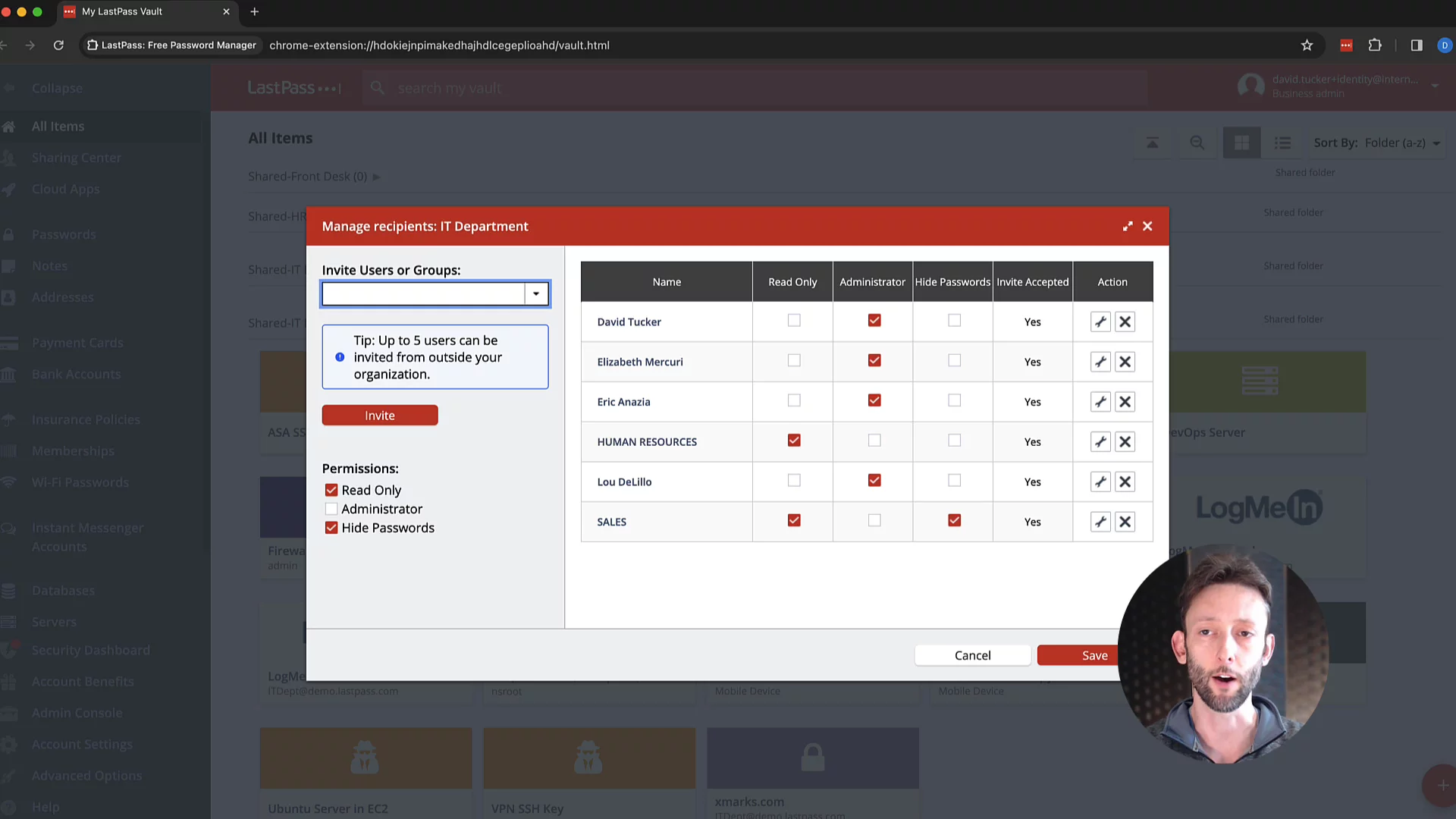
Accessing a Shared FolderDemonstrates how a shared folder can hold multiple items, be shared with the IT team, and how designated admins can manage membership and updates.
01:16
Automatic Updates and Central SyncExplains that when passwords are added, removed, or changed in the shared folder, all recipients receive updates immediately without separate notifications.
01:32
Administrator OversightShows how LastPass business administrators can view and manage all shared folders across the organization, not just those they’ve been added to.
02:12
User Access and Security ScoresDemonstrates adding a new user to an existing shared folder and checking the folder’s overall security score to spot weak credentials.
02:44
Enabling Super Admin PolicyWalks through enabling the Super Admin policy so selected admins automatically gain access to all shared folders for better control and insight.
03:05
Conclusion and Call to ActionRecaps how shared folders improve security and oversight, and invites viewers to start a LastPass Business trial to experience simplicity and security for themselves.
03:44

LastPass
Take control of your security and productivity with LastPass’s cloud-based password manager. Effortlessly manage, share, and protect your credentials, ensuring your sensitive data is secure, private, and always at your fingertips.Learn more about LastPassMore Demos (4)
Interactive Demos (0)
Useful Links & Resources
Related companies