
Demo Summary
In this short demo of Dimmo, you’ll see how to find and watch software demos without talking to a salesperson. First, we show you the home page and search bar. Next, you learn how to filter by feature or product type. Then, we pick one app and play its demo. You’ll see how to pause, rewind, or jump ahead. Finally, we show how to ask a question right in the video. Dimmo solves the wait and time problem in buying software.
AI-Detected Features
IntroductionThis opening section gives an overview of the topic and sets the context for what follows, introducing key terms and ideas.
00:00
Getting StartedHere we cover the basic concepts and initial setup steps you need before diving deeper into the material.
00:30
First DemonstrationThis part shows a simple example to illustrate how the core feature works in practice.
01:00
Key Commands OverviewAn introduction to the main commands you’ll use, explaining their purpose and when to apply them.
01:30
Using the Dash CommandA focused look at the “Dash” command: how to invoke it and what results to expect.
02:00
Guided PracticeA hands-on practice session where you repeat core commands to build familiarity and confidence.
02:30
Repetition TechniquesTips and techniques for reinforcing your learning through purposeful repetition and variation.
03:00
Conclusion and Next StepsA wrap-up of what you’ve learned and suggestions on where to go from here to deepen your understanding.
03:30

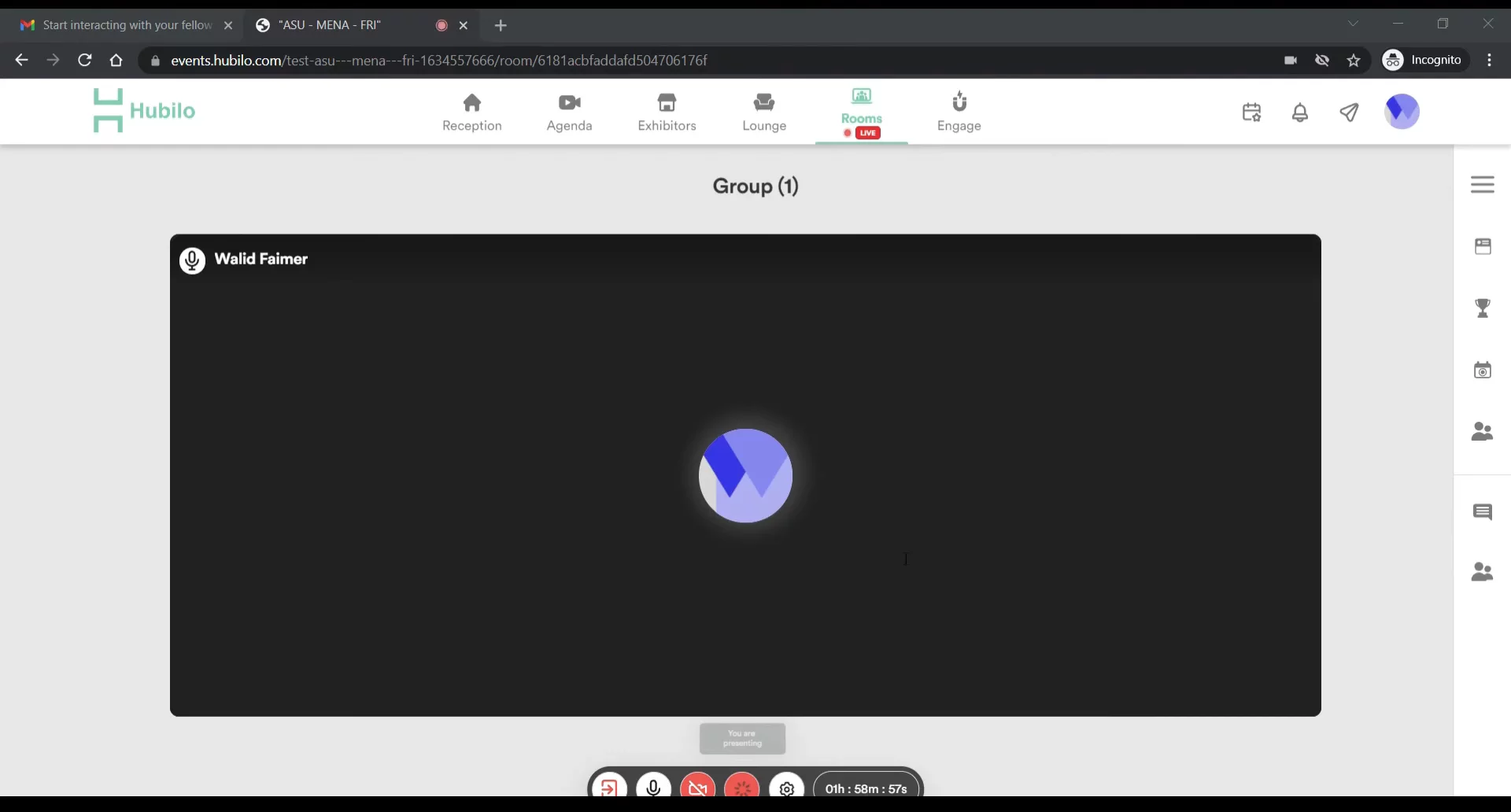
Hubilo
Hubilo is an all-in-one virtual and hybrid event management platform for creating engaging experiences.Learn more about HubiloMore Demos (1)
Interactive Demos (0)
Useful Links & Resources
Related companies

InGo
Turn your existing audience into your top acquisition channel.

HeySummit
They help make big online meetings easy and fun.

PheedLoop
They help make big meetings and events easier to plan.