
Demo Summary
In this video, you’ll see GTM Hub, a tool for setting and tracking OKRs, or goals with clear results. Cost Becker Company shows how to make time-based sessions for yearly and quarterly goals, add sample OKRs from the Marketplace, and connect sub-goals. You’ll watch them pick key results, add tasks, and check a design score tip. Then see how to update progress on the Home page, view goal maps, run reports, and share lists. It solves messy goal tracking by making OKRs clear, aligned, and easy to update.
AI-Detected Features
Introduction to SessionsLearn how GTM Hub uses sessions to organize OKRs into time-bound periods. Configure update frequency and permissions for roles, teams, or individuals.
00:00
Installing and Aligning OKR TemplatesFind inspiration in the Marketplace by installing an example OKR. Create and assign a child objective, align it to your top-level OKR, and use custom fields like Stretch vs. Committed.
01:01
Configuring Key ResultsChoose how to calculate objective progress and add your first key results. Set types, target and initial values to track metrics like opt-in rates and attendance.
02:01
Enhancing OKR Design and Adding TasksCheck your OKR design score for best practices. Add tasks linked to key results, assign owners, set due dates, add tags, and mention teammates for context.
03:09
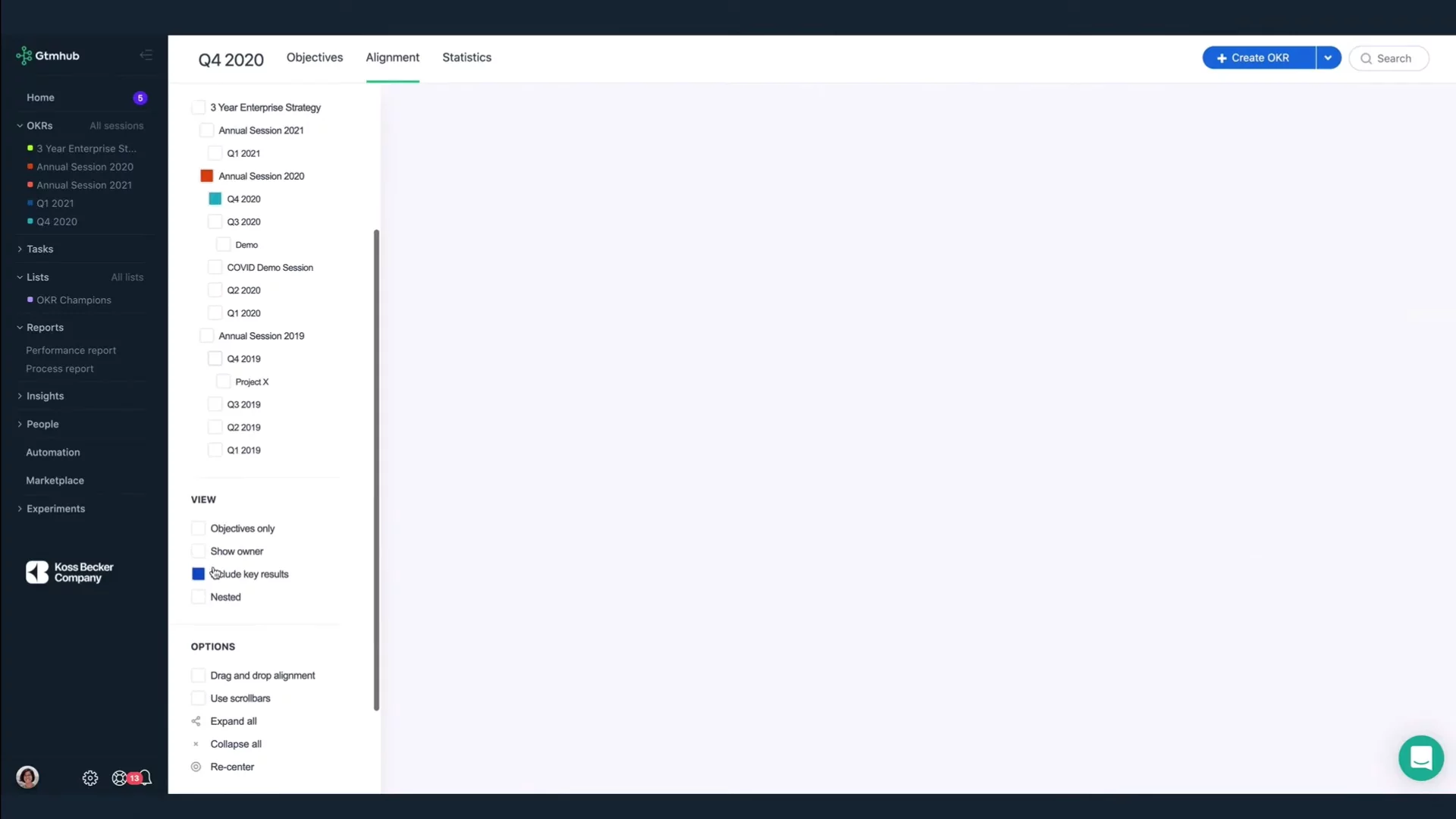
Reviewing and Realigning ObjectivesUse the alignment view to see everyone's OKRs globally and locally. Expand objectives, respect privacy settings, and realign objectives with drag-and-drop.
04:17
Home Dashboard & Updating ProgressSee your to-dos, key results, and overall progress on the Home screen. Update a hiring key result, add comments, tag colleagues, and adjust confidence levels.
05:15
Analyzing Performance ReportOpen the performance report to view average session progress, breakdowns by user and team, and tag-based metrics to gauge how close you are to quarterly goals.
06:35
Using Process Report & AutomationReview the process report to spot gaps in update frequency. Plan to automate key result updates or add KPIs to keep data current and add context during check-ins.
07:19
Creating and Managing ListsBuild lightweight reports using lists filtered by objectives, key results, tasks, people, or teams. Set access permissions and pin important lists to your navigation for transparency.
08:03
Get Started with GTM HubExperience GTM Hub firsthand with a free trial. Sign up at gtmhub.com to explore sessions, OKRs, reporting, and more.
09:33

Gtmhub
Gtmhub is an intuitive and powerful goal management platform that uses Objectives and Key Results (OKRs) to align and drive business success.Learn more about GtmhubMore Demos (1)
Interactive Demos (0)
Useful Links & Resources
Related companies