
Demo Summary
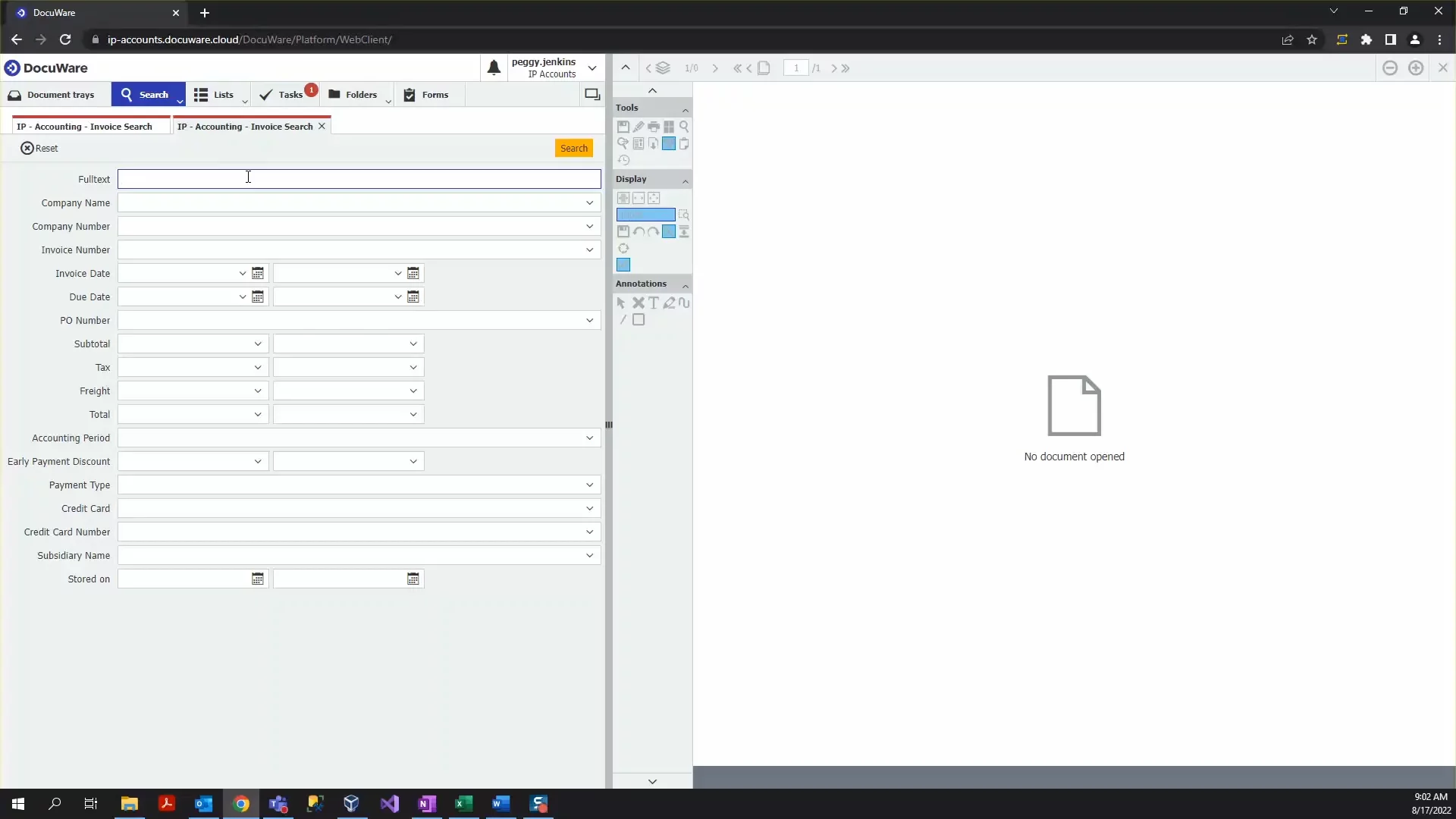
In this video, DocuWare educator Aracelis shows the DocuWare web client. You learn how to import, scan or save email documents into your Document Tray. You see how to store files in cabinets with one-click indexing. You also learn search methods: search boxes, full text, or folders. You explore annotation tools to mark, stamp, or send docs. You see how to install desktop apps and customize your profile and toolbar. DocuWare makes it easy to work with, find, and share business documents online, without paper.
AI-Detected Features
Introduction to DocuWareMeet your instructor and learn the goal of this tutorial: to cover the main features of DocuWare so you can get started easily.
00:07
Accessing the Web ClientSee how DocuWare’s browser-based interface works—no local software needed—and how to log in from anywhere using your custom URL.
00:18
Login and Interface OverviewExplore the clean, intuitive layout after logging in, including the six main functions available to your user role.
00:36
Using the Document Tray and ViewerLearn about the Document Tray as your digital workspace and how to view, scroll, and zoom documents right in the browser.
00:53
Importing, Scanning, and Email CaptureDiscover three ways to add documents to your tray: importing from your file system, scanning paper documents, and storing emails from Outlook.
01:19
Installing Desktop AppsUnderstand why DocuWare desktop apps are required for full functionality and how to install them from the main menu.
01:58
Enhancing Tray with Views and SortingCustomize how documents appear in the tray with thumbnail or table views and sort options to prepare them for storage.
02:30
Storing Documents to File CabinetsSee how to bulk-store or individually move documents from your tray into the appropriate file cabinet.
02:57
Indexing and Metadata ValidationUse the indexing dialog, pick lists, and one-click indexing to verify and capture key metadata like company name and invoice number.
03:45
Storage ConfirmationGet feedback when a document is stored successfully and see how it disappears from the tray once moved to the file cabinet.
04:46

DocuWare
DocuWare is a leading provider of document management software and workflow automation solutions that simplify work in a world of complex information.Learn more about DocuWareMore Demos (1)
Interactive Demos (0)
Useful Links & Resources
Related companies