DocuSign

Demo Summary

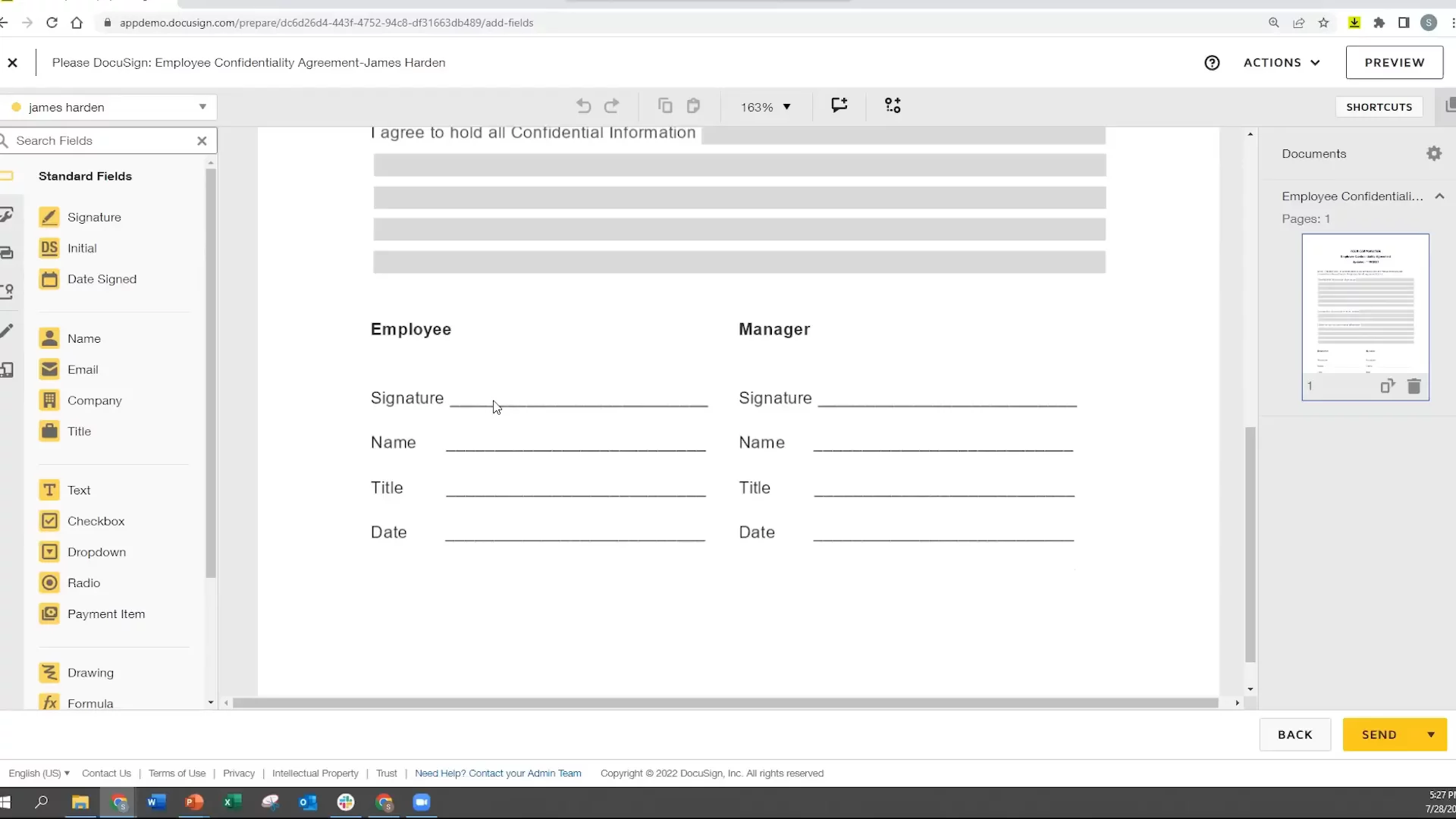
In this video, you will see DocuSign E Signature in action. You will learn how to send and sign documents online. First, you put your file into an envelope. Then you add people who need to sign and drag boxes for name, signature, and date. You can set who signs first, send a copy to others like HR, set reminders, and leave comments. The demo shows a new employee and their manager signing a confidentiality form. You’ll also see the Manage page to track, move, and save envelopes. This makes signing fast and easy.

AI-Detected Features

Introduction to DocuSign E SignatureSteven Whitaker welcomes viewers and introduces the session on getting started with DocuSign eSignature.
00:01
Key TerminologyDefines basic terms—envelopes as containers, documents uploaded inside envelopes, recipients who receive envelopes, and fields placed on documents.
00:16
High-Level Sending WorkflowOutlines the steps to send an envelope: start a new envelope, add documents, add recipients and actions, adjust options, place fields, and click Send.
00:30
Envelope Analogy and CompletionCompares a DocuSign envelope to a physical office envelope, explains automatic email routing, and describes final PDF distribution after signing.
00:50
Key Features OverviewIntroduces important features: setting signing order, using carbon copy, automated reminders, and in-document comments to streamline workflows.
01:17
Recipient Signing ProcessShows how recipients receive email or SMS links, review documents, and complete signatures without needing a DocuSign account on any device.
05:10
DocuSign Mobile AppHighlights the free mobile app for sending envelopes, using templates, managing documents, hosting in-person signing, and offline access.
05:57
Manage Page IntroductionDescribes the Manage page where you can access, search, filter, and act on your envelopes from the left panel and actions menu.
06:56
Scenario SetupPresents the demo scenario: new employees sign a confidentiality agreement, routed to manager, then HR for records.
07:18
Home Page TourWalks through the homepage: navigation tabs for Home, Manage, Templates, Reports, Settings, Profile, Help, and the Start button.
07:49
DocuSign logo

DocuSign

DocuSign is the world's leading e-signature and intelligent agreement management platform, streamlining document workflows for businesses of all sizes.Learn more about DocuSign

More Demos (1)

Interactive Demos (0)

Useful Links & Resources

Related companies

Oneflow AB logo

Oneflow AB

Streamlines digital contract management with automated workflows, secure e-signatures, and seamless integrations.

RPost logo

RPost

Secure e-signature and email platform for compliant digital transactions and communications.

Dotloop logo

Dotloop

All-in-one real estate transaction management platform for agents, brokers and teams.