
Demo Summary
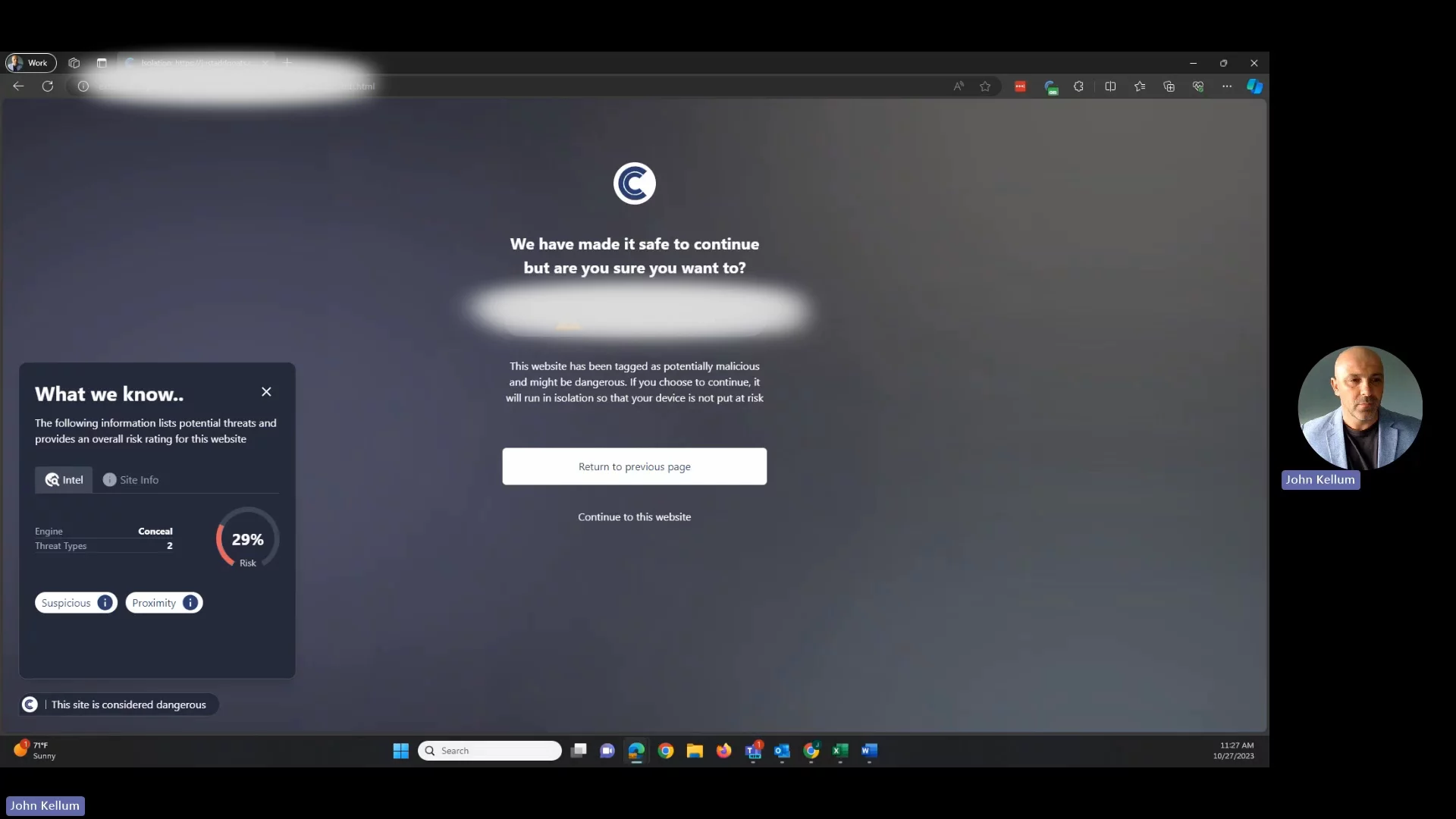
In this video, John Kellum shows Conceal Browse, a small browser add-on for Chrome, Edge and Firefox. Watch how it scans websites in 0.2 seconds, uses green, yellow or red lights to show safety, and blocks dangerous sites. When a site is unknown, it opens in a safe, isolated window so you can browse but not enter passwords if it seems risky. It has a smart system that learns from each page and gets better at finding threats. You’ll see how it keeps you safe online.
AI-Detected Features
Opening and IntroductionJohn Kellum, Director of Solutions Engineering at Conceal, welcomes viewers and introduces the topic.
00:00
What Is Conceal Browse?Overview of the Conceal Browse browser extension and its availability on Chrome, Edge, Firefox, and Chromium-based privacy browsers.
00:11
Stoplight Risk ModelExplains the 200 ms scan and the green, red, and yellow risk categories used to decide if a site is safe, blocked, or unknown.
00:24
Protecting Unknown SitesDetails how Conceal handles unknown (yellow) sites by opening them in a protected environment and showing a risk score.
01:14
Isolation Mode and Safe BrowsingShows how a websocket connection creates a virtual view of the site, letting users interact safely without blocking their normal activities.
01:28
Blocking Credential HarvestersDescribes how Conceal prevents users from entering credentials on pages that try to harvest their login information.
02:12
AI-Driven Threat DetectionCovers how Conceal’s AI learns from events and page patterns over time to improve accuracy in identifying malicious content.
02:20

More Demos (1)
Interactive Demos (0)
Useful Links & Resources
Related companies