
Demo Summary
In this video, you will see how ClickUp brings all your work—tasks, docs, whiteboards, and wikis—into one app so you save time. Holly shows you how to: • Use 17 views like List and Kanban to see and sort your tasks • Create tasks with due dates, assignees, and comments • Collaborate in Docs and Whiteboards with real-time comments and AI help • Build Dashboards to track team progress and goals • Run Standup to check each person’s work ClickUp helps teams stay organized, work together, and be more productive.
AI-Detected Features
Introduction to ClickUpMeet ClickUp: an all-in-one platform that brings docs, tasks, projects, whiteboards, wikis, and more together—saving you about one day every week.
00:03
Overview & Visualizing WorkDiscover how to track, prioritize, and execute your work in one place using Views—customizable ways to see tasks and projects the way you want.
00:26
List View BasicsUse List View to highlight to-dos, assignees, due dates, and priorities. Enhance it further by adding fields, filtering items, and grouping tasks for clarity.
00:56
Kanban View OverviewOrganize your workflow on a Kanban board. Drag and drop tasks like sticky notes to move work through stages with ease.
01:22
Task Management EssentialsDeep dive into tasks: create different types (tasks, epics, goals), update status, assignees, due dates, add descriptions, and collaborate with comments and AI-powered action items.
01:38
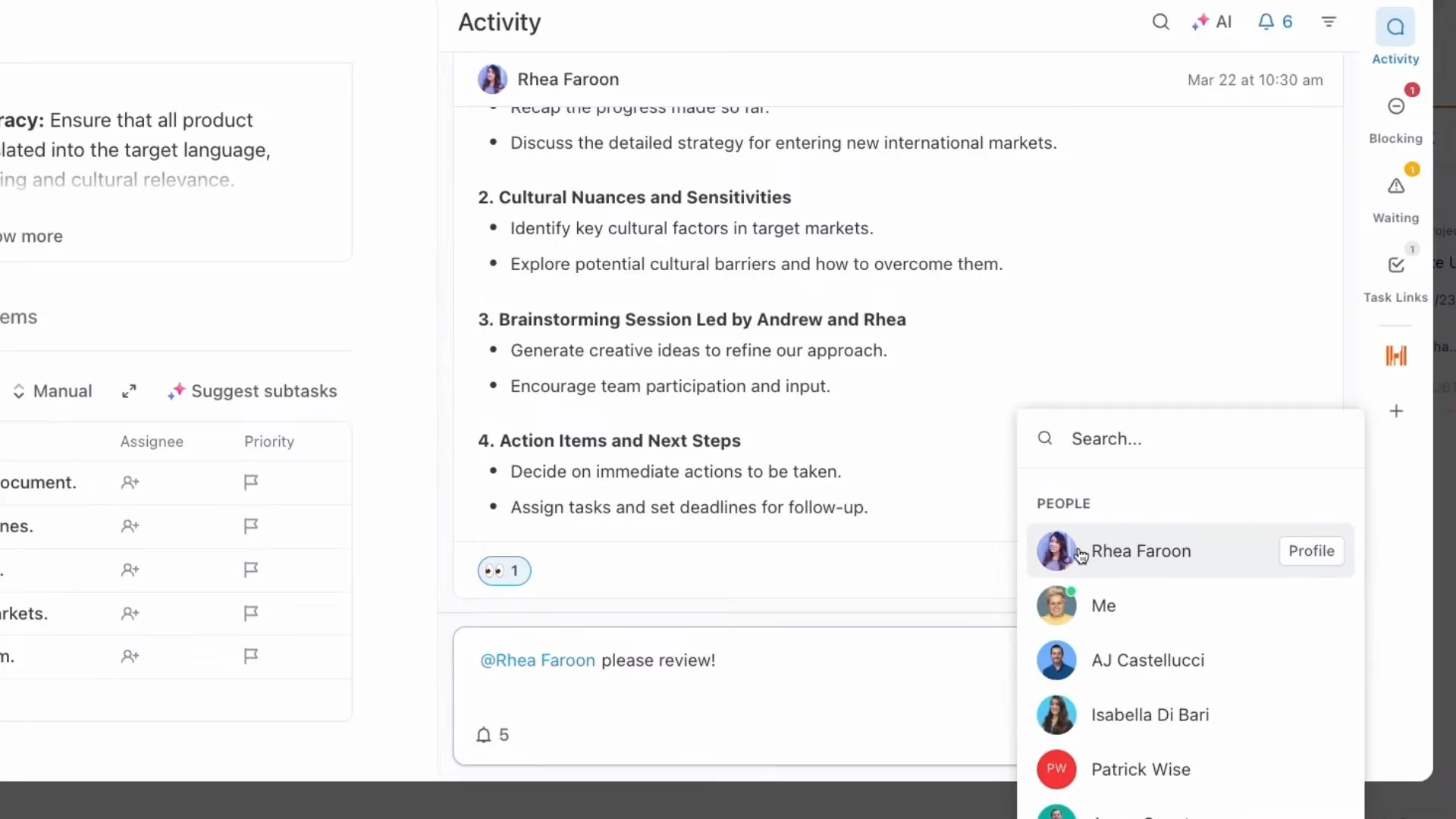
Collaborating in ClickUp DocsCreate, share, and organize documentation. Comment anywhere in a doc, assign action items, and use AI to summarize or expand on your content.
02:30
Brainstorming with WhiteboardsMap out ideas, processes, and brainstorm in real time using ClickUp Whiteboards—perfect for collaborative planning and visual thinking.
03:07
Monitoring with DashboardsBuild customizable Dashboards to get real-time overviews of goals, projects, and requests. Drill into charts for detailed, data-driven insights.
03:29
Quick Updates with StandupUse Standup to see what each team member has been working on or review a whole team's tasks at a glance.
04:07
Conclusion & Next StepsRecap: ClickUp provides a seamless way to visualize, manage, and collaborate on work—helping your team prioritize, communicate, and save time every week.
04:20

ClickUp
ClickUp is the everything app for work, helping teams plan, track, collaborate, and achieve project goals.Learn more about ClickUpMore Demos (1)
Interactive Demos (0)
Useful Links & Resources
Related companies