
Demo Summary
In this video, you will learn to use Auth0, a service that makes adding login and signup to your project simple. You see how to set up Auth0 in your IDE and connect it to an app and API. Helena shows how to use rules, hooks, and actions to change user flows. You also learn to build a custom login page and use the Auth0 management API. This tutorial works for many coding languages once you know HTML, CSS, and JavaScript.
AI-Detected Features
Introduction to the Auth0 TutorialHost Helena Li welcomes you and explains that this beginner’s tutorial will teach you how to use Auth0 in your project.
00:00
What Is Auth0?An overview of Auth0 as a third-party authentication and authorization platform that simplifies building login and signup pages.
00:15
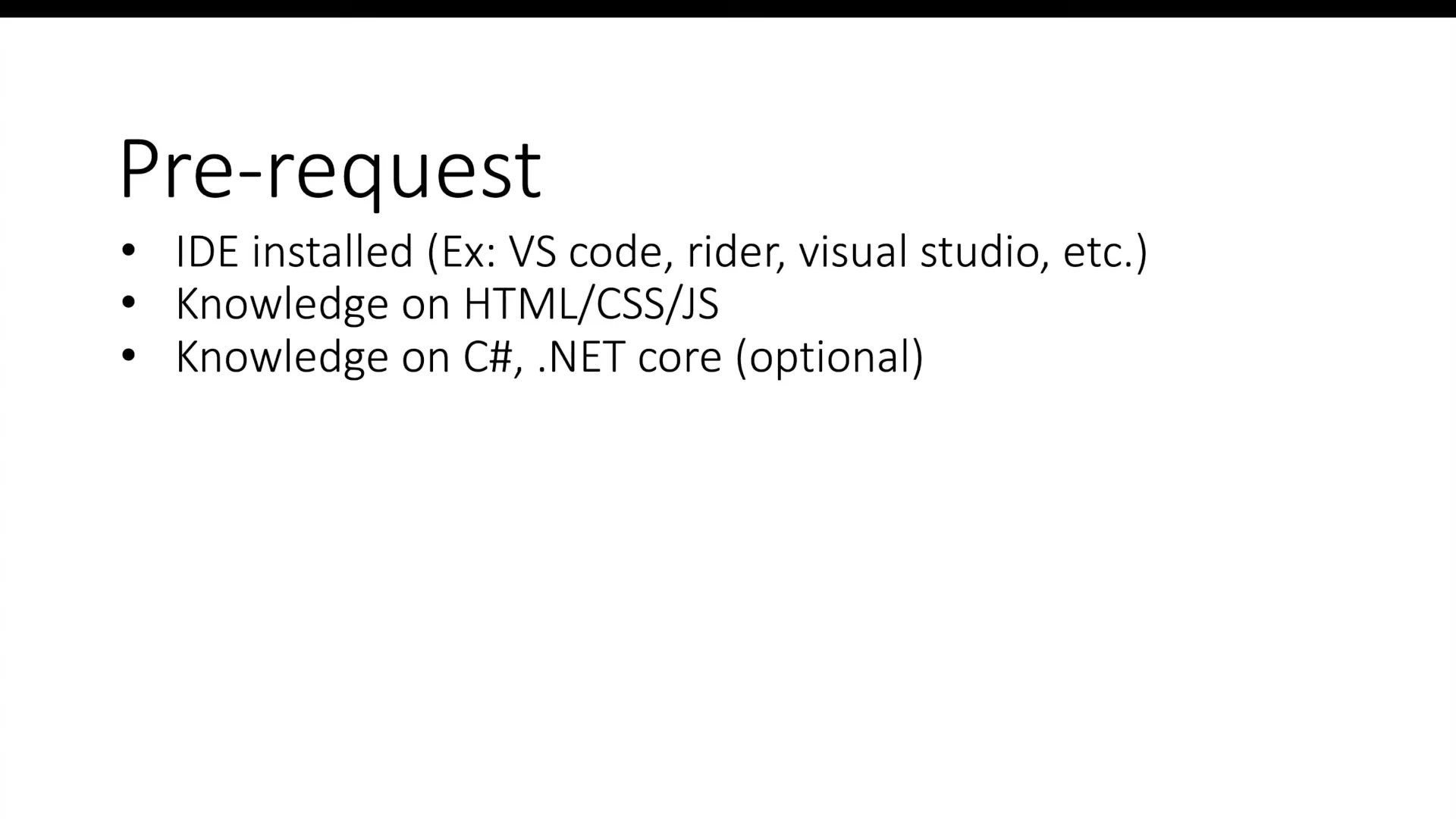
PrerequisitesYou’ll need an IDE (e.g., VS Code, Rider, Visual Studio) and basic web development knowledge (HTML, CSS, JavaScript). Familiarity with C# and .NET Core is helpful but not required.
00:25
Tutorial OverviewA roadmap of the upcoming lessons: Auth0 introduction, building an application and API, using rules, hooks, actions, creating custom UI, and working with the management API.
00:52
Registering and Dashboard IntroductionNext, you’ll learn how to sign up for Auth0, create a tenant, and get familiar with the Auth0 dashboard.
01:42

Auth0
Auth0 is a flexible, drop-in solution to add authentication and authorization services to your applications.Learn more about Auth0More Demos (1)
Interactive Demos (0)
Useful Links & Resources
Related companies