
Demo Summary
In this video, you learn how the Coro HR system works. First, Megan shows how to post a job, view applicants, and send offer letters in the job tracker. Then she walks through new hire setup, where new hires fill out I-9 and W-4 forms, set up bank deposit, and sign papers on a tablet. Next, Angela shows the Training and Performance modules. You see a course list, online lessons, and review forms. Finally, you see Core HR tools for benefits, time off, and employee records. This system replaces many HR tools with one easy platform.
AI-Detected Features
Welcome and AgendaSam welcomes attendees to the Coro HR Hour, outlines today’s agenda covering ATS, onboarding, learning management, performance, and core HR, and introduces presenters Angela and Megan.
00:00
Applicant Tracking System OverviewMegan introduces the ATS dashboard, shows how hiring managers see role-specific data, explains the jobs page for creating and posting jobs, and describes the candidate pool and reporting tools.
01:04
Requisition Approval ProcessStep through creating and posting a job requisition: choosing language, adding codes and descriptions, selecting locations, configuring approval workflows and batch sizes, and distributing the posting to job boards and referral networks.
03:06
Configuring Offer LettersLearn how to set up email and offer letter templates, attach documents, configure fields like salary and start date, define response notifications and approval workflows, and enable candidates to sign digitally.
06:18
Onboarding Methods and Kiosk ModeOverview of two onboarding options—kiosk mode for on-site completion and email-based delivery for office hires—and demonstration of kiosk mode for new hires on a tablet or laptop.
08:00
New Hire Paperwork OverviewGuide new hires through entering personal and contact details, emergency contacts, additional configurable fields, and voluntary surveys, with data auto-populating across forms.
09:08
Government Forms and Employee Sign-offShow completion of I-9, federal and state W-4 forms, direct deposit setup, tax credit options, company policy acknowledgements, language selection, and final employee signature to submit paperwork.
10:27
Admin Onboarding and Electronic FilingDemonstrate the administrator view: manager action items, tracking incomplete new hires, reviewing hire progress, completing I-9 verification, signing off, accessing the secure electronic filing cabinet, uploading and exporting documents.
12:39
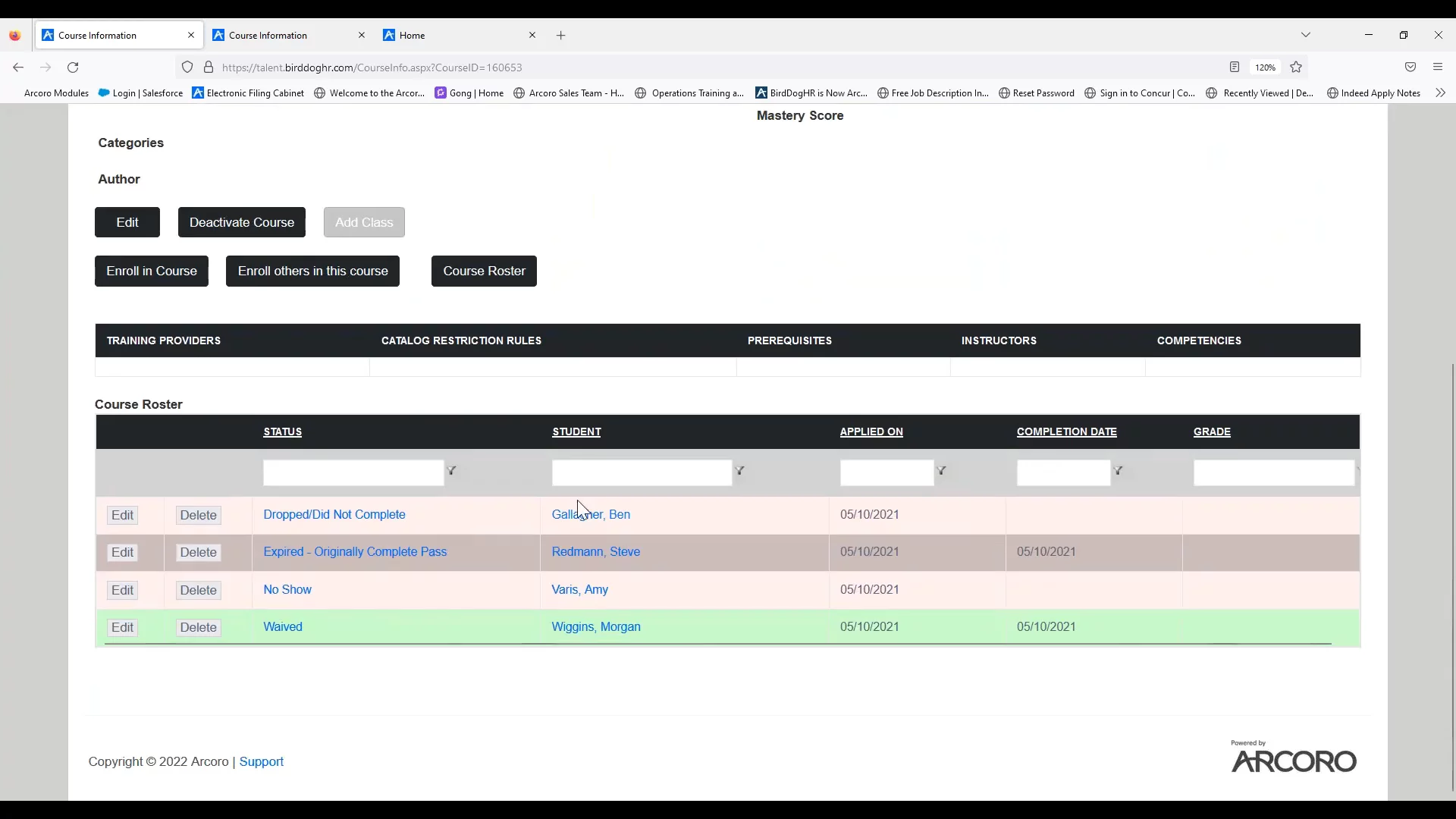
LMS Course Catalog and Learning PlansAngela reviews the learning management system: course catalog, training types, course categories, instructor-led rosters, employee home tab assignments, and bundling courses into learning plans for easy assignment.
15:30
Knowledge Base and Certification TrackingShow how to upload documents to the knowledge base and link them to courses, configure signature settings, view employee training transcripts, and add and approve external certifications.
18:06
Arcoro
Arcoro is a comprehensive cloud-based HR and workforce management platform designed specifically for construction, contracting, and field service industries.Learn more about ArcoroMore Demos (1)
Interactive Demos (0)
Useful Links & Resources
Related companies