
Demo Summary
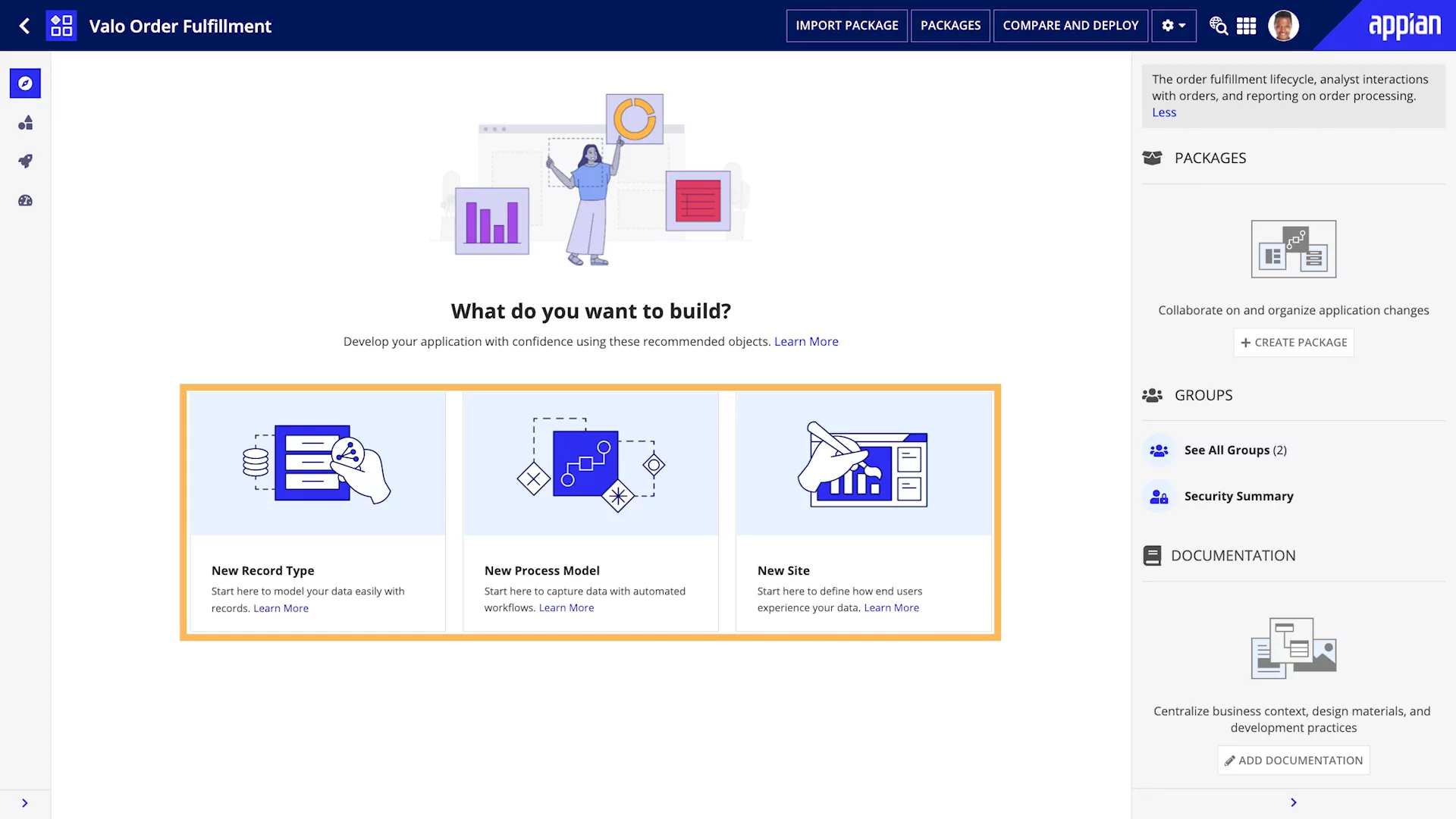
In this video, you’ll see the Appian Designer Explorer View. This view shows every part of your app in one place. The left side lists sites, record types, process models, and system connections. The right side shows packages, user groups, and documentation. You’ll also learn how to start a new app by choosing a record type to model data, a process model to build workflows, or a site to design user pages. This tool keeps your work organized and helps you build apps faster.
AI-Detected Features
Introduction to the Explorer ViewOverview of the Appian Designer Explorer View and its dynamic nature for viewing core design objects in your application.
00:03
Navigating the Application Structure PaneDeep dive into the Structure pane showing application sites, record types, process models, systems, and Web APIs with icons and navigation tools.
00:29
Using the Application Information PaneManaging packages, user groups, security summaries, and documentation to organize, secure, and share application context.
01:52
Explorer View for New ApplicationsHow the Explorer View suggests starting points—record types, process models, or sites—when you first create an application.
02:31
Starting with Record TypesStep-by-step on configuring data sources, building record lists and views, and adding actions to make records interactive.
03:09
Starting with Process ModelsGuidance on creating executable workflow diagrams, integrating interfaces, rules, data manipulation, and system integrations.
04:00
Starting with SitesInstructions for creating custom sites, adding pages with interfaces, tasks, dashboards, and setting site branding.
04:36
Next Steps and ResourcesEncouragement to choose a design object and build your first app with further learning at Appian Academy Online.
05:05

Appian
Appian is a leading enterprise automation platform that empowers organizations to design, automate, and optimize end-to-end business processes.Learn more about AppianMore Demos (1)
Interactive Demos (0)
Useful Links & Resources
Related companies