
Demo Summary
In this video, you’ll meet Mark, who has to create a lot of new passwords for his new job. You will see how 1Password helps him pick strong passwords and fill them in on all his devices automatically. The video shows you how to save not only logins but also payment cards, addresses, software keys, bank info, and private notes. You will learn how to share items safely with teammates and get alerts if something is at risk. It also shows how your team can add a free family plan so everyone at home can use it. 1Password fixes password stress, keeping your accounts safe and saving you time.
AI-Detected Features
Meet Mark and His Password HeadacheMark just started a new job and needs to set up many accounts, which means creating and remembering lots of passwords.
00:00
The Problem with Common PasswordsLike many of us, Mark relies on simple passwords like pet names and birthdays—but eventually you run out of memorable options.
00:16
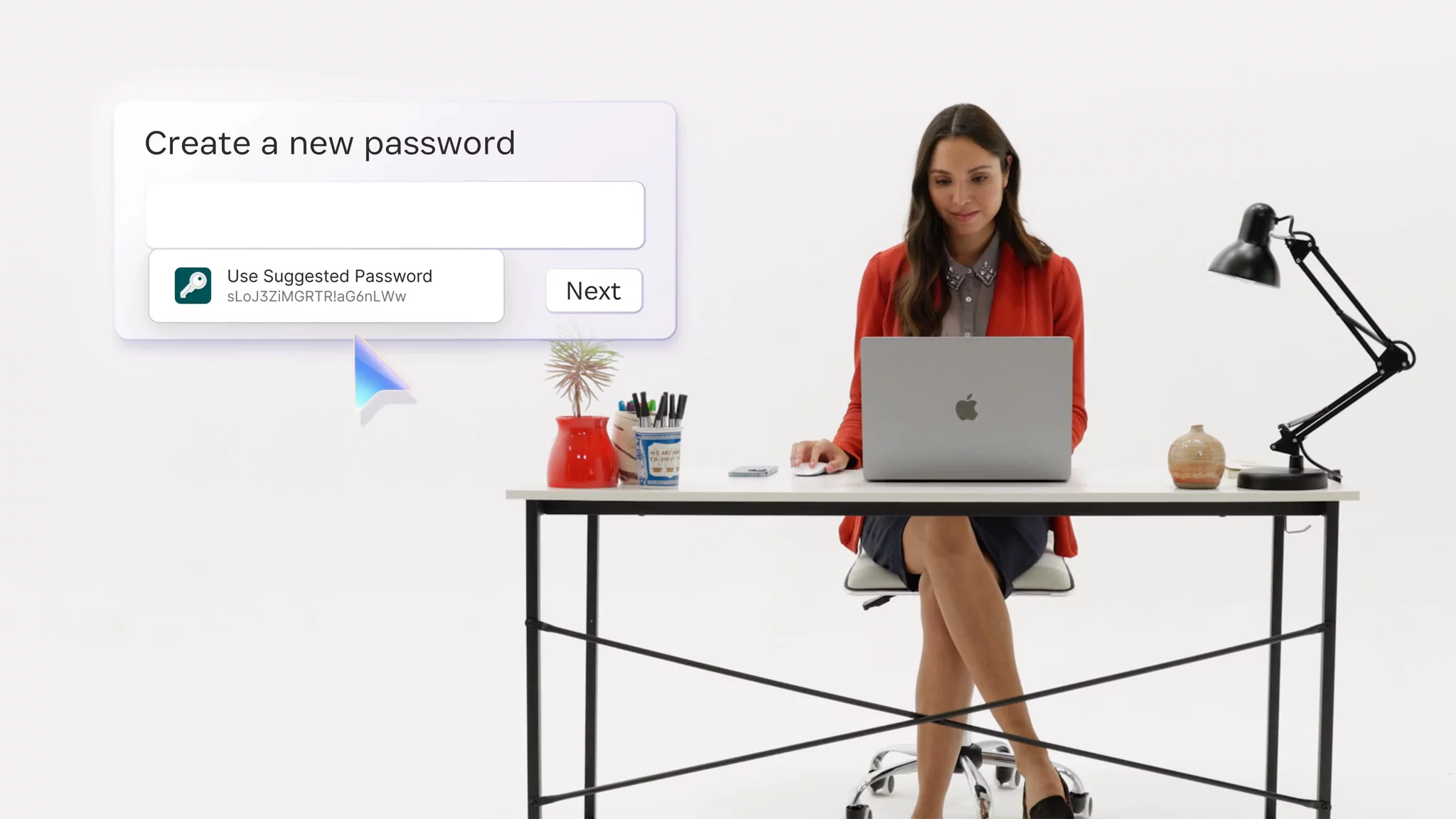
Discover 1Password for Strong, Autofilled Logins1Password generates strong, unique passwords and saves your credentials so it can fill usernames and passwords automatically on all your devices.
00:41
Securely Store and Share MoreBeyond logins, 1Password can autofill payment cards, addresses, IDs, software licenses, bank account details, private notes—and securely share any of these with others.
01:02
Stay Safe with Security Alerts1Password monitors for security issues affecting your accounts and sends alerts so you can take action and keep your data protected.
01:20
Extend Security to Your FamilyOnce your business account is set up, you can activate a free 1Password Families account to bring the same convenience and peace of mind to your home.
01:27

More Demos (1)
Interactive Demos (0)
Useful Links & Resources
Related companies