
Demo Summary
In this video, you will learn how to use Dimmo’s hotkeys to send a contact to Salesforce and add them to a Roadshow cadence in one step. First, you set up a custom field tag called Roadshow Invite. Then you press Alt+C and Dimmo exports the contact, fills the tag, and puts them into your Roadshow cadence. You can do this for one or many contacts at once. This saves time and makes your work easier.
AI-Detected Features
Overview of Hotkeys Export WorkflowIntroduction to exporting prospects into Salesforce, adding them to a cadence, and tagging the record with a custom field in one action.
00:01
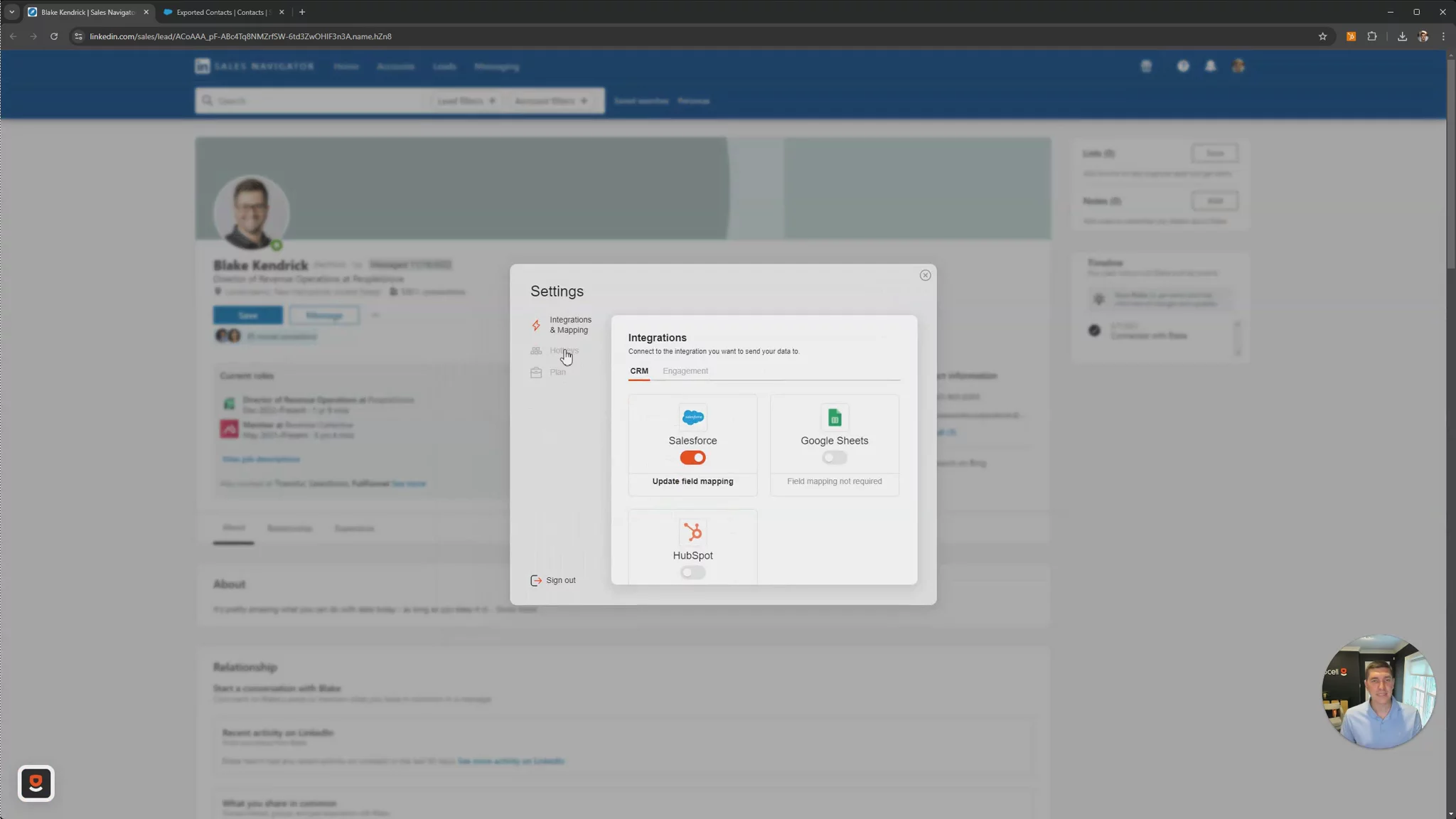
Configuring Your HotkeySet up your hotkey in settings: create and map a custom 'Tag' field named 'Roadshow Invite', link it to your Roadshow cadence, then save the configuration.
00:20
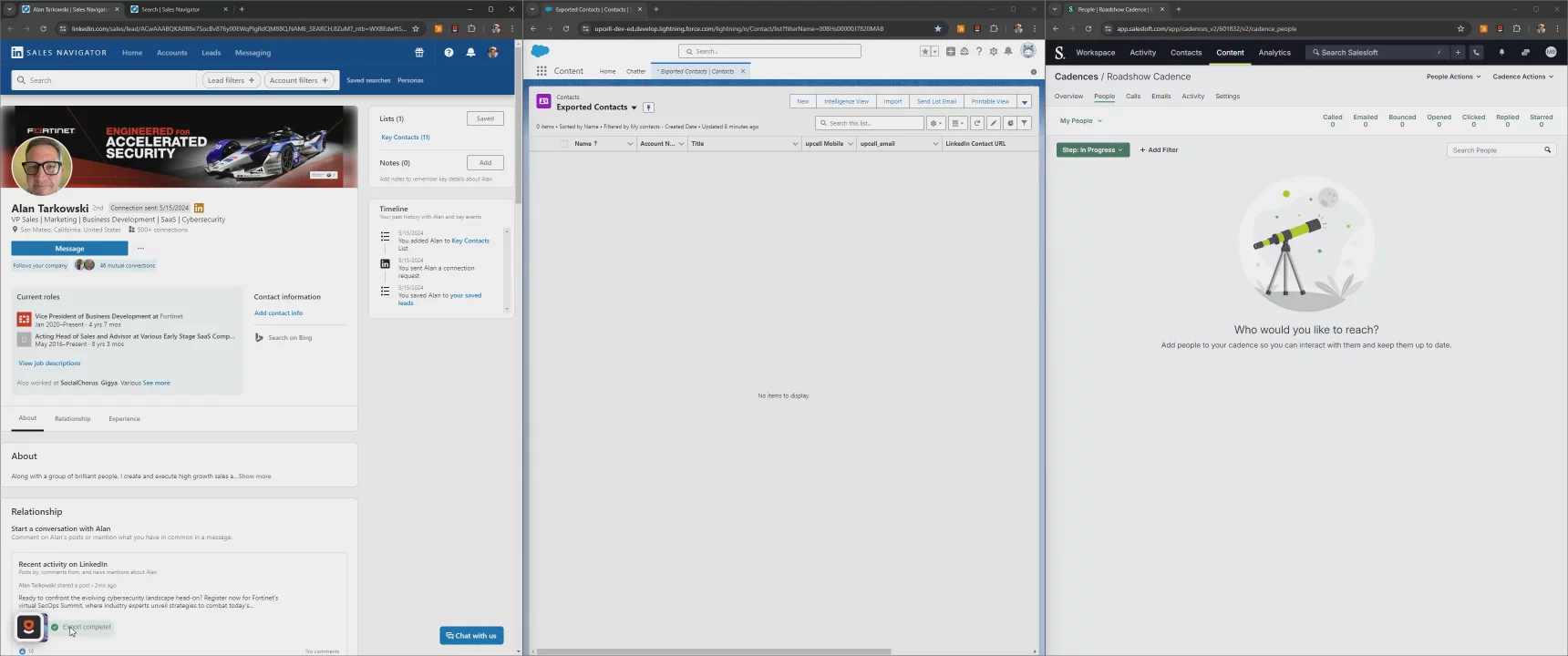
Exporting a Single ProspectUse the configured hotkey (Alt C) to export one contact. Verify the export confirmation, check Salesforce to see the prospect created with the Roadshow Invite tag and added to the cadence.
01:13
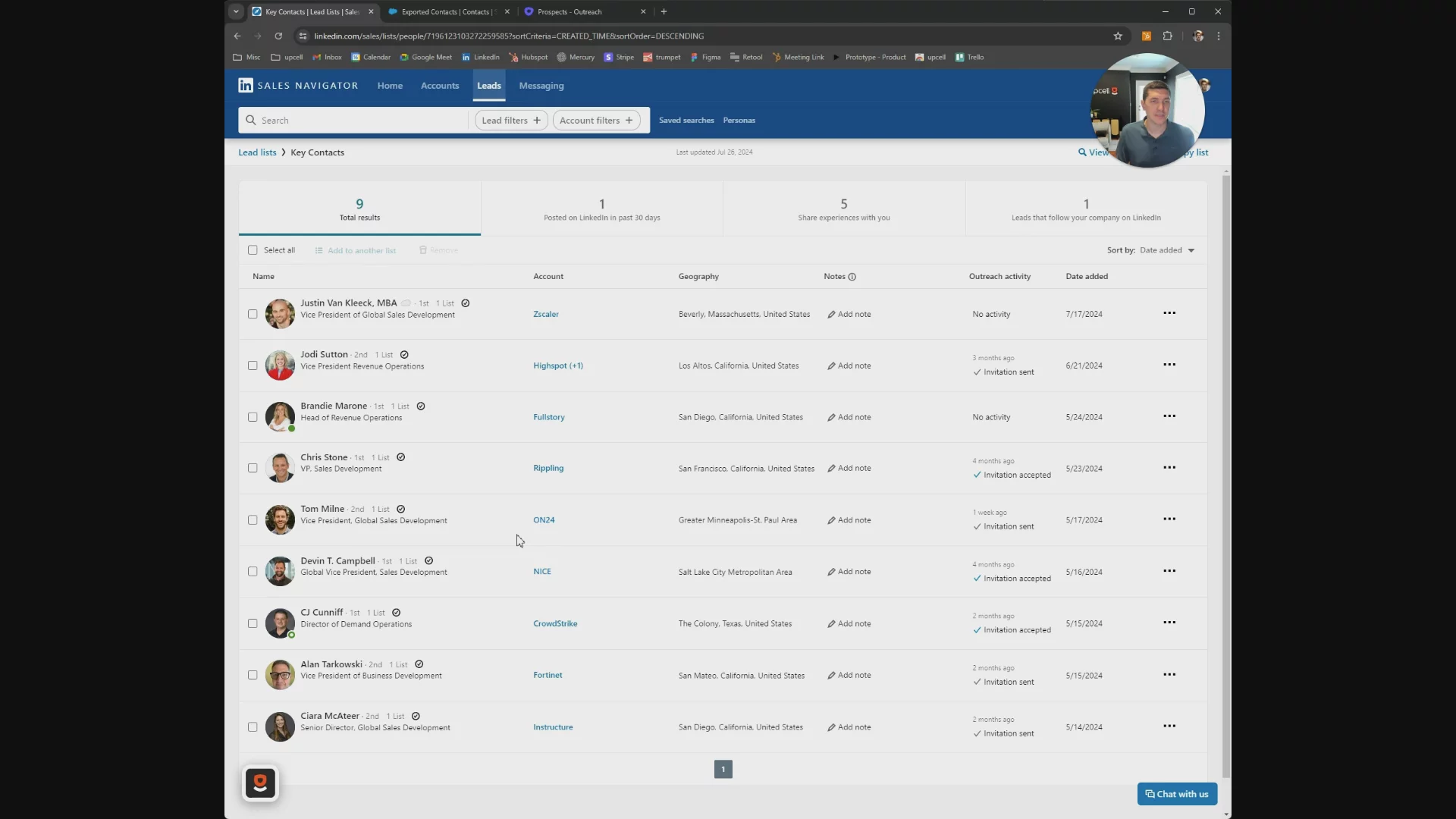
Bulk Exporting Multiple ProspectsSelect several records (e.g. in LinkedIn Sales Navigator), press the hotkey to export in bulk, then refresh Salesforce to confirm all prospects are created, tagged, and lofted into the cadence.
01:53

More Demos (6)
Interactive Demos (0)
Useful Links & Resources
Related companies

Salesfinity
A parallel dialer to increase cold call connect rates.

GodmodeHQ
AI for modern sales teams - sell the way you buy.

CallBlitz
A virtual salesfloor to enable efficient cold calling.