Tango.ai - Workflows Made Effortless

Demo Summary

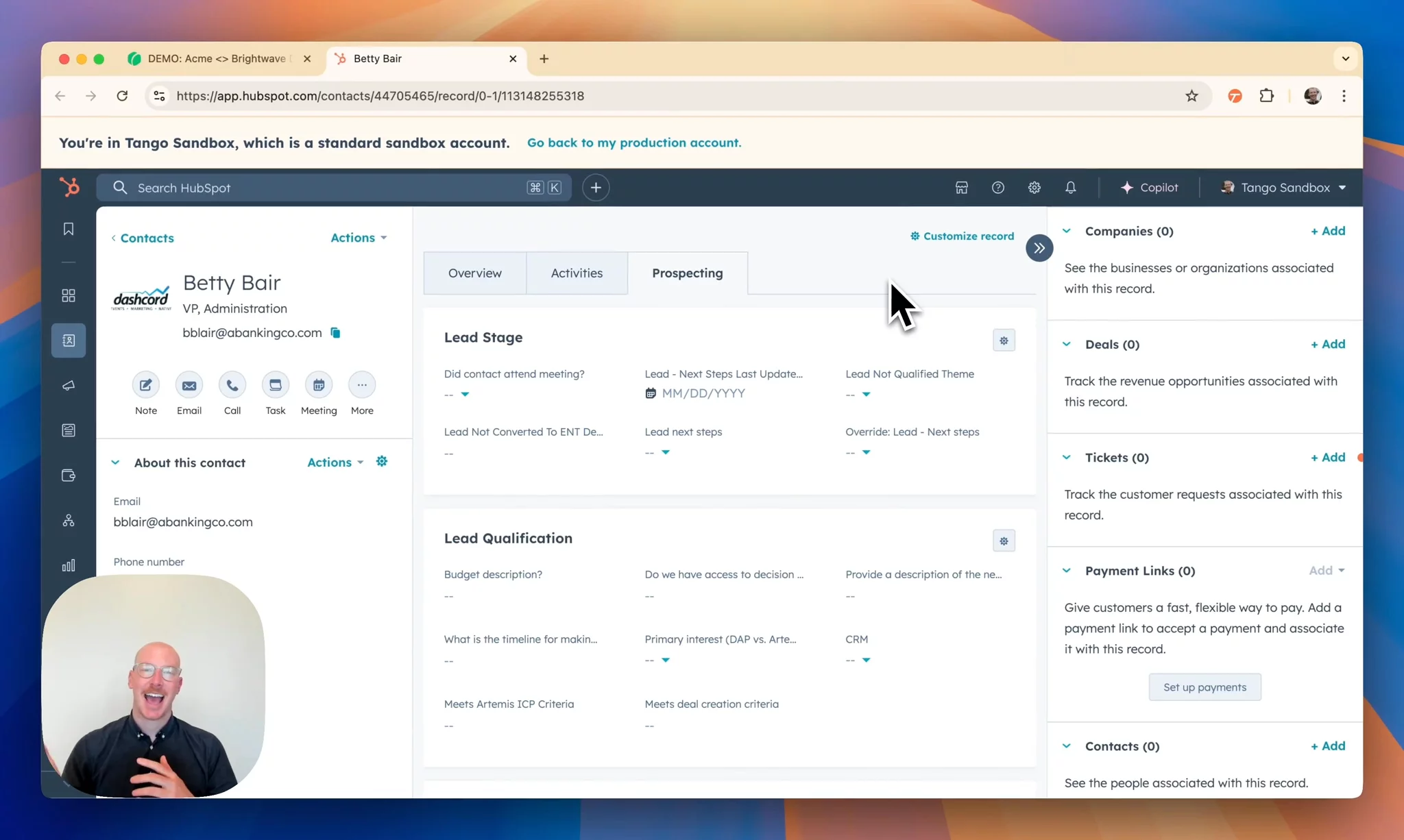
In this video, you’ll see Tango’s AI-powered CRM admin extension for HubSpot. First, a sales rep runs an automation on a contact page. Tango reads a call transcript, grabs the deal name, budget and timing, and fills out the CRM form so reps don’t waste time typing. Next, you’ll watch an operations person build this automation step by step. You’ll learn how to capture page data, set up manual review steps, and add a rule so reps explain deals without budgets. Tango cuts out busy work so your team can focus on selling.

AI-Detected Features

Introduction to AI-Powered CRM AdminColin from Tango introduces a quick demo of their AI-powered CRM admin, aimed at streamlining sales workflows.
00:01
Sales Rep Challenges & SolutionColin explains that sales reps love selling but hate updating CRM data, and shows how Tango automation can handle CRM updates for them.
00:16
Running the Deal Creation AutomationHe opens the Tango extension, selects the "Create a Deal" workflow, and runs the automation to extract call details and deal information from the screen transcript.
00:33
Human Review & Qualification NotesTango inputs extracted data into HubSpot, highlights required fields, and prompts the rep to add qualification notes to meet validation rules before creating the deal.
01:35
Controlling Automated vs Manual StepsColin shows how to designate which parts of the workflow remain manual—like final approval clicks—while automating data entry, then transitions to the RevOps perspective.
03:06
Building Automation: Capturing & Extracting DataIn the RevOps view, he starts a new AI automation capture, navigates to the call transcript, and defines prompts to extract deal name, contact name, use case, and budget data.
03:51
Building Automation: Mapping & Creating Workflow StepsHe saves the extracted values, adds a step to input the deal name and budget into HubSpot using placeholders, and tests the automation sequence.
04:45
Fine-tuning Automation: Manual Steps & RulesHe marks the final "Create" click and qualification notes field as manual, sets a rule requiring budget context when creating unqualified deals, and validates the rule with test inputs.
05:43
Conclusion & Next StepsColin wraps up the demo, highlights that the automation is ready, and invites viewers to contact Tango’s enterprise team for more information.
07:31
Tango logo

Tango

Meet Tango, your personal CRM Agent. Tango.ai is a browser agent designed to automate messy, nuanced processes and CRM tasks across browser applications, eliminating 90% of sales busywork.Learn more about Tango

Interactive Demos (0)

Useful Links & Resources

Related companies

Swyft logo

Swyft

Orchestrate and automate any revenue process with AI

Pipedream logo

Pipedream

Builds workflows by connecting APIs, apps, and services for automation and integration.

LeanData logo

LeanData

Leader in modern revenue orchestration.