
Demo Summary
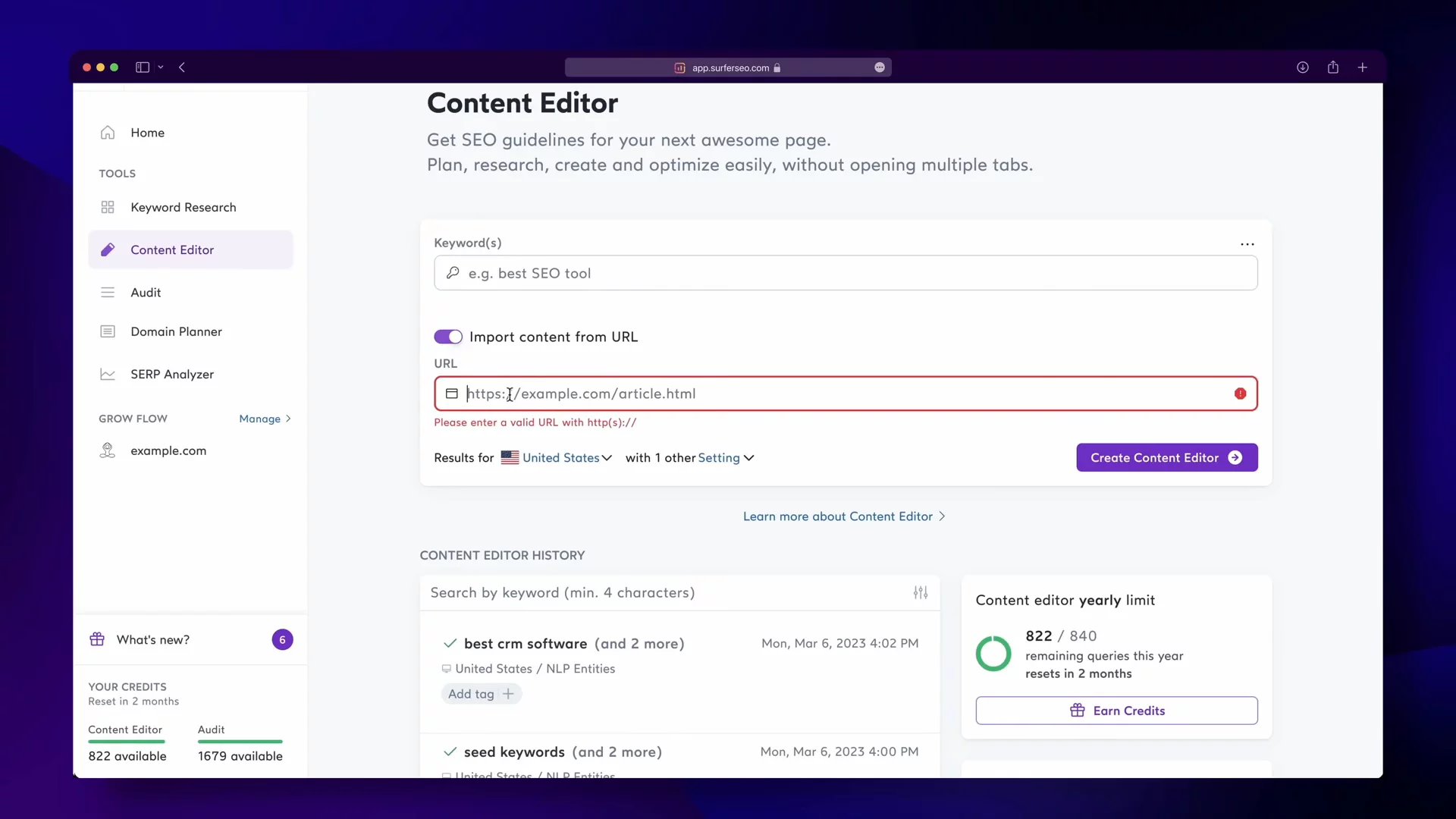
In this video, you will learn how Surfer makes SEO content easy. First, you use Keyword Research to find groups of related words for new articles. Next, you open the Content Editor to get tips on word count, headings, and images in real time. You can build outlines, share work, and connect to Google Docs or WordPress. Finally, Surfer’s Content Score and auto suggestions help you make your article rank better. Surfer solves the guesswork in SEO writing.
AI-Detected Features
Overview of the 3-Step SEO WorkflowIntroduces Surfer’s simple, profitable, and scalable SEO process—plan, write, optimize—to elevate your content strategy.
00:04
Planning with Keyword ResearchLearn to use Surfer’s Keyword Research tool to generate topic clusters, sort by intent, volume, difficulty, and build topical authority.
00:17
Real-Time Writing FeedbackDiscover Surfer’s Content Editor features—NLP-based term suggestions, word count, headings, images, and more—backed by competitor data and Google SERP analysis.
00:44
Starting and Structuring Your ArticleSee how to create a new editor from topic clusters, URLs, or keywords, choose your target location, and use the Outline Builder to plan your headings.
01:25
Integrations and Editing ShortcutsExplore sharing options, integrations with Google Docs, WordPress, Jasper, one-touch slash commands, and term-optimization tracking for a smoother workflow.
01:54
Optimizing with Content ScoreUse Surfer’s Content Score and Auto Suggestions to follow personalized on-page SEO guidelines, add images, and fine-tune your content for top search performance.
02:37

Surfer SEO
Surfer SEO is an all-in-one SEO content optimization platform that helps create and optimize high-ranking content in 20 minutes.Learn more about Surfer SEOMore Demos (1)
Interactive Demos (0)
Useful Links & Resources
Related companies

Moz
They help websites show up better in online searches.

Serpstat
They help websites show up better in internet searches.

Botify
They help websites appear higher in internet search results.