
Demo Summary
This video shows how to set up StackHawk’s API Discovery with GitHub. You’ll learn to log into StackHawk, install the GitHub app, and connect your code projects. In about 15 minutes, StackHawk scans all your projects, finds which ones have APIs or services, and makes a report. You’ll see which projects have testable apps, what frameworks they use, and recent activity. This clear report helps teams know what code needs security testing. All you need is a GitHub account and a free StackHawk account.
AI-Detected Features
Introduction & PrerequisitesLearn the three things you need to set up App Discovery: access to your GitHub account, permission to install the StackHawk app, and a StackHawk account. See how connecting these lets StackHawk quickly identify testable APIs in your code.
00:00
Installing the GitHub IntegrationLog into your StackHawk account, navigate to Integrations, choose GitHub, select your organization or all repositories, and install the StackHawk app. This syncs your repos for analysis.
00:34
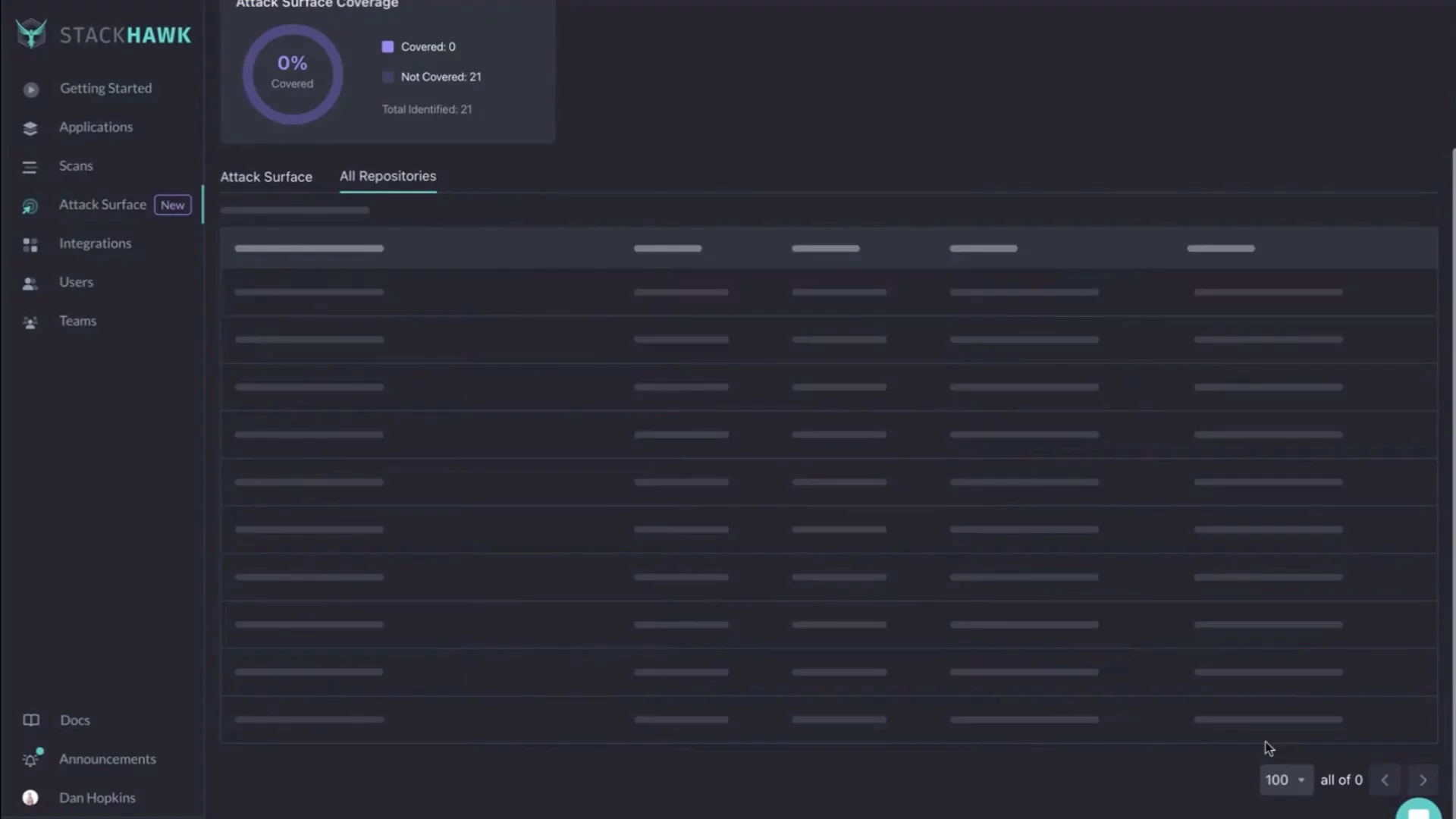
Reviewing Discovered ApplicationsOpen the All Repositories page to see the synced list. Repos with a twinkle icon contain detected, testable applications. View framework details, recent commit dates, and activity metrics.
01:07
Generating & Sharing the Discovery ReportGo to the report (e.g., Tax Service) page to see how many repos have testable apps. Print or share this report with your team, and review the key setup steps to begin testing.
02:05

StackHawk
StackHawk is a dynamic API and application security testing (DAST) tool that features API Discovery (done the right way) to automatically discover all APIs at the source of truth (source code) to surface an organization's potential attack surface.Learn more about StackHawkMore Demos (1)
Interactive Demos (0)
Useful Links & Resources
Related companies