
Demo Summary
You’ll watch Snap Attack’s demo. Snap Attack is a security tool that helps you spot and stop hacker threats faster. In this video, you see how to: • Find threat collections (like the Fin7 hacker group) to view context, sandbox captures, detection rules, and test scripts. • Check a “SNAP score” to measure your protection. • Deploy detections and run quick hunts in your own system with two clicks. • Run attack scripts on a test machine to see if threats are logged and caught. This simple workflow boosts your threat detection in minutes.
AI-Detected Features
Introduction & Foundational ComponentsHigh-level demo overview of Snap Attack’s core repositories: detections, threat sessions (sandbox captures), and attack scripts, and how these artifacts are automatically curated into collections.
00:01
Browsing & Searching Threat CollectionsDay-to-day workflow: log in, browse collections under the Research tab or use the search bar to find a specific threat collection like Fin7.
00:45
Collection Overview & MetadataDetailed view of the Fin7 collection: key metadata such as first/last seen, source, motivations, aliases, targeted industries and regions, and how to pivot to related items.
02:08
Viewing Collection Content TabsExplore the three main content tabs: Threat Sessions (sandbox reports), associated Detections, and Attack Scripts available for the Fin7 collection.
02:59
SNAP Score & AI-Driven RecommendationsExplanation of the SNAP score (0–100) that measures your coverage and preparedness, and how AI/ML recommends validated, high-confidence detections to improve your score.
04:24
Deploying Detections & Running HuntsUse API integrations to deploy recommended detection rules with a few clicks and execute threat hunts (historical searches) to see if any queries return hits.
06:18
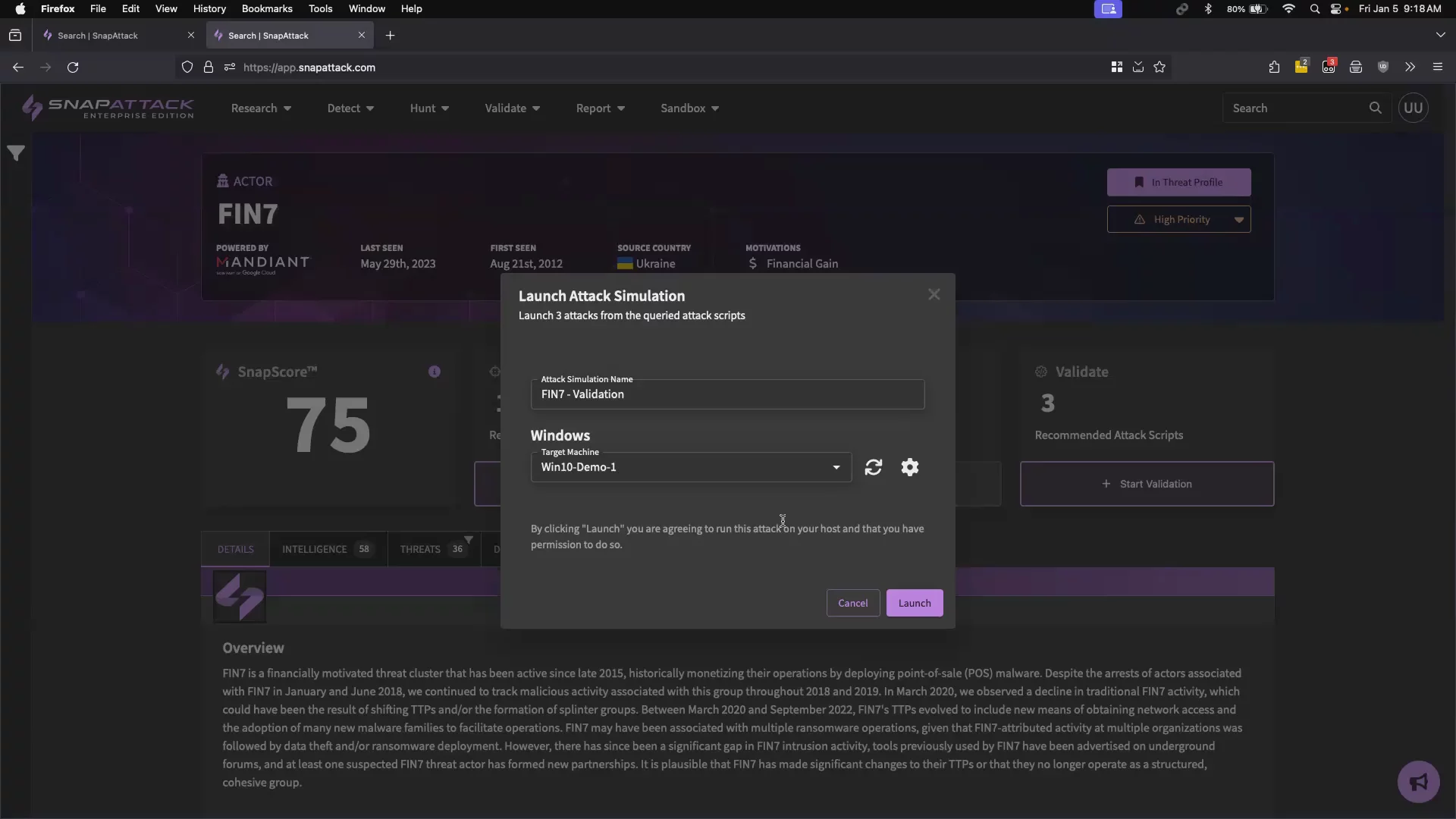
Validating Detections with Attack ScriptsSelect a target machine, install the lightweight agent, and launch attack scripts to test detection functionality and measure your visibility in practice.
07:36
Analyzing Hunt Results QuicklyReview completed hunt results: start/end time, number of queries run, hits per detection, and see how automating multiple searches accelerates your assessment.
08:48
Deep Dive with Hunter’s WorkbenchPivot from hunt results into Hunter’s Workbench to inspect raw events, view detailed metadata like SHA-1, and search across all past hunting exercises.
11:00
Reviewing Validation Outcomes & Next StepsUnderstand validation results: determine if activities were logged and detected based on deployed rules, review automated outcomes, and deploy any missing detections.
12:03

More Demos (1)
Interactive Demos (0)
Useful Links & Resources
Related companies