
Demo Summary
In this video, you will see Sage Intact Planning, a web-based tool for making and tracking budgets. You will learn to use the step-by-step wizard to build your budget and import data from Sage Intact or Excel. You will explore the tree view, form view, and spreadsheet-style grid for easy data entry. You will see how to use Actuals to bring in past data, map it to your budget, and run reports like profit and loss. You will customize dashboards with KPIs and test scenarios to plan for different outcomes. Finally, you will learn simple ways to share budgets with your team.
AI-Detected Features
Introduction to Sage Intact PlanningWelcome to Sage Intact Planning. See how this web-based tool helps you make faster, better decisions, track performance, and set the stage for growth.
00:00
Building Your Budget with the WizardLearn how to use the step-by-step wizard to create a budget. Import data from Sage Intact, existing planning files, or Excel, and view all budget items in an editable tree structure.
00:34
Entering Data: Form and Grid ViewsDiscover the Form view—see details for a selected line and its impact on profit & loss and cash reports. Then switch to the grid view for fast, spreadsheet-style data entry across multiple lines.
00:56
Using Actuals and ModelsCentralize your business assumptions, set up calculations and models, then apply them across your budget to tailor planning to your specific needs.
01:25
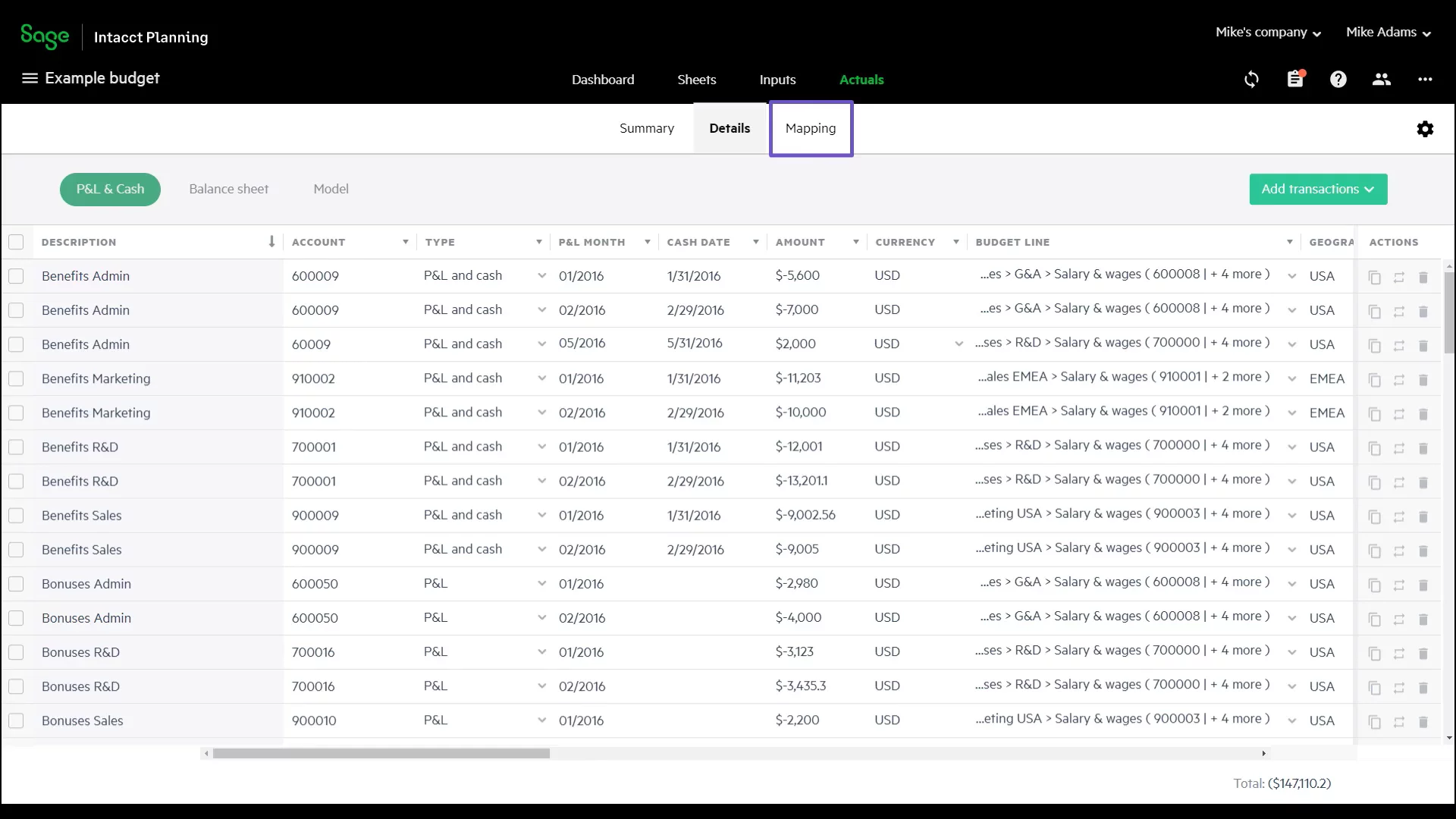
Mapping and Importing Actuals DataMap past Actuals data to your budget lines, then import historical figures directly from Sage Intact to populate and validate your budget.
01:57
Reporting and Analysis with SheetsIn the Sheets tab, view financial (profit & loss) and non-financial (headcount) reports. Compare versions side-by-side, sort and filter by dimensions, and generate custom reports anytime.
02:08
Customizing Dashboards and WidgetsSee the default dashboard with key performance indicators like revenue and bookings. Add built-in widgets or customize existing ones to highlight metrics that matter most to you.
02:31
Exploring Scenarios for What-If PlanningUse scenarios to test budget changes without altering the main plan. Simulate outcomes—such as missing or exceeding revenue targets—to prepare for different business conditions.
02:50
Sharing Your BudgetEasily share your full budget or selected sections with colleagues to collaborate and gather feedback securely within Sage Intact Planning.
03:08
Conclusion and Next StepsYou’ve seen how Sage Intact Planning simplifies budgeting and analysis. For more resources, visit our website or contact your Sage representative today.
03:27

Sage Intacct
Sage Intacct is a best-in-class cloud accounting software that empowers businesses to move, manage, and optimize money through seamless financial management solutions.Learn more about Sage IntacctMore Demos (1)
Interactive Demos (0)
Useful Links & Resources
Related companies