Pipedrive Demo - The easy CRM for Closing Deals

Demo Summary

In this video, James shows how to use Pipedrive to turn messy sales into a clear, easy workflow. You’ll learn how to set up and customize your sales pipeline, add or import deals, and move them from stage to stage. See how to manage leads, view deal details and history, and track emails right inside Pipedrive. You’ll also see how to schedule activities, sync your calendar, use reporting dashboards, set goals, and automate tasks. Pipedrive helps you stay organized, save time, and close more deals.

AI-Detected Features

Welcome to PipedriveJames introduces Pipedrive and gives an overview of how it simplifies your sales process with an organized workflow.
00:00
Customizing Your Sales PipelineLearn how the Sales Pipeline view maps your sales stages like columns on a treasure map, and how to add, rename, remove or reorder stages—and even create multiple pipelines.
00:19
Adding and Managing DealsDiscover what deals are, how to drag them through stages until won or lost, add a deal manually or import in bulk, use list view for filtered reports, and make bulk edits.
00:53
Qualifying LeadsUnderstand the leads area for unqualified prospects—track interactions, store history, and convert qualified leads into deals while preserving all data.
02:00
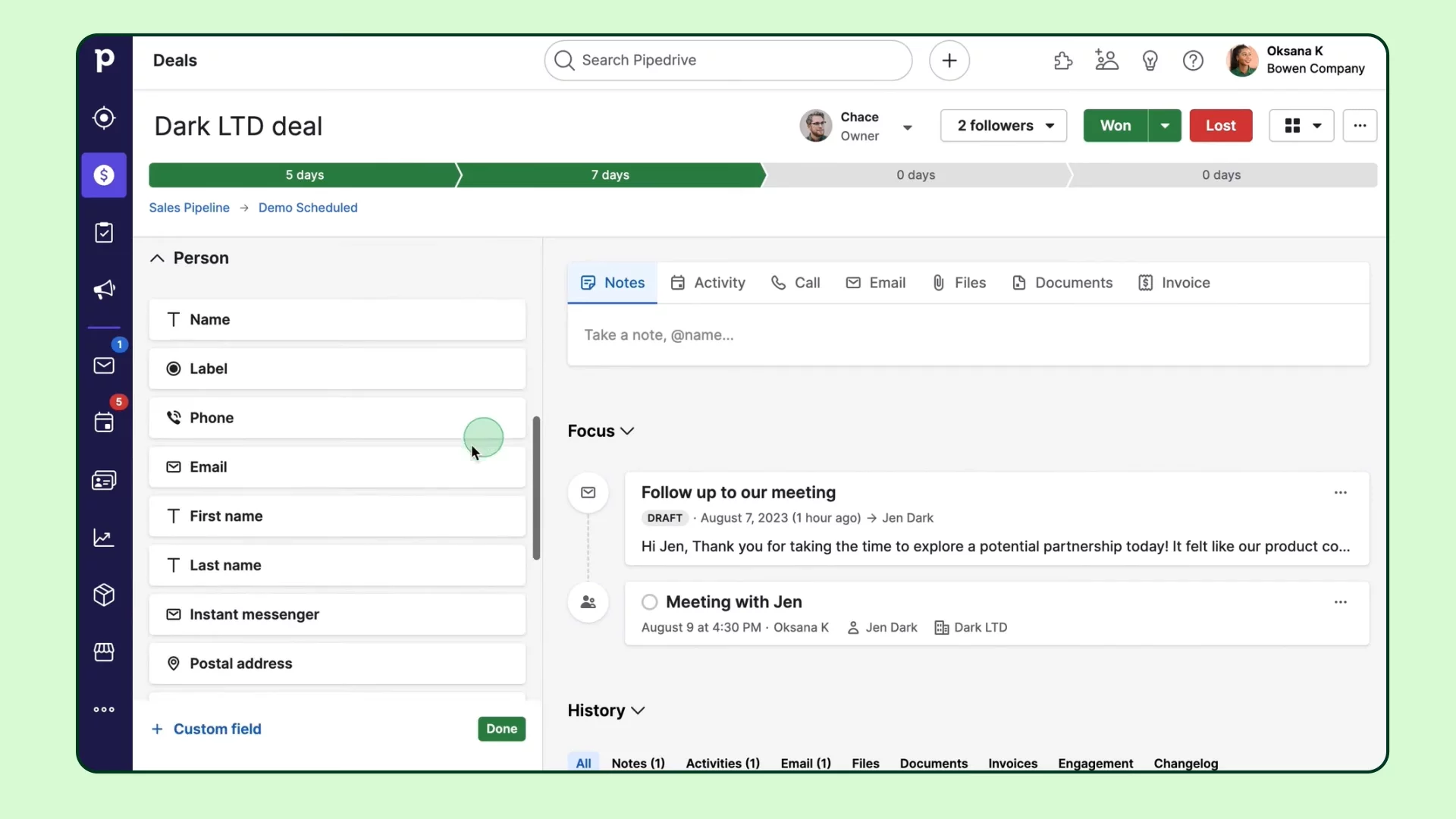
Exploring the Deal Detail ViewDive into a deal’s detail view: see the progress bar, stage durations, sidebar with summary and custom fields, and the right-hand hub for activities, notes and history.
02:36
Integrating EmailSync your email inbox with Pipedrive, send and receive messages directly, add contacts from emails, link emails to deals, use templates with merge fields, and track opens and clicks.
04:00
Scheduling ActivitiesEmbrace activity-based selling by scheduling tasks from anywhere, syncing with your calendar, monitoring upcoming or overdue activities, and sharing available time slots with contacts.
04:45
Using Insights and ReportsHead to Insights for dashboards and reports on wins, deal progress between stages, and set goals to track performance and motivate your team.
05:28
Automating Your WorkflowSave time by automating repetitive tasks—use pre-designed templates or build custom automations to trigger emails or other actions when deals move stages.
05:58
Conclusion and Next StepsWrap up with resources to learn more—explore the knowledge base and tutorials. Welcome aboard and happy selling!
06:26
Pipedrive logo

Pipedrive

Pipedrive is a sales-focused customer relationship management (CRM) tool designed to help businesses manage and optimize their sales processes.Learn more about Pipedrive

Interactive Demos (0)

Useful Links & Resources

Related companies

Close logo

Close

A sales engagement CRM for SMB.

Agile CRM logo

Agile CRM

Manages customer relationships, automates sales, marketing, and service processes for businesses.

monday CRM logo

monday CRM

The CRM that's simple to set up and easy to use.