Mailforge Demo

Demo Summary

In this video, you will see how Mailforge AI helps you create lots of domains and email accounts really fast. The host explains that setting up domains by hand was slow and costly, then shows how Mailforge can auto-generate and buy 20 domains with all the right settings. Next, you watch how to auto-create emails on those domains, pick names, and add a simple signature. Finally, you learn how to export your list of mailboxes to any email service. You’ll finish knowing how to build email systems in minutes and save money.

AI-Detected Features

The Setup ChallengeSetting up over 100 domains and 200 mailboxes was a nightmare. It took weeks to build and cost a fortune in infrastructure, prompting the search for a better solution.
00:00
What Is Mailforge AI?Mailforge AI lets you create any number of domains and mailboxes at scale in minutes, with DNS records configured and costs significantly reduced. Everything is done for you—just plug into your sending platform.
00:15
Creating DomainsAfter logging in, click “Create Domains.” You can autogenerate domains or manually select them. Enter the number you want and choose your preferred domain extension (for example, .com).
00:36
Review & Purchase DomainsReview the generated domain list, save and continue. Optionally set a forwarding domain, then proceed to purchase. Apply any coupon codes, checkout, and subscribe to complete your domain purchase.
01:00
Post-Purchase ConfirmationOnce purchased, Mailforge returns you to the dashboard. You’ll receive a confirmation email—click the verification link to complete domain setup before moving on.
02:05
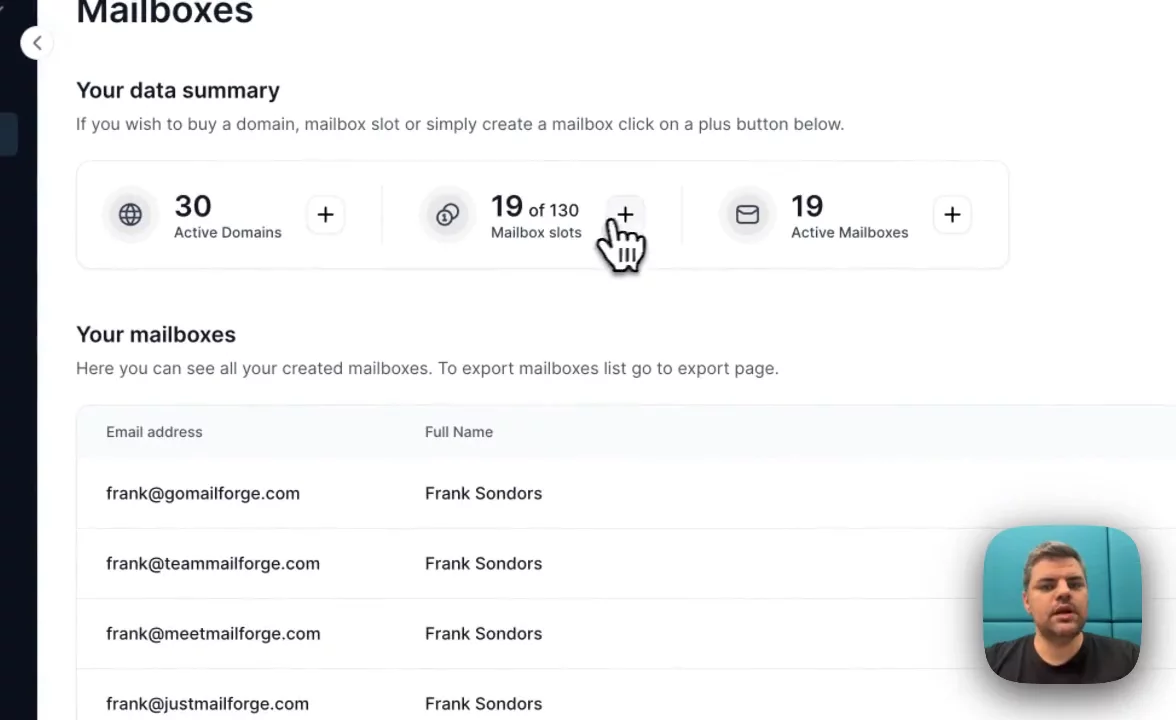
Buying MailboxesNavigate to the Mailboxes section. Choose how many mailbox slots you need and select monthly or annual billing. Your purchased domains determine how many mailboxes you can create.
02:18
Selecting Mailboxes to CreateClick “Create Mailbox.” You can auto-generate mailboxes or manually assign them. Select only the new domains, set how many mailboxes per domain, and click Next.
02:35
Customizing Mailbox DetailsChoose mailbox name types (predefined or random), enter names (for example, “Frank Saunders”), add a signature job title and domain list. Review your settings to ensure accuracy.
03:10
Generating & Exporting MailboxesClick “Create Mailboxes” to generate them—this takes just seconds. Then use the Export button to download mailbox credentials and easily integrate them into any sending platform.
04:00
Mailforge logo

Mailforge

Cold email infrastructure set up in minutesLearn more about Mailforge

More Demos (1)

Interactive Demos (0)

Useful Links & Resources

Related companies

Caide logo

Caide

Automates security reviews and streamlines vendor risk assessments for faster deal cycles.

Autobound logo

Autobound

Generates hyper-personalized sales emails using AI and 350+ prospect insights.

ExactBuyer logo

ExactBuyer

Your automated sales & recruiting engine.