
Demo Summary
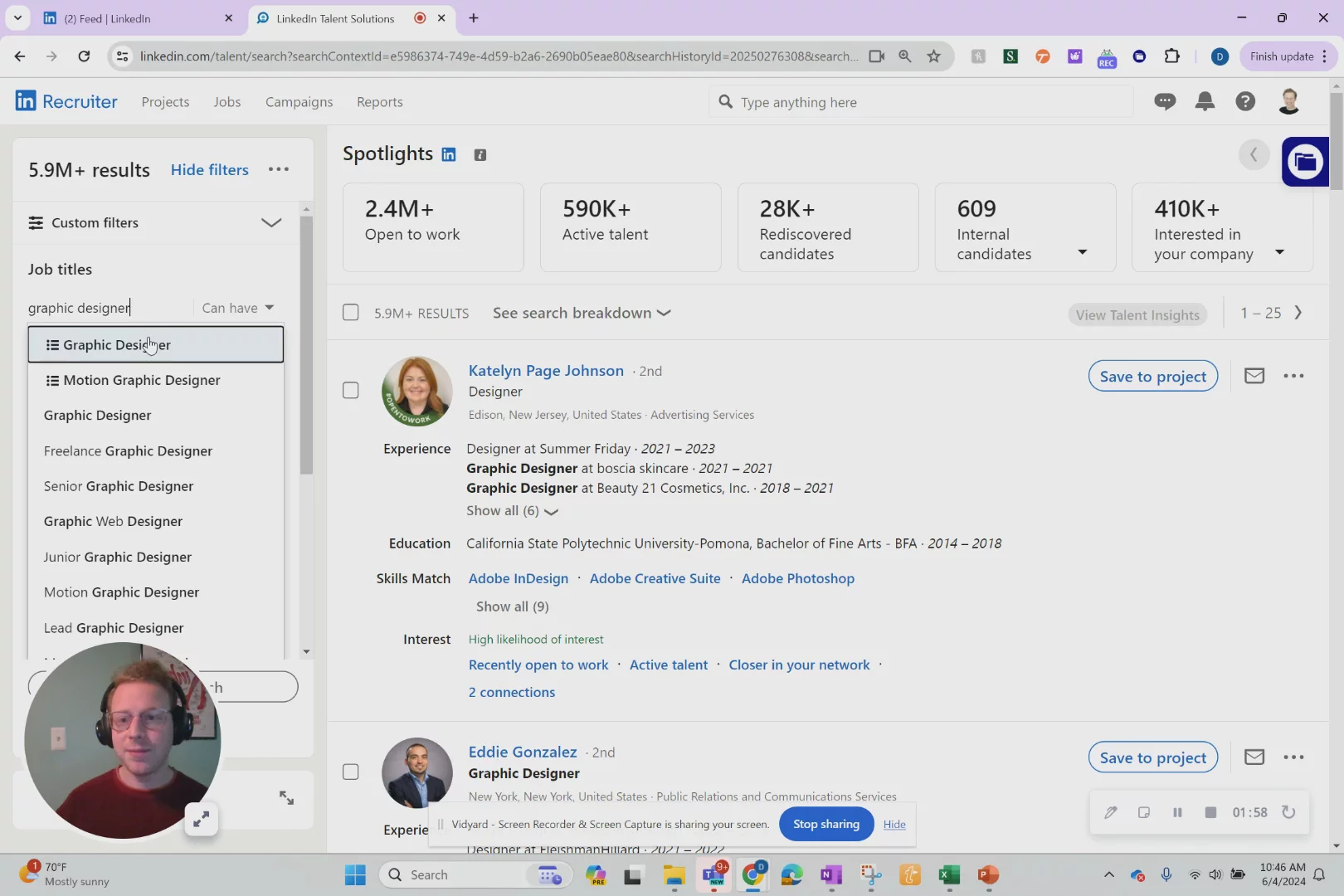
In this video, David shows you how to use LinkedIn Recruiter, a tool that lets you find and contact top job candidates in minutes. You’ll learn how to search the entire LinkedIn database by job title (like graphic designer), location (Philadelphia), and years of experience. Then you’ll see how to send personalized messages to many people at once using built-in templates. This workflow helps you hire faster, skip expensive headhunters, and save hours of manual work.
AI-Detected Features
Welcome & OverviewDavid Rosenstein introduces LinkedIn Recruiter as the one-stop shop for all recruiting and talent acquisition needs on the world’s largest professional network.
00:01
Skip the HeadhunterLearn how LinkedIn Recruiter lets you avoid costly headhunter fees and time-consuming cold calls while still accessing high-quality candidates directly.
00:31
Accessing Recruiter FeaturesDiscover the recruiter icon and magnifying glass tool that unlock the full LinkedIn database—beyond your personal connections—to find any professional worldwide.
00:55
Advanced Candidate Search DemoFollow a step-by-step demo showing how to filter candidates by job title, current employment status, years of experience, and location to pinpoint ideal graphic designers.
01:13
Automated Outreach & Next StepsSee how to use AI tools and message templates to send personalized outreach to dozens of candidates in minutes, and learn how to get started with LinkedIn recruiting.
02:29

More Demos (1)
Interactive Demos (0)
Useful Links & Resources
Related companies