
Demo Summary
This video shows how to use Exabeam’s correlation rules to spot risky events. You’ll learn to make and test custom rules that watch for things like failed Okta logins. The platform has ready-made rules to help you start fast. You’ll see how to set up alerts, send emails to your security team, and choose how serious each event is. By the end, you'll know how to save and run a rule that keeps your data safe.
AI-Detected Features
Introduction to Correlation RulesLearn how correlation rules compare incoming events for predefined relationships to spot anomalies and flag high-risk activity.
00:10
Custom and Prepackaged RulesDiscover how you can write, test, publish, and monitor custom rules for critical credentials and devices, or use Exabeam’s ready-made rules to get started quickly.
00:18
Creating a New Correlation RuleStart building a new rule by choosing to base it on existing event data in the platform.
00:33
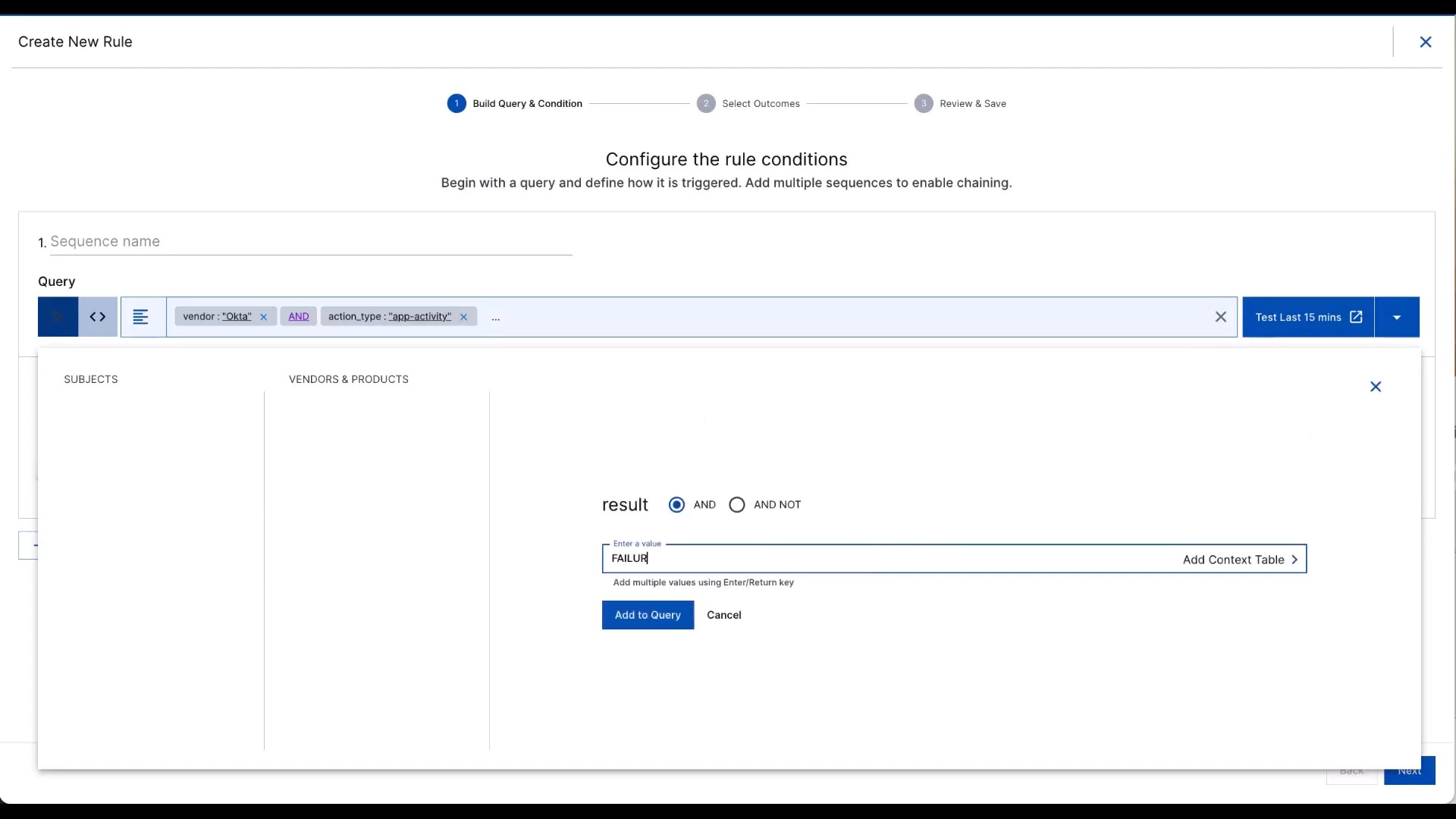
Defining Event ConditionsSelect specific event types—such as Okta app activity failures—and test your rule to capture failed logins via Okta MFA.
00:44
Setting Up Alerts and CasesConfigure the rule to automatically create cases in ThreatCenter and send email notifications to your SOC team or other recipients.
01:10
Naming, Classifying, and Saving the RuleGive your rule a name, assign it to a use case or MITRE TTP, set thresholds and criticality levels, then save it for active monitoring.
01:45

Exabeam
Exabeam is a global cybersecurity leader that provides an AI-driven security operations platform for threat detection, investigation, and response (TDIR). Learn more about ExabeamMore Demos (1)
Interactive Demos (0)
Useful Links & Resources
Related companies