
Demo Summary
In this video, you’ll see EverHour, a time-tracking and invoicing tool. You’ll learn how to enable or hide features in Apps, view team timers, timesheets, and project stats on Home, and track your own hours on the Time page. You’ll manage tasks by due date in Timeline, set budgets and bill clients in Projects and Clients pages, and invite team members, track absences, and set rates on the Team page. You’ll build custom reports, send them by email, create invoices with templates, and log expenses by category. EverHour solves messy manual tracking by uniting time, budgets, and billing in one place.
AI-Detected Features
Apps Page SettingsLearn how to enable or disable EverHour features in the Apps page and customize settings like default date/time formats and time category creation.
00:00
Home Page OverviewExplore the home page widgets for team metrics: running timers, team timesheets, vacations, project time summaries, and expenses.
01:01
Time Tracking & Time PageTrack your personal work hours, view history in list or timesheet formats, enable time cards for clock in/out, breaks, and optional screenshots.
02:19
Timeline & Task EstimatesSee all tasks with due dates, assignments, and time estimates; track progress versus plan and group entries by project or team member.
03:24
Projects PageManage projects synced from external systems: bookmark favorites, apply grouping and filters, set budgets and billing types, and view detailed time reports.
03:47
Clients PageOrganize billable projects under clients, view total and un-invoiced time per client, and streamline invoicing across multiple projects.
04:24
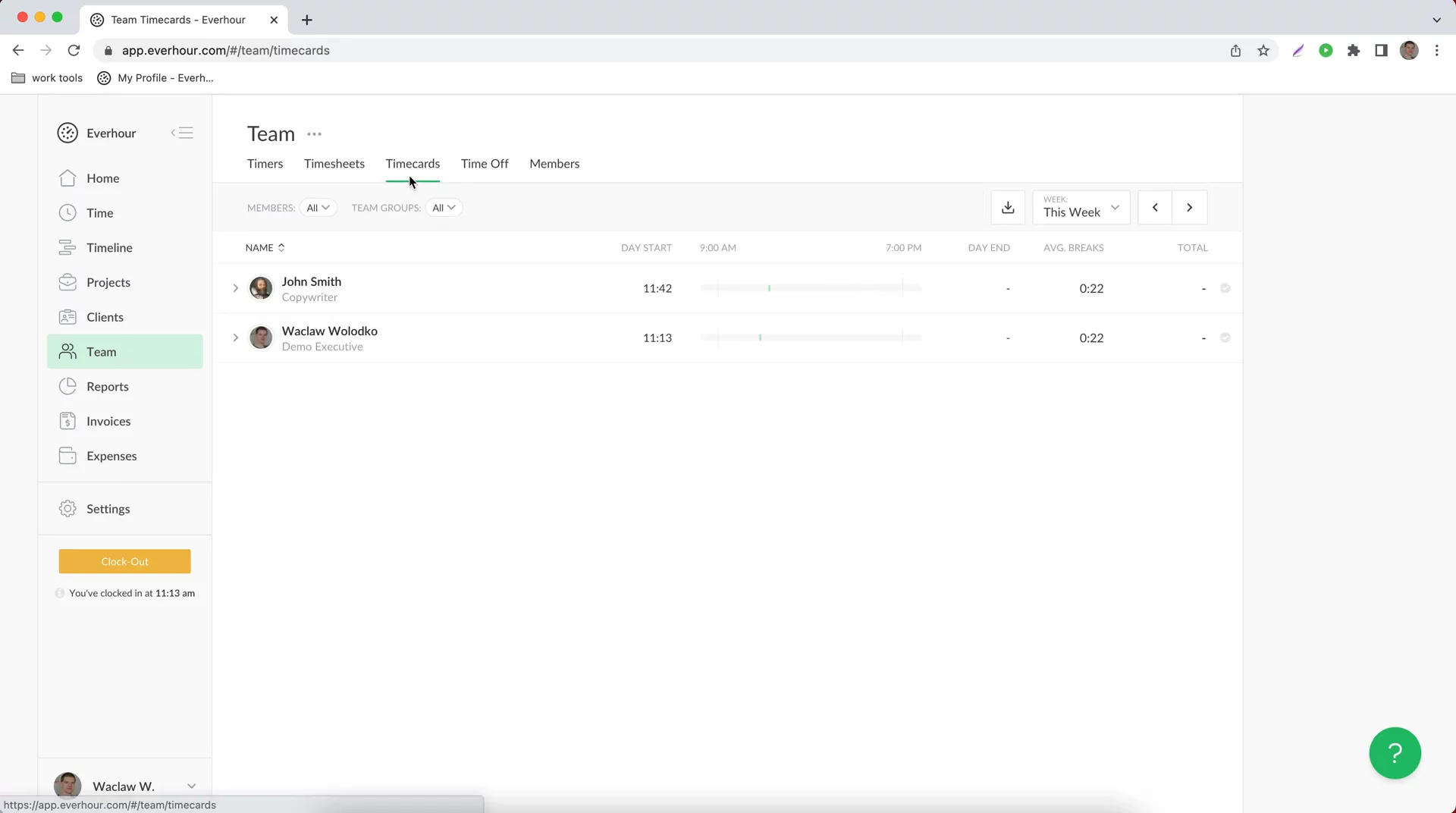
Team ManagementMonitor your team’s running timers, group timesheets and time cards, schedule time off, and manage members’ rates, costs, capacity, and team groups.
04:57
Reports & DashboardsUse pre-built dashboards or build custom reports by selecting columns, layouts, and filters. Rename columns, export, email, and schedule automated reports.
06:17
Invoices PageCreate and send invoices using templates, include un-invoiced time, mark time as invoiced, manage payments, and customize templates per client or language.
07:55
Expenses PageSet up expense categories, record expenses with amounts, projects, and members, mark billable expenses, and include them in invoices and budgets.
10:03

Everhour
QuickBooks Time (formerly TSheets) is a powerful, easy-to-use time tracking software that helps businesses boost productivity and manage their workforce efficiently.Learn more about EverhourMore Demos (1)
Interactive Demos (0)
Useful Links & Resources
Related companies