monday CRM - The Simplest CRM

Demo Summary

In this video, you will see how Monday Sales CRM helps you track and manage your whole sales process in one place. You’ll learn how to capture leads using forms or imports, sort and merge duplicates, and move good leads to your Contacts board. You’ll then create Deals and link them to Accounts, send emails and record meetings with the Emails & Activities app, and make quotes and invoices. Finally, you’ll view your pipeline and key reports on a Sales Dashboard. This tool solves the problem of scattered data by keeping all sales info organized and visible.

AI-Detected Features

Introduction & Demo OverviewWelcome to the Monday Sales CRM demo. We’ll walk through the full A–Z sales process, boards, dashboards, and key features to help you manage leads, contacts, deals, and activities in one place.
00:03
CRM vs Work ManagementLearn the difference between Monday Work Management (core operations) and Monday Sales CRM (ready-to-go templates and exclusive sales features) that sit on top of Work OS, including mobile CRM capabilities.
01:13
Sales Pipeline Flow & Template BoardsOverview of the five built-in boards—Leads, Contacts, Deals, Accounts, Activities—and how items move through stages from new prospects to loyal customers in a typical sales funnel.
01:57
CRM Product Setup & WorkspaceOnce you add the CRM product, the five boards and a sales dashboard are automatically created in your workspace. These essentials can’t be deleted and include built-in columns and help docs.
03:26
Leads Board: Capturing & Importing LeadsUse the Leads board to collect prospect information. Import existing leads via Excel or integrations (e.g., Facebook Ads, HubSpot), or capture new leads with a customizable form that auto-populates fields.
03:50
Lead Board: Managing Duplicates & CustomizationKeep your Leads board clean with the Manage Duplicates feature. Search and merge duplicates by name, email, or company. Customize lead groups and columns to match your data needs.
06:07
Lead Item View & Pipeline UpdatesOpen a lead’s Overview to see its stage, time in stage, and update status. Track progress visually with color-coded widgets and easily reopen closed or unqualified leads.
07:46
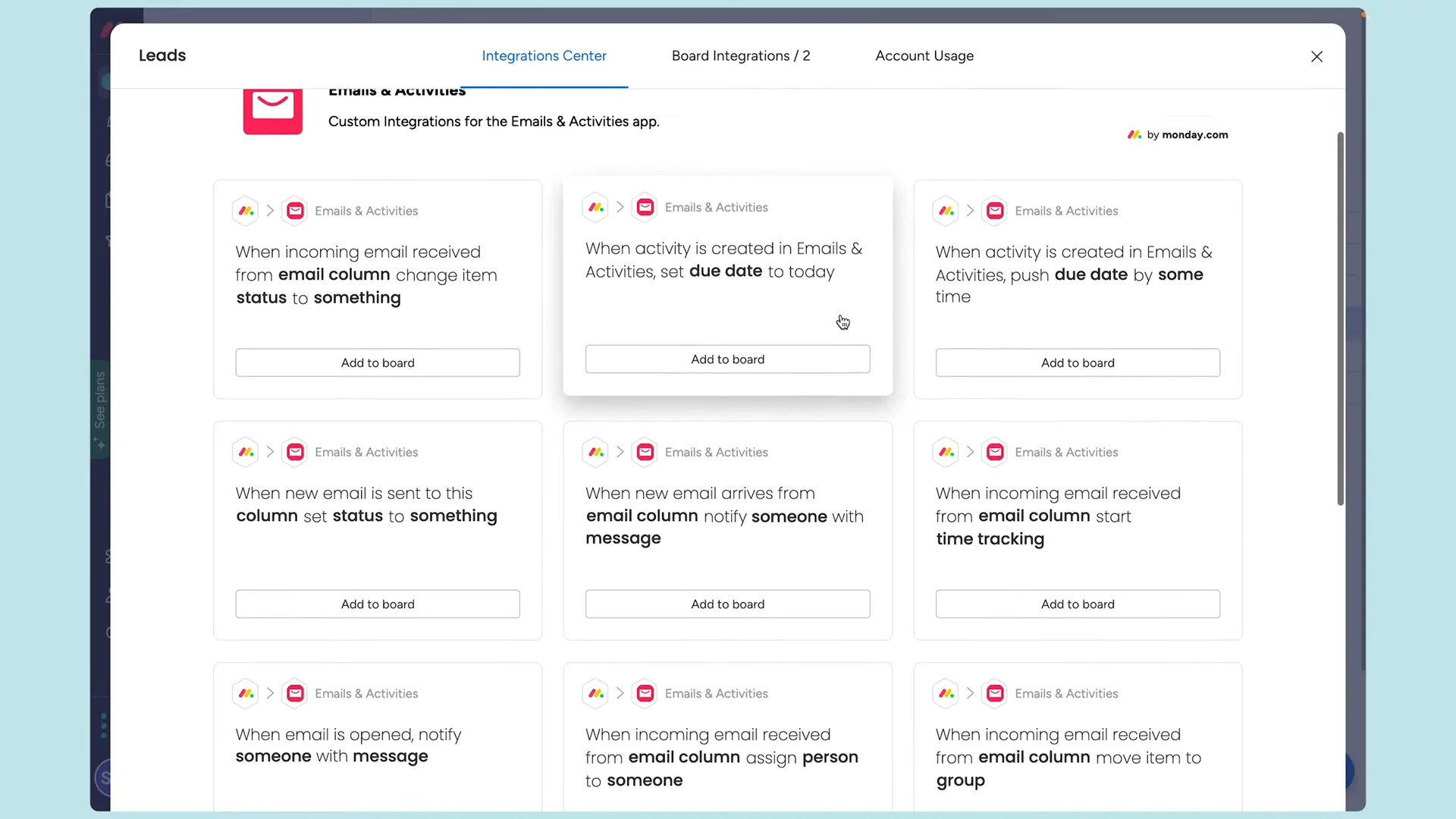
Emails & Activities: Communication TrackingWithin each item, use the Emails & Activities app to send, receive, and track emails (Gmail/Outlook) and log calls or meetings. Apply templates, auto-populate fields, attach files, and track opens.
07:53
Qualifying Leads & Moving to ContactsOnce a lead is qualified, click a button (via automation) to move it to the Contacts board. The lead item is archived and a new contact is created automatically.
11:29
Contacts Board Overview & DatabaseManage all qualified contacts in one place. View contact details, set contact type and priority, and customize columns. Import contacts directly if you don’t use leads.
11:54
monday CRM logo

monday CRM

Monday CRM helps businesses streamline their sales processes and manage customer relationships efficiently.Learn more about monday CRM

Interactive Demos (0)

Useful Links & Resources

Related companies

Close logo

Close

A sales engagement CRM for SMB.

Agile CRM logo

Agile CRM

Manages customer relationships, automates sales, marketing, and service processes for businesses.

folk logo

folk

folk is the CRM for agencies and founders.